Working with Labels 6-27
To change the size of a label
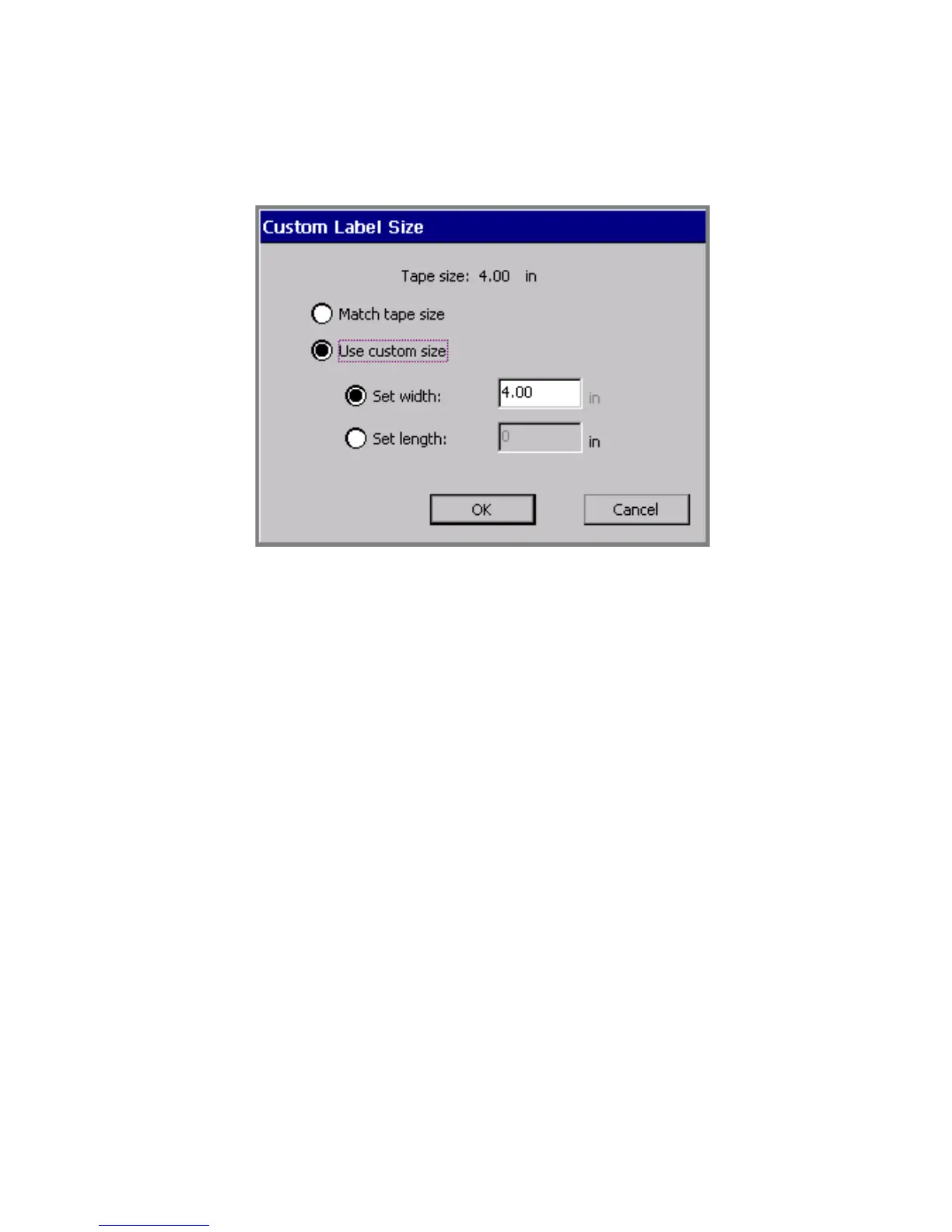
1. Choose Change Size. You’ll see the Custom Label Size screen:
Figure 6-13. The Custom Label Size screen.
The value shown in the Set width field matches the currently
installed tape. That is the maximum size label you can create for the
tape currently installed, but you can set lesser width values, or you
can set length values on this screen as well.
2. Choose Match tape size or Use custom size.
With Match tape size enabled, the system calculates the correct
label margins for the tape currently installed, and updates the Set
width and Set length fields to contain those values
You may not make changes in those fields with Match tape size
selected.



 To Next Page