9-4 Saving Labels as Files
To save a label as a file in internal memory
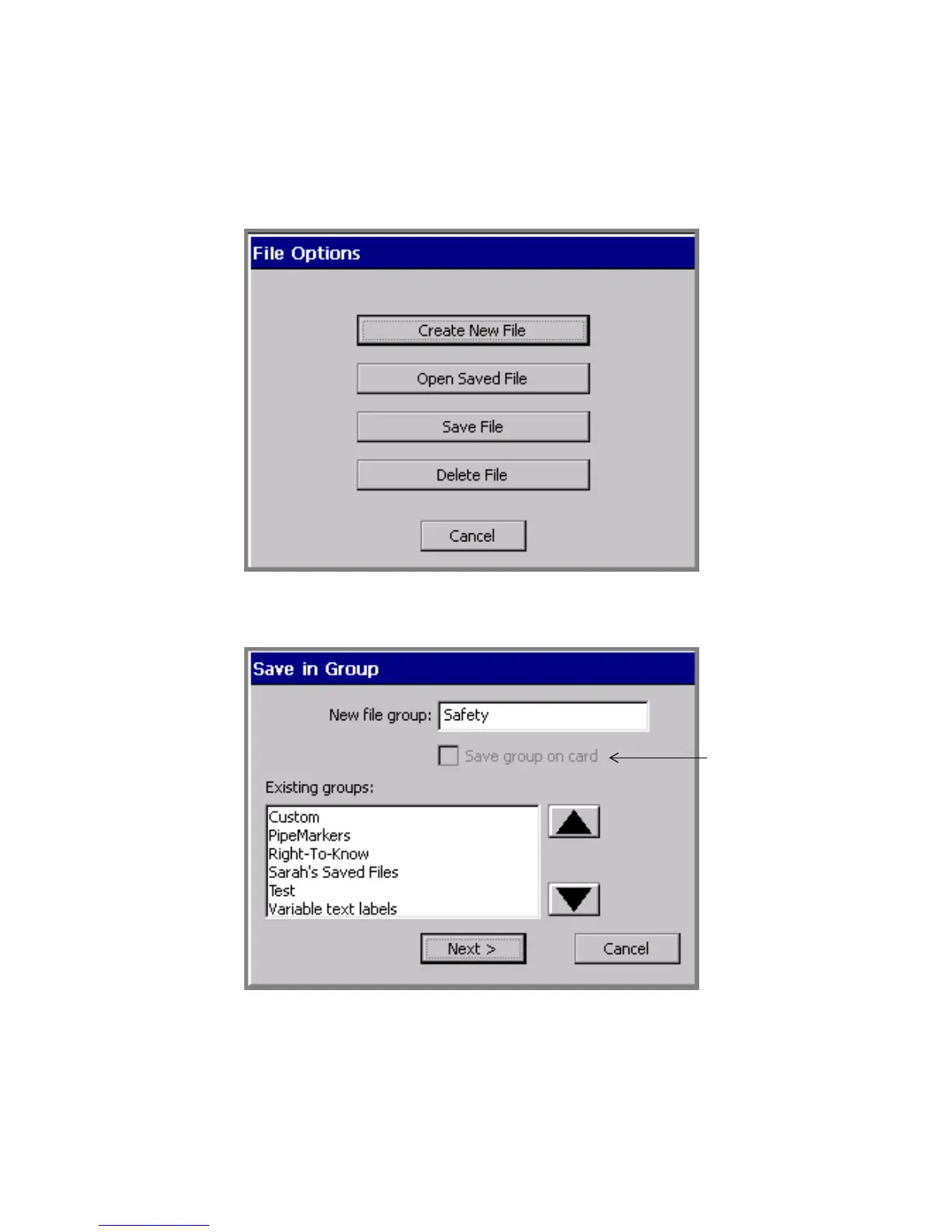
1. With the unsaved label displayed in the Editor window, press <File
Options>. You’ll see the File Options screen:
Figure 9-1. The File Options screen.
1. Choose Save File. You’ll see the Save in Group screen:
Figure 9-2. The Save in Group screen.
Disabled unless
memory card is
attached to
your system.



 To Next Page