BRAILLO
l
B 650 SF
29
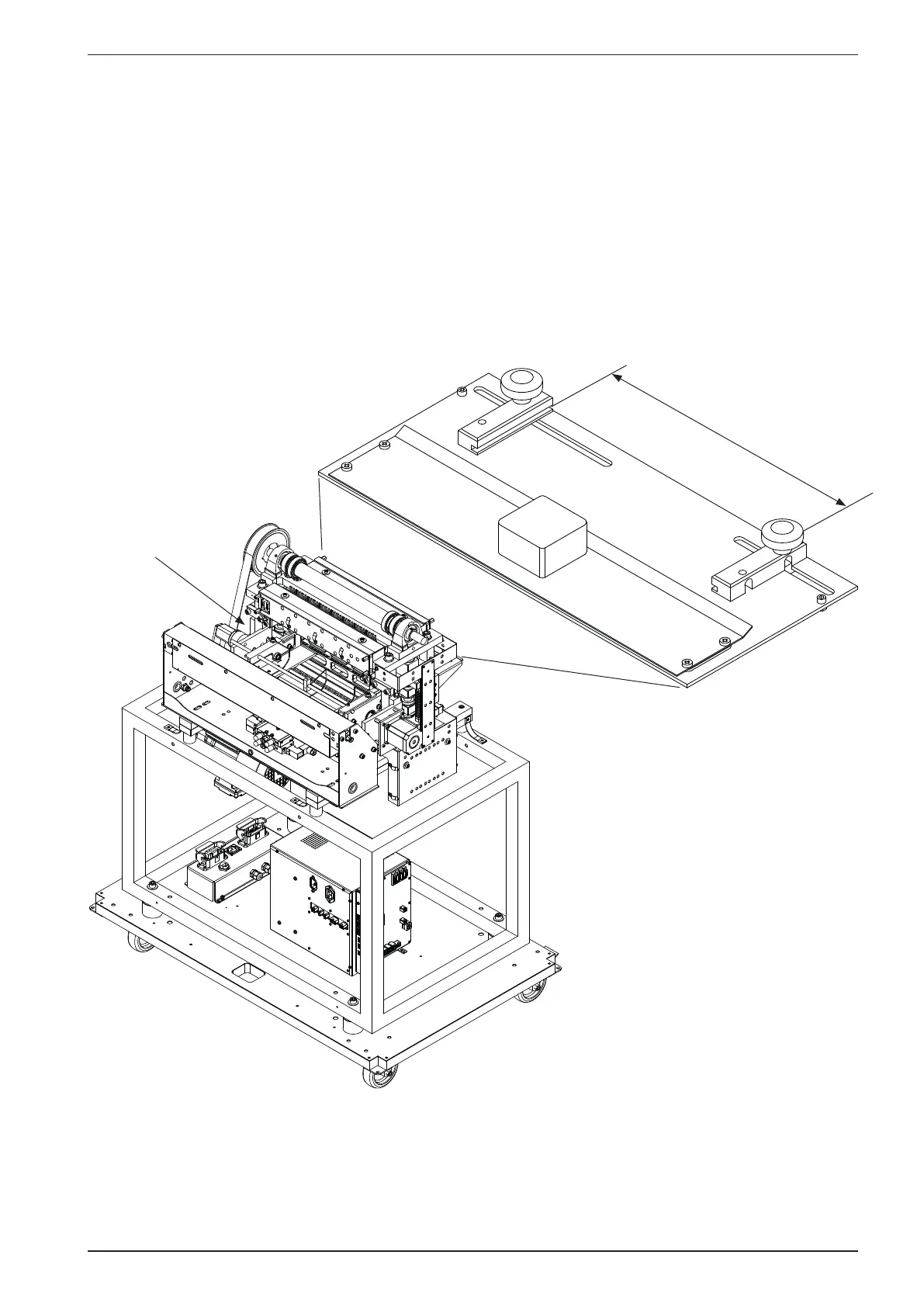
Guides on the paper input side.
Before you adjust these two guides, you should do the following: Place the paper into the already
adjusted feeder, making sure the paper is aligned correctly. Now adjust the guides against the edges of
the paper, this will keep the paper correctly positioned and aligned during printing.
Adjust to
sheet width
Feeder


 To Next Page
 Loading...