BRAILLO
l
B 650 SF
36
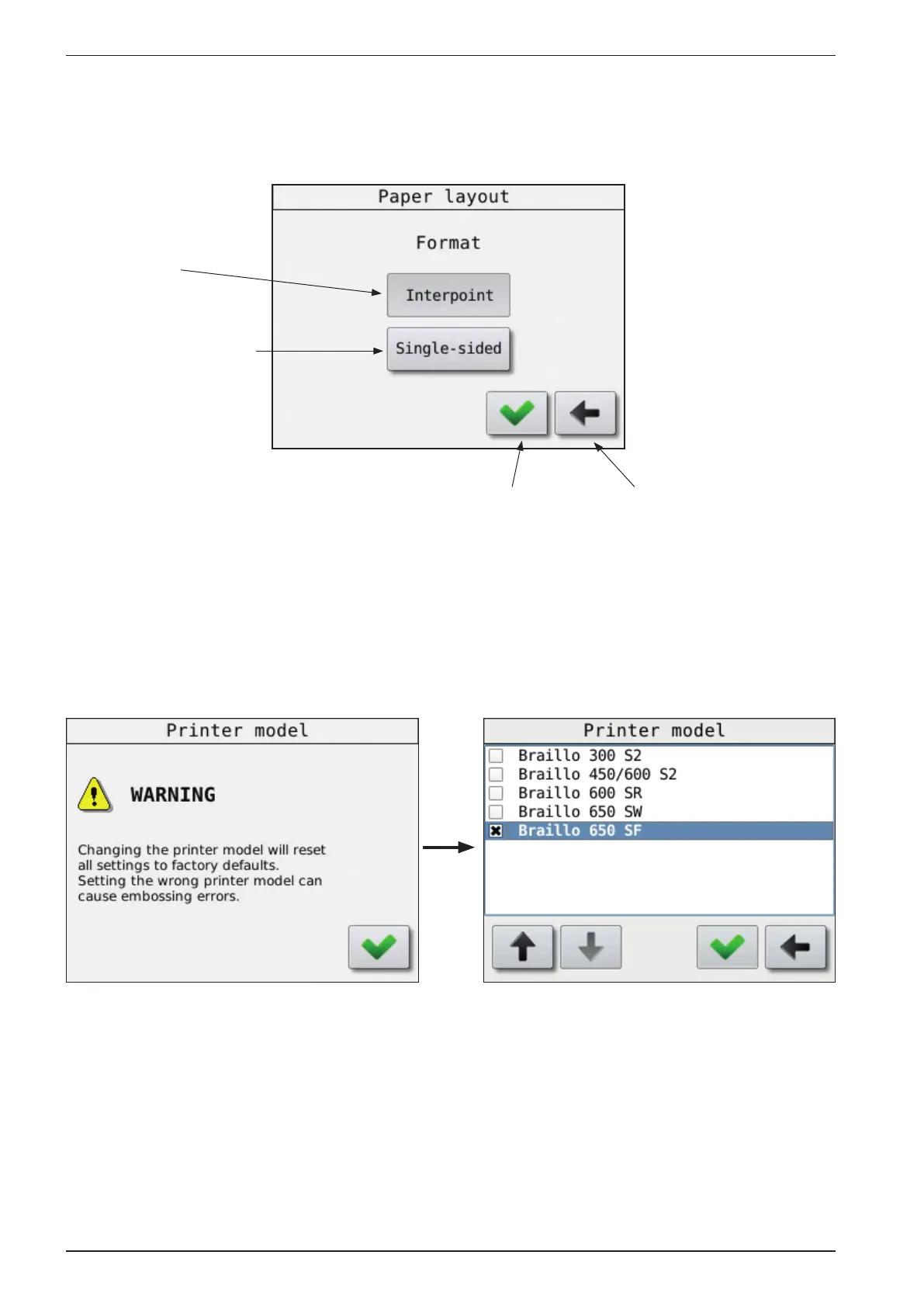
Jump back to
the previous
menu without
saving
Accept or
“select”
button
Active
button
Inactive
button, press to
activate, and then
press “Accept”
To change a setting with just two alternatives.
If a setting can have just two variables, the display will look like this.
The very rst time the Printer is powered up, you have to select the Printer model.
Note!
The settings set by the operator panel is the default values. However, when sending a text le from the
computer, some parameters for this specic job is sent along with the le. The parameters that comes
with the le will be active during the print job. When the job is nished, the settings will return to the
default settings.



 To Next Page