BRAILLO
l
B 650 SF
46
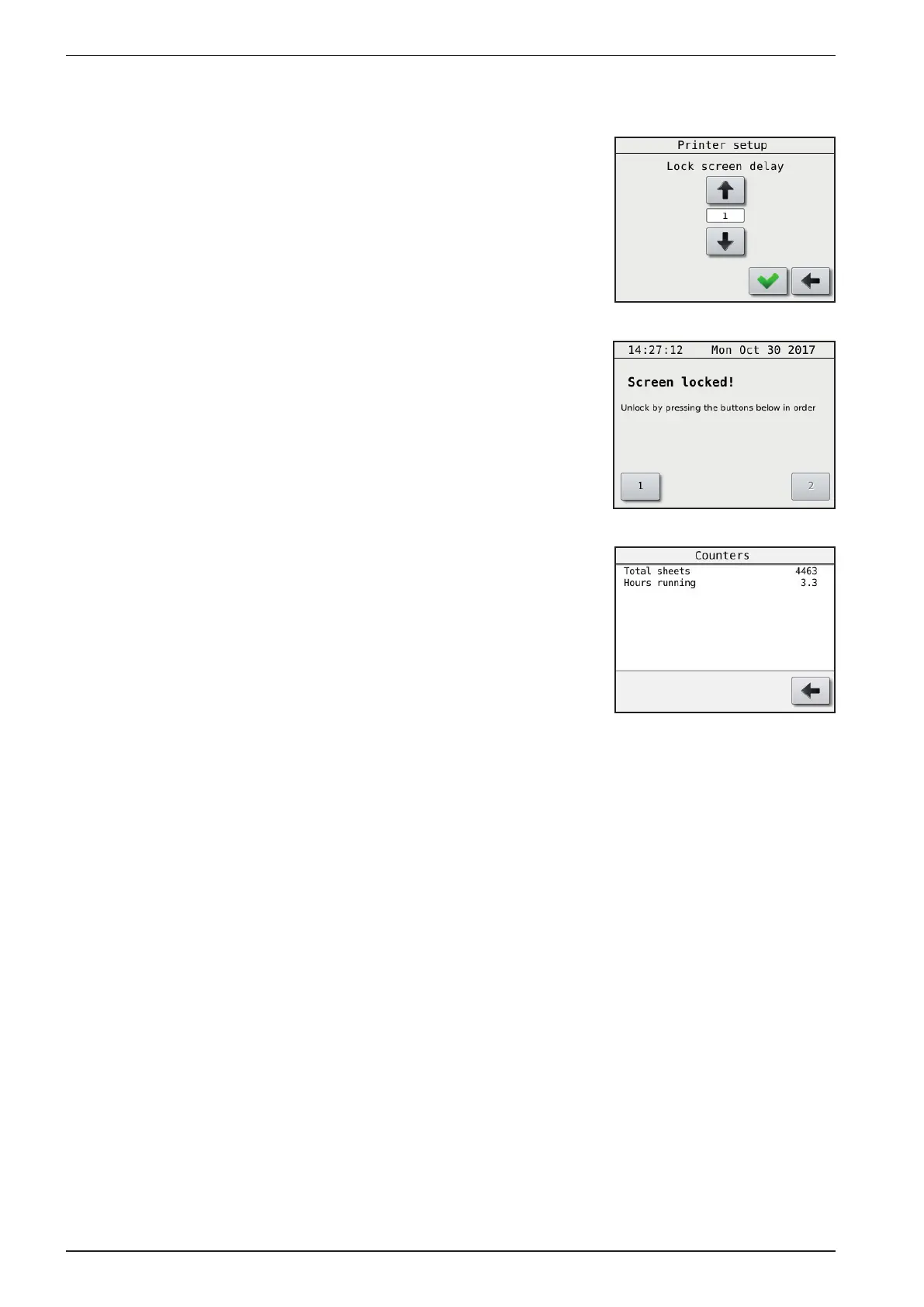
Lock screen delay:
Main Menu - Printer setup - Lock screen delay
Selecting the delay before screen get locked,
0 is screen lock off.
To unlock the locked screen, press rst button 1,
then button 2.
The Counters menu
Main Menu - Counters
Will show two different counters, the rst will show the total
number of sheets printed. The second shows the total
number of hours the main motor has been running.
(The time the Printer has actually printed).



 To Next Page