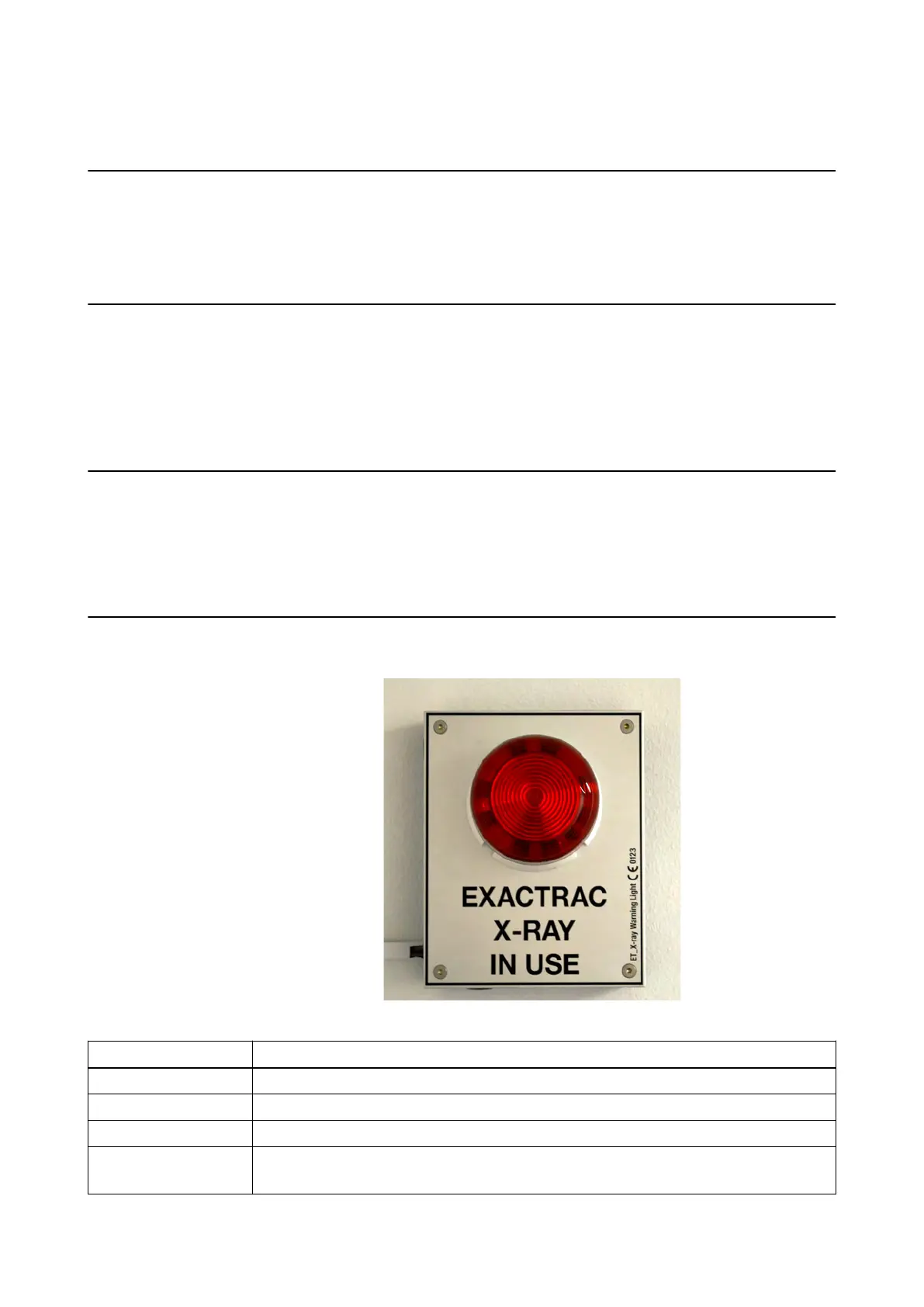
8.4 ExacTrac Warning Lights
The ExacTrac W
arning Light Signal
The ExacTrac warning lights warn the user with flashing light that X-ray exposure is enabled by
the
ExacTracsoftware in specific steps of the positioning workflow (e.g., when X-ray exposure is
possible). Flashing warning lights indicate that X-rays can be emitted when you press the trigger
or exposure button on ExacTrac’s X-ray console.
Responsibilites
The customer is responsible for:
• V
erifying if the X-ray warning light is compliant to local safety regulations prior to installation.
• Deciding if the warning lights shall be installed or not and where they shall be located.
• Installing the X-ray warning light cables and boxes.
Brainlab is responsible for connecting the warning lights to the ExacTrac system.
Alternatives
You can choose from the following alternatives:
• Alternative A: Use the
ExacTrac warning lights (contained in the pre-installation shipment).
• Alternative B: Provide your own warning light installation for ExacTrac.
It is possible to combine alternative A + alternative B.
Alternative A: ExacTrac Warning Light
Two units of ExacTrac warning lights are included in the pre-installation kit.
Figure 39
Component Description
Dimensions 135 mm x 170 mm x 100 mm (width x height x depth).
Weight Approximately 0.7 kg (fully equipped).
Safety Factor According to local regulations.
Bolts
Number of screws and plastic wall anchors for rigid walls: 4 (each).
Fixation parts delivered with the warning lights.
ExacTrac Warning Lights
86 Site Planning Manual Rev. 1.0
ExacTrac Ver. 6.x



 To Next Page