15
Camera Image Collection
It is recommended to format the SD Card before calibration.
With the vehicle ignition off, insert the Calibration Tool in to the BN360-200-ECU
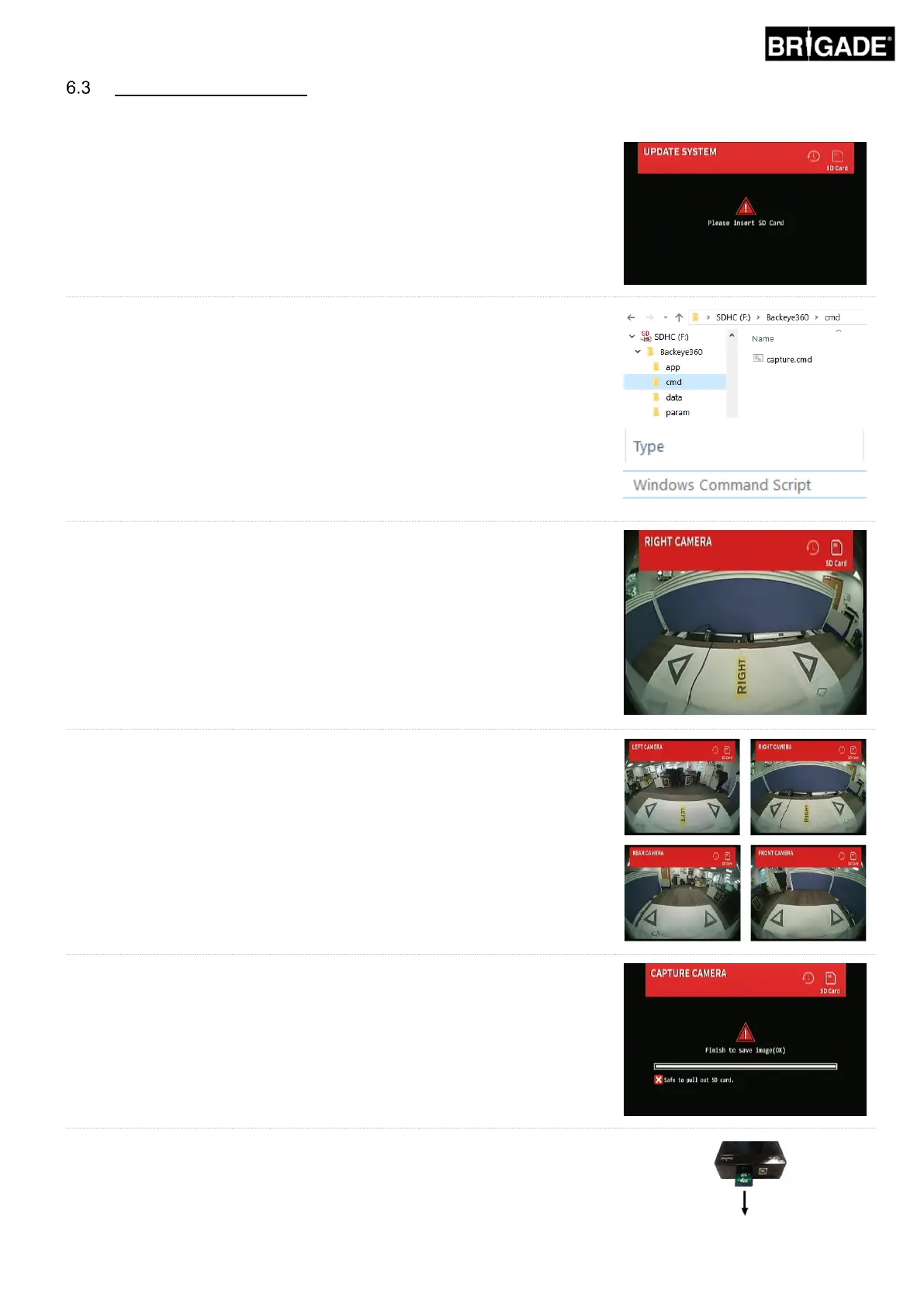
and turn the vehicle ignition ON. The following screen will be shown:
Copy the “Backeye360” folder from the desired configuration to the SD Card.
Refer to section 2.4 for more information on the different Display Configurations.
Ensure the “Backeye360” folder is at the root of the SD Card and the file inside
the “cmd” folder is named “capture.cmd”.
Note: ensure the “cmd” file type is given as “Windows Command Script”
when renaming the file. The “.cmd” extension in the file name may not be
required depending on how the Windows Explorer file extension settings
are configured.
Insert the SD Card into the Calibration Tool. The system will display the single
camera views.
Confirm each of the vehicle cameras can see two of the Calibration Mat
triangles. Pressing the View Select button on the Set-up & View Select Button
will cycle through each of the cameras.
It may be necessary to adjust the Calibration Mats or camera positions if the
cameras cannot see the Calibration Mats.
Image is for example purposes only.
Once each camera can see the Calibration triangles clearly, press and hold the
View Select button on the Set-up & View Select Button for 3 seconds and
release to capture and export the camera views to SD Card.
Note: Do not remove the SD card during this process.
When the images are successfully saved the following screen will be displayed
and the SD Card can be removed from the Calibration Tool.
Eject the SD Card from the Calibration Tool and insert it into the PC that the
calibration will be performed on. Confirm the SD Card now contains an
“image” folder in the Backeye360 folder with the individual camera views
(these should be named “front.bmp”, “rear.bmp”, “right.bmp” and “left.bmp”).



 To Next Page