9
SD Card Data
SD Card Contents
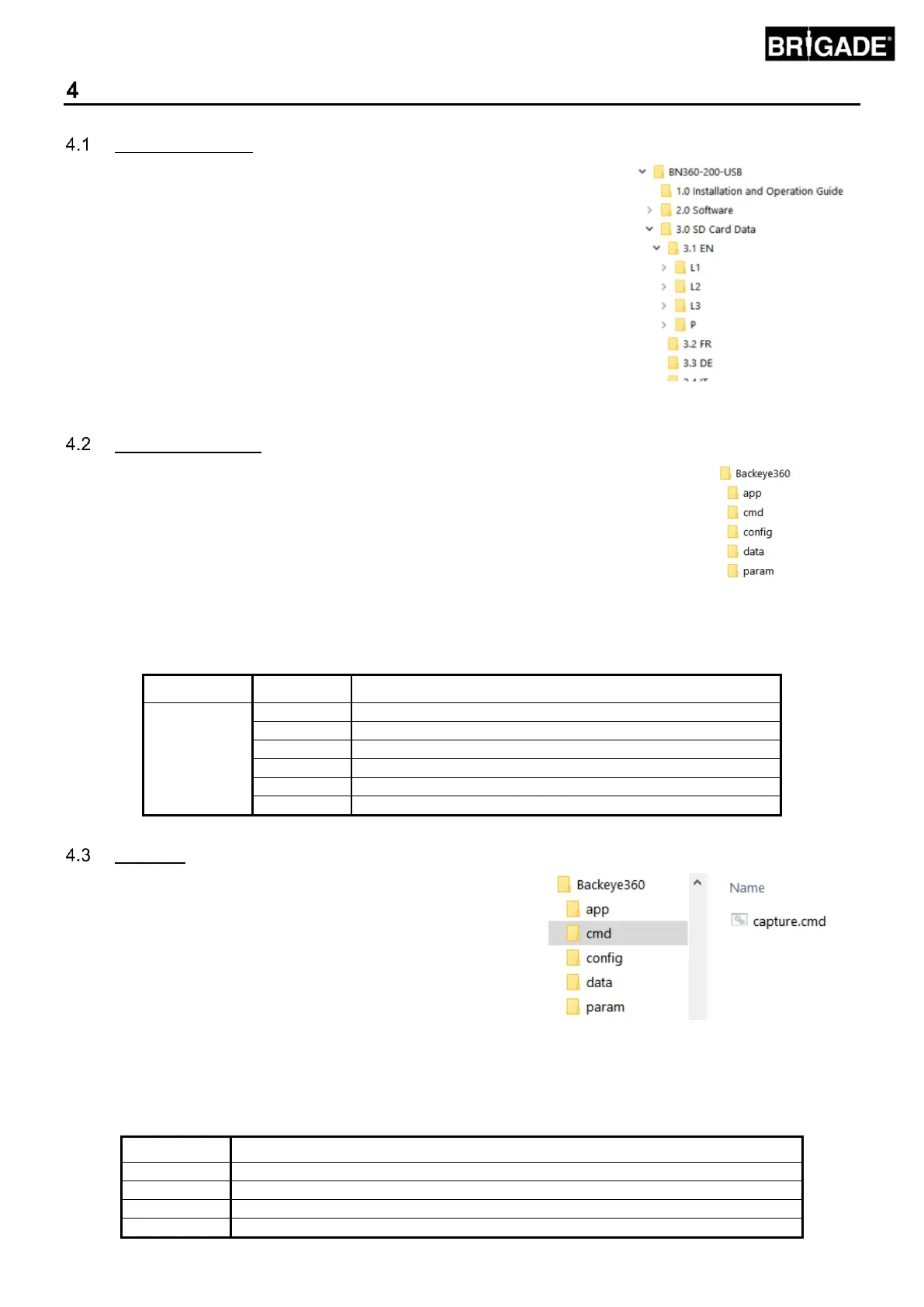
The SD Card contains all the necessary files to capture images from the cameras,
perform camera position calibration and upload the calibration data. The SD Card
Data can be found on the BN360-200-USB in the “3.0 SD Card Data” folder, the
desired configuration chosen (see section 2.4) will decide which files are used
during the calibration procedure.
Within the “3.0 SD Card Data” folder there are various language versions, choose
the correct language for the given installation.
The Configuration files are stored within each of the language folders, e.g. for
English Landscape 1, choose the 3.0 SD Card Data > 3.1 EN > L1 folder.
Refer to section 2.4 for more information on View Configurations.
The “Backeye360” folder contains all the relevant files for the calibration procedure and
must be copied to the root of the SD Card at the very beginning of the calibration procedure.
The Backeye360 folder must be at the top level of the SD Card, if the Calibration Tool
does not find the Backeye360 folder the calibration procedure will not begin.
It is also important that the folders within the Backeye360 folder are not altered in any way, these must remain within
the folder and must not be renamed when copying to the SD Card. See the table below for a summary of the folders
within the Backeye360 folder and their functions:
Command file for calibration tool actions
Config file for calibration software
Artwork files (vehicle mask, logo, warning message)
Captured vehicle images (created when capturing images)
The most important file within the Backeye360 folder is the CMD file
that is found within the “cmd” folder. The name of this file determines
what function the Calibration Tool should perform. To change the
Calibration Tool operation, the CMD file must be renamed. By
default, the CMD file is named as “capture.cmd” to allow the
Calibration Tool to capture the camera images.
Note: ensure the “cmd” file type is given as “Windows
Command Script” when renaming the file. The “.cmd” extension
in the file name may not be required depending on how the
Windows Explorer file extension settings are configured.
A list of the various file names and their functions is given below:
Back up ECU data, useful for performing multiple installations on same set-ups
Captures single camera images for calibration
Updates ECU with data on SD card
Displays System Information screen



 To Next Page