4
Display Configurations
The BN360-200 system can be installed in either Landscape or Portrait Display Mode depending on the users
preference. The desired monitor orientation/layout will determine which View Configuration is used when installing
the system.
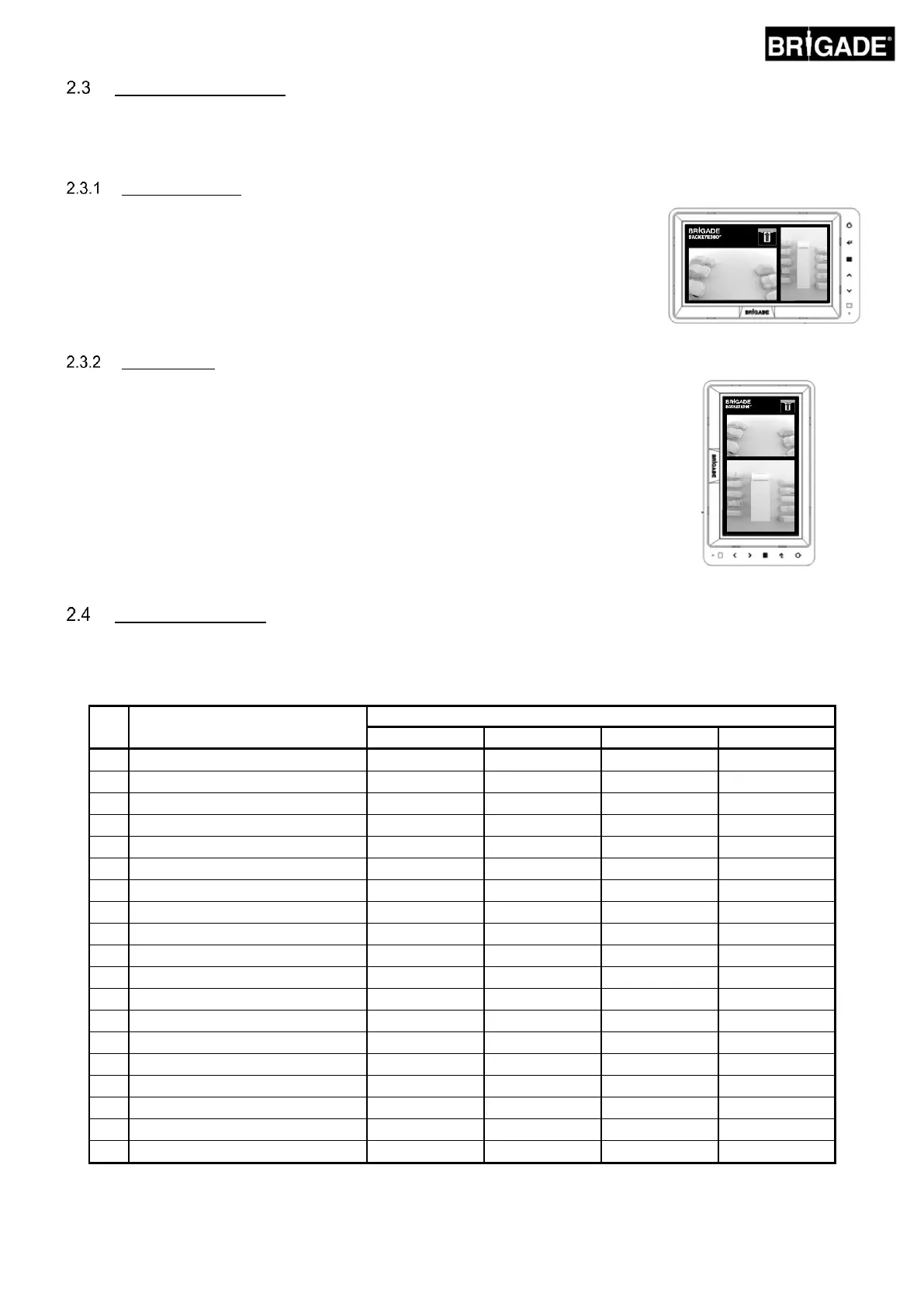
Lansdcape Mode
For Landscape Mode, the monitor is installed in landscape orientation. The system
can display the 360° surround view image next to a single camera image view or a
full screen single camera view. The default view and triggered views can be assigned
in the OSD Menu.
For Portrait Mode, the monitor is installed in portrait orientation. The system can
display the 360° surround view image in full screen for a larger 360° view, or it can
display the 360° surround view image above (for rear camera) or below (for front/side
camera) the single camera views. The default view and triggered views can be
assigned in the OSD Menu.
View Configurations
The system is capable of storing 10 different views per installation, there are 4 different configurations (see table
below) to make use of all of the views the system is capable of. The desired combination of views will determine
which configuration files are used during the calibration procedure:
Top + Front Crossing Traffic
Top + Rear Crossing Traffic



 To Next Page