2
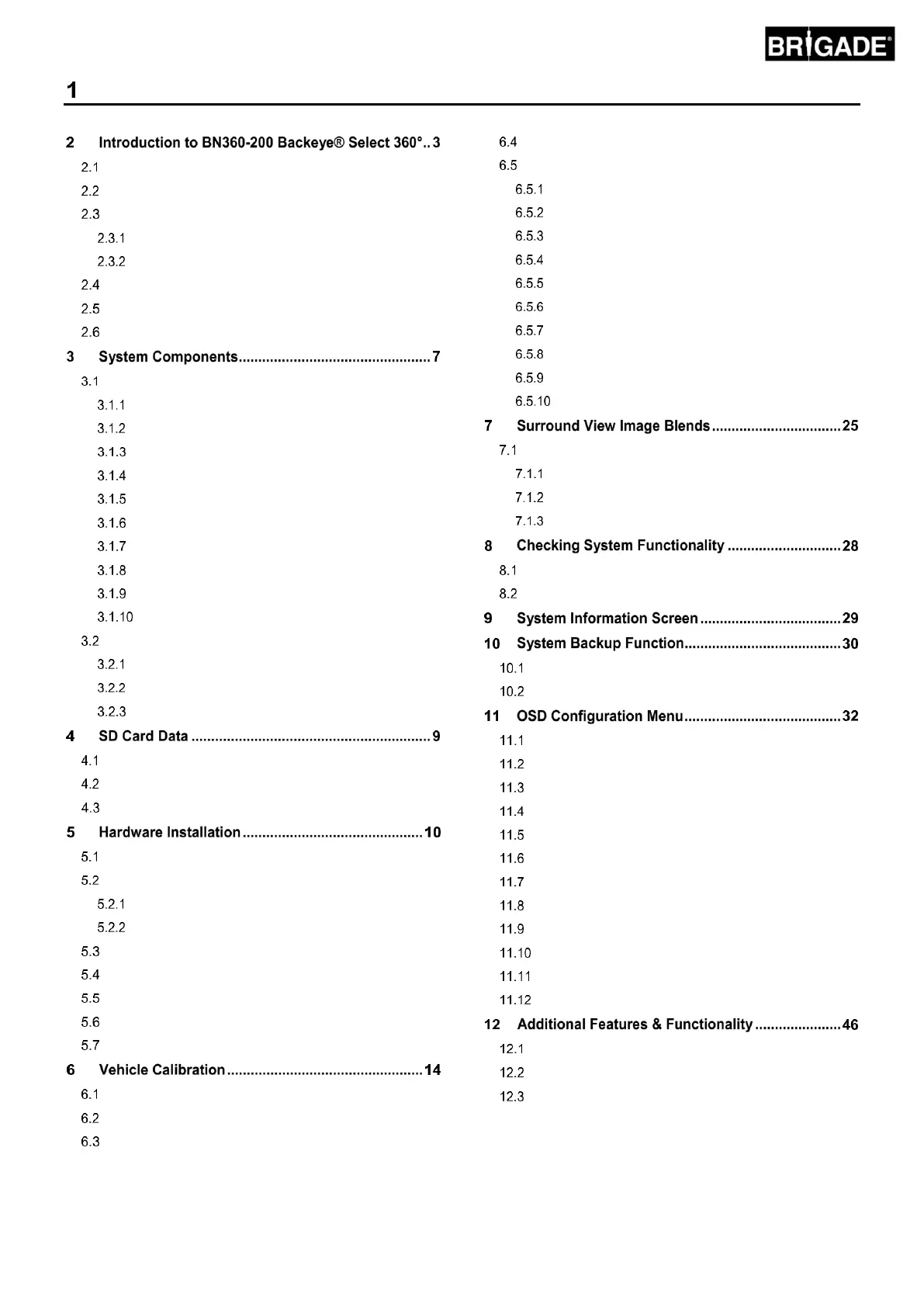
Contents
Product Features .......................................................... 3
Display Overview (default view) .................................... 3
Display Configurations .................................................. 4
Lansdcape Mode ...................................................... 4
Portrait Mode ............................................................ 4
View Configurations ...................................................... 4
Views Modes ................................................................ 5
Crossing Traffic View .................................................... 6
Backeye® 360° Select Kit - BN360-200 ........................ 7
ECU - BN360-200-ECU ............................................ 7
Cameras (4 off) - BN360-100C ................................. 7
Main interface harness - BN360-200-INT .................. 7
Power harness - BN360-200-PWR ........................... 7
Select Video Output Cable – BN360-VBV-L4015 ...... 7
Set-Up & View Select Button – BN360-CP-01 ........... 7
IR Receiver - BN360-200-IR ..................................... 7
IR Control - BN360-200-RC ...................................... 7
Camera Fitting Kit - BN360-100C-FIX ....................... 8
Isolation Gasket Kit – BN360-100C-MK .................... 8
Calibration Tools ........................................................... 8
Calibration Tool – BN360-CT-01 ............................... 8
Calibration mats (4 off) – BN360-CAL-MAT .............. 8
USB – BN360-200-USB ............................................ 8
SD Card Contents ......................................................... 9
Backeye360 Folder ....................................................... 9
CMD File ....................................................................... 9
Connection Diagram ................................................... 10
Camera Installation ..................................................... 11
Camera Mounting Angle ......................................... 11
Camera Mounting Height ........................................ 12
Cable Routing ............................................................. 12
ECU Mounting ............................................................ 13
System Connection ..................................................... 13
Monitor ........................................................................ 13
Initial System Power Up .............................................. 13
Calibration Environment .............................................. 14
Calibration Pattern and Vehicle Alignment .................. 14
Camera Image Collection ............................................ 15
Installing the Backeye
®
360 Calibration Software ......... 16
Using the Backeye
®
360 Calibration Software .............. 16
Calibration Software Overview ................................ 16
Loading the Config File ........................................... 17
Opening the Image Files ......................................... 17
Calibration Control Points ....................................... 18
Surround View Preview .......................................... 19
Surround View Image Adjustments ......................... 19
Parking Line Property ............................................. 22
LUT Version ........................................................... 23
Saving the Calibration Data .................................... 23
Loading the Calibration Data .................................. 24
Mask Type .................................................................. 25
Blending Auto ......................................................... 26
Blending FOV ......................................................... 26
Line 1 ..................................................................... 27
Good Calibration ......................................................... 28
Bad Calibration ........................................................... 28
Performing a System Backup ...................................... 30
Restoring from a System Backup ................................ 31
BN360-200-RC (Remote Control) Functions ............... 32
OSD View Names ....................................................... 32
Accessing the OSD Configuration Menu ..................... 33
Configuring the Default View ....................................... 33
Configuring the Triggered View Settings ..................... 34
Configuring the Trigger Off Delay ................................ 35
Configuring the Parking Guide .................................... 36
Configuring the View Select Button Operation ............. 37
Configuring the Speed Trigger .................................... 38
Configuring View Groups ............................................ 40
Configure Picture Settings .......................................... 42
Configure the Screen Size and Position ...................... 44
ECU DIP Switch .......................................................... 46
Quad Screen Native Camera Image ........................... 46
NTSC/PAL Video Output ............................................. 46



 To Next Page