32
OSD Configuration Menu
The BN360-200 system features an OSD Configuration Menu that allows the system to be configured as per the
user’s needs. Interfacing with the OSD Configuration Menu requires the included remote control (BN360-200-RC).
Note: the BN360-200-RC Remote Control may interfere with other IR devices - ensure these are isolated during
operation.
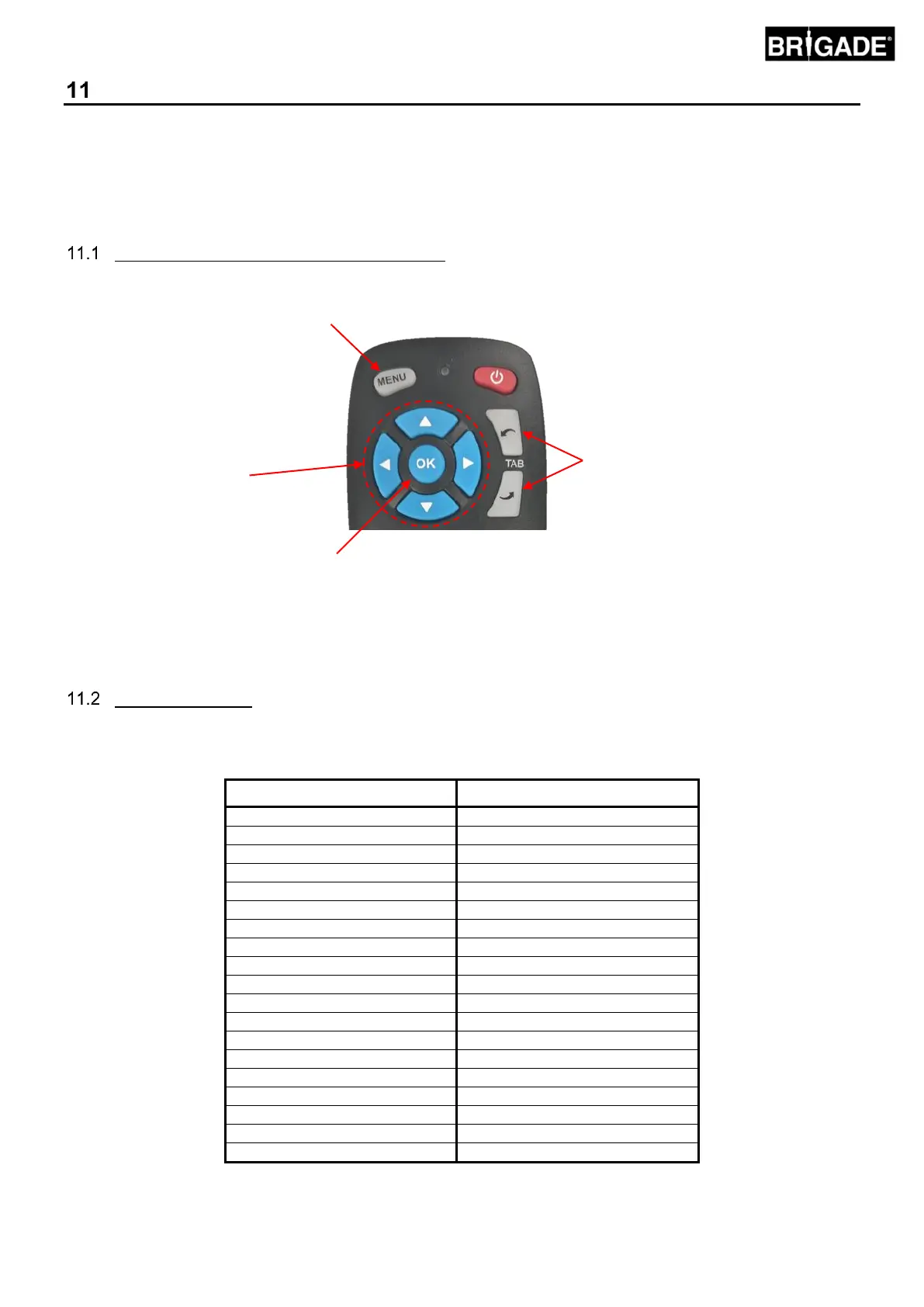
BN360-200-RC (Remote Control) Functions
Menu functions are accessed using the remote control buttons. The “TAB” buttons move to the next/previous option
and the “<” and “>” buttons are used to configure the selected option.
OSD View Names
View names have been shortened in the OSD to be more readable in the space given. The table below contains the
OSD view names and the full view name (see section 2.5 for full details on view names):



 To Next Page