7
System Components
Backeye® 360° Select Kit - BN360-200
The following is a list of the components that are supplied with the BN360-200 system.
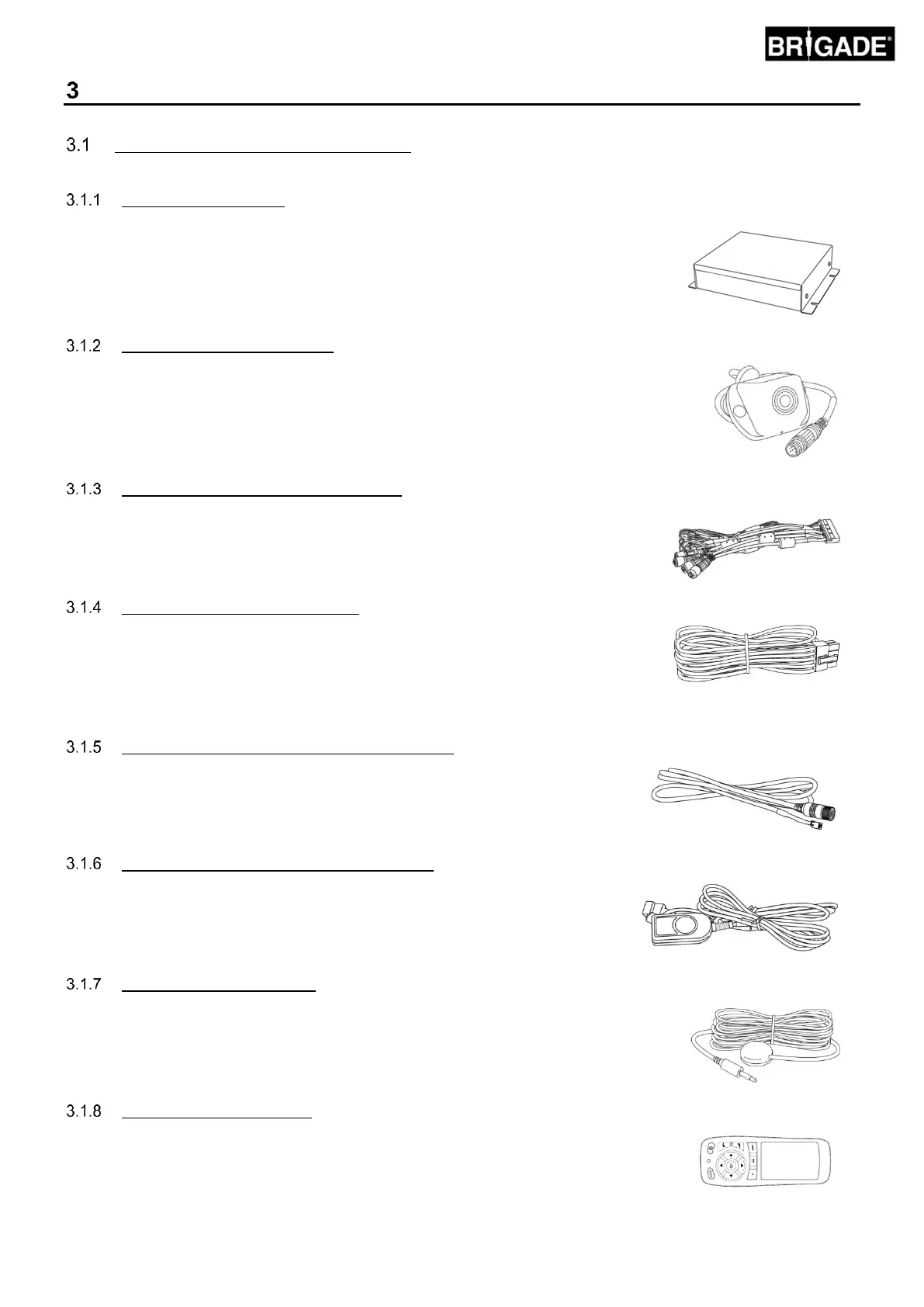
ECU - BN360-200-ECU
Interfaces between the cameras and monitor, performs the complex image
processing and contains the software for the OSD configuration menu.
Cameras (4 off) - BN360-100C
Set of four ultra-wide-angled cameras with mounting bracket and housing
included.
Main interface harness - BN360-200-INT
Main interface harness provides connectivity between cameras, ECU, Set-up &
View Select Button.
Power harness - BN360-200-PWR
The power harness provides connectivity between vehicle trigger and power
sources.
Select Video Output Cable – BN360-VBV-L4015
The Video Output Cable provides the Main Interface Harness the ability to connect
to Brigade VBV style monitors.
Set-Up & View Select Button – BN360-CP-01
The Set-Up & View Select button is used for calibration and changing the view.
The Set-Up & View Select Button does not have to be mounted for driver to use.
IR Receiver - BN360-200-IR
The IR Receiver provides the BN360-200-ECU with IR remote control
functionality.
IR Control - BN360-200-RC
The remote control provides the interface between the user and the BN360-200
configuration menu.



 To Next Page