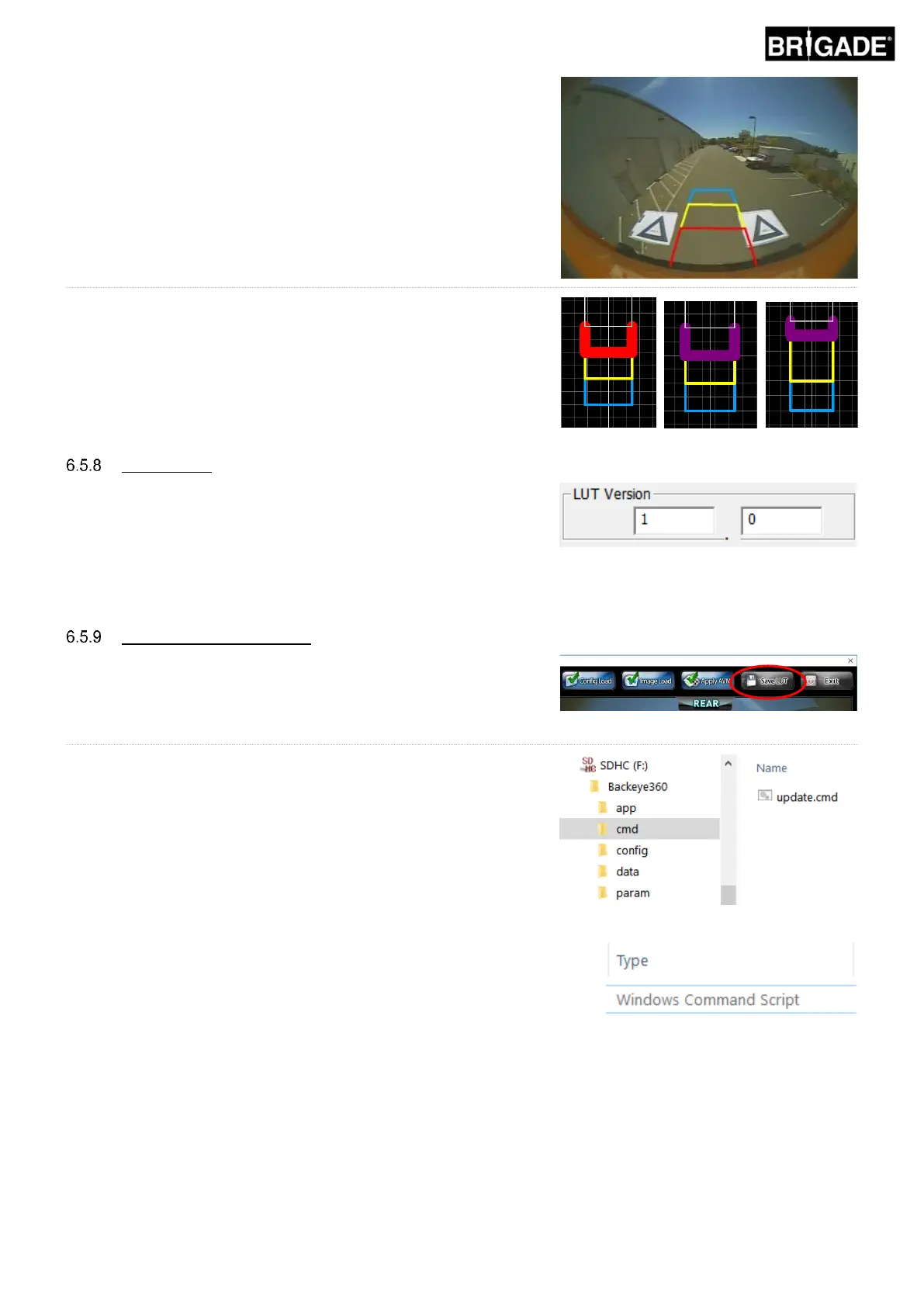
Preview
• World Coordinate – use the grid image to design the parking
guides (as shown above)
• Rear Image Coordinate – use the rear camera image to design
the parking guides
Line Property
• Select a Line – selects the line to edit (red/yellow/blue)
• Line Width – select line width (in mm)
• Line Colour – change the line colour (for each line)
• Distance – change the distance for each line
If required the installer can create an identifying number for the
calibration. If the installer does not modify this the default version will
be 1.0. The LUT version must be made of two-digit numbers with no
letters.
It is not recommended to use this feature for aftermarket
installations.
Saving the Calibration Data
Click the “SAVE LUT” button on the tool bar and select the inserted
SD Card when prompted for a save location. This will update the SD
Card contents with the new calibration data.
Rename the “capture.cmd” file in the “cmd” folder to “update.cmd”.
This step is required for the calibration tool to accept the new
calibration data.
Note: ensure the “cmd” file type is given as “Windows
Command Script” when renaming the file. The “.cmd”
extension in the file name may not be required depending on
how the Windows Explorer file extension settings are
configured.



 To Next Page