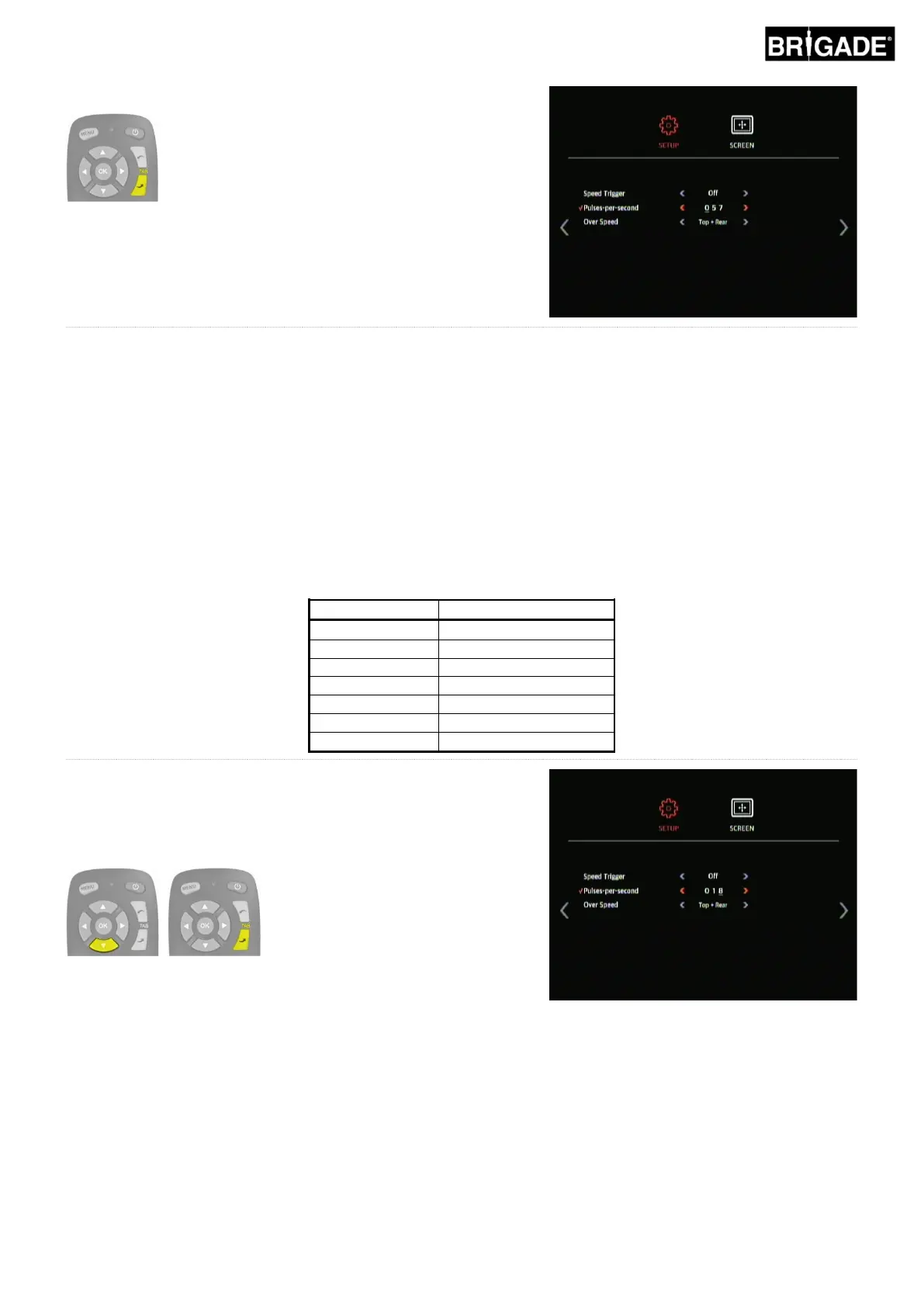
The value entered here determines at which vehicle speed the system should respond assuming the Speed Signal
wire has been connected to the vehicle tachometer (pin B8 for standard European tachometer). E.g. a standard
European tachometer uses a speed signal of 4 pulses per meter (p/m), for 30mph
30 miles per hour = ~48 kilometres per hour (k/h) = 4800 meters per hour
4800 ÷ 3600 = 13.3 meters per second (m/s) (3600 seconds = 1 hour)
13.3 m/s x 4 p/m = 53.2 pulses per second (in this case use 53 p/s)
The same calculation can be used for various speeds as well as for non-standard European tachometers; simply
replace the 4 pulses per meter with the correct value for the vehicle used (refer to the manufacturers details for the
correct value).
Example values (based on 4 pulses per meter):
To change the Pulses-per-second value, use the up and down
arrows on the remote control to change the selected digit from 0-
10 and use the TAB down button to move to the next digit and
repeat for all 3 digits. Each digit can be set from 0-9, so the full
range for this is 000 to 999 Pulses-per-second.



 To Next Page