Installation / Starting
Silver FC 00 511 13
Step Action
4
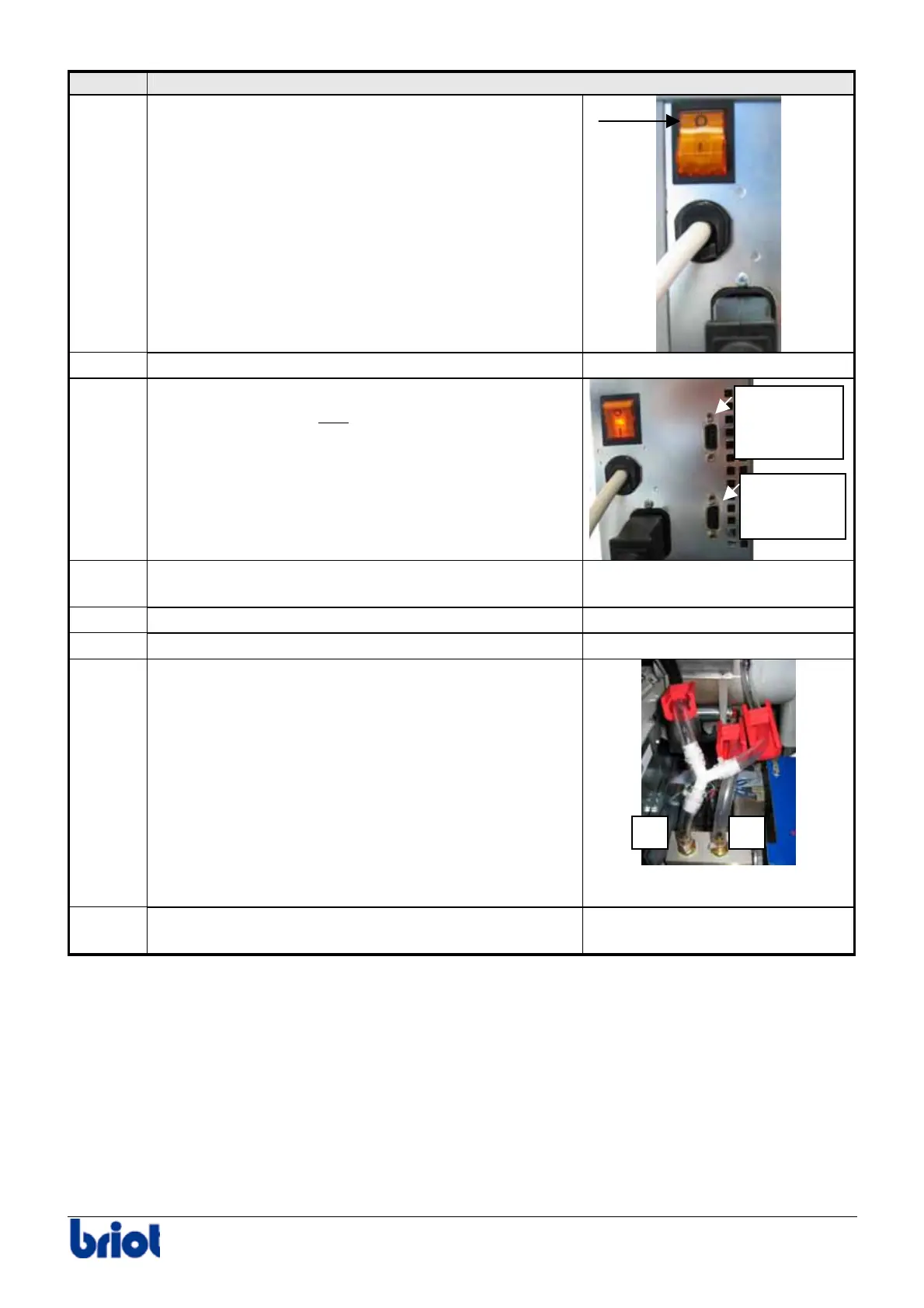
Check that the main switch of the machine is on
OFF position.
5
Connect the machine to the power outlet.
6
For machines configured in OMA, connect the edger
to the OMA network and
connect the barcode
reader.
7
Mount the chucks and the centering nose piece
contained in the accessory box.
-
8
Remove the cover.
-
9
Adjust the water flow by starting a cycle without lens.
-
10
Adjust each watering using the supply adjustment
wheels cf. paragraph Adjustments below.
11
Close the cover and make one or two jobs to check
the well functioning of the machine.
-
Barcode
reader
connector
OMA cable
connector
1 2



 To Next Page