Maintenance: Settings and adjustments
Silver FC 00 511 59
Procedure
To adjust the Scanform™, proceed as follows.
Step Action Illustration
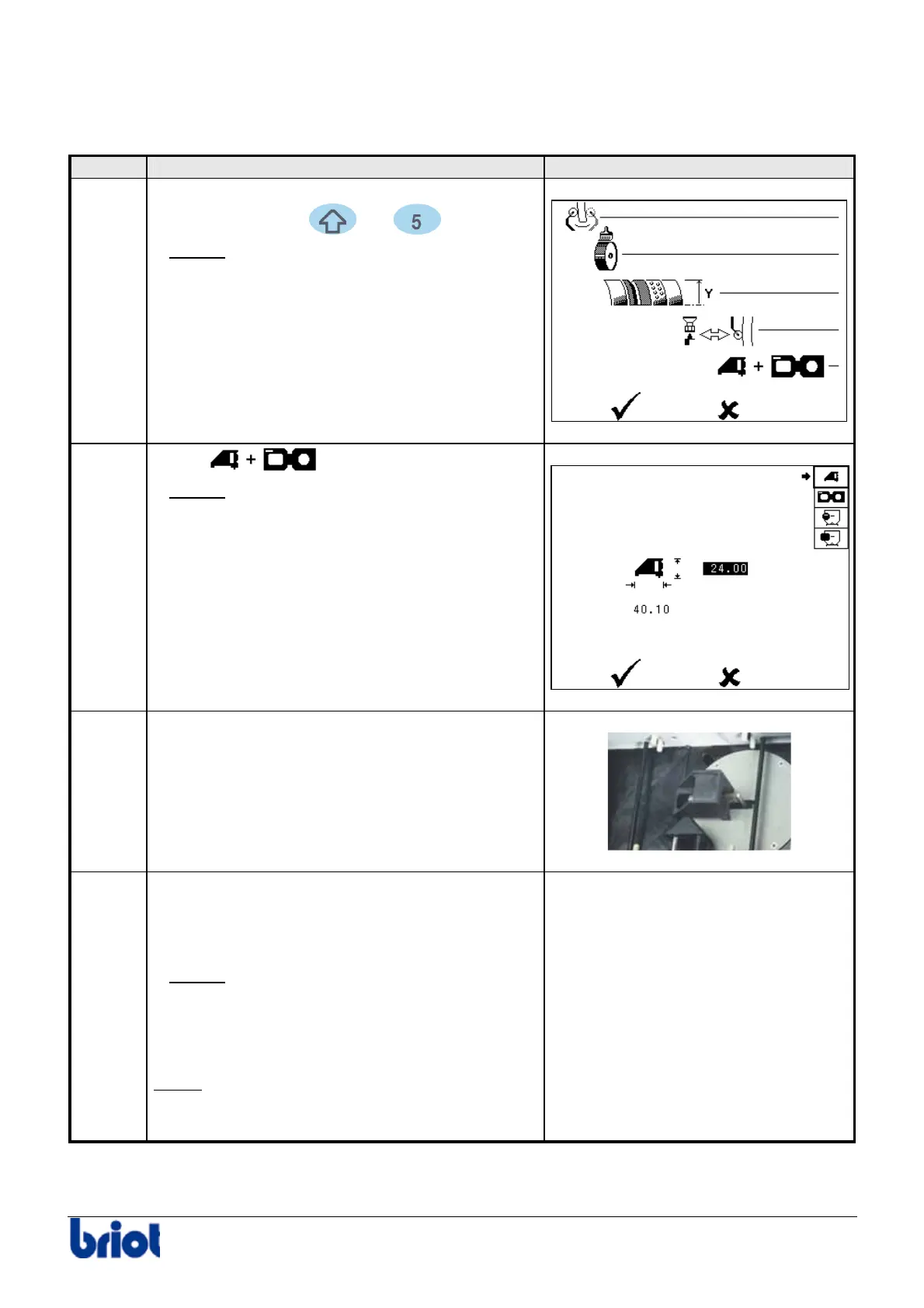
1
When you are in tracing mode, press
simultaneously the
and keys.
Result:
the Scanform™ initializes and the
adjustment dialogue screen is displayed.
2
Select
using the function Fct4.
Result:
the Scanform™ initializes and the
following screen is displayed.
3 Insert the adjustment tool n° 14 04 190 on the
turret protector.
4
Change or confirm the length and height of the
gain adjustment tool (Refer to paragraph
Preliminary notes above).
Result:
when you have confirmed the
values, the gain adjustment is performed.
The tracer measures the positions r and R
as well as h1 and h2.
Note :
if you interrupt the adjustment, start it
again from step 1 of the present procedure.
-



 To Next Page