Maintenance: Settings and adjustments
Silver FC 00 511 61
Step Action Illustration
11
Change or confirm the displayed value. (Refer
to the paragraph Preliminary remarks above).
Result:
When you have confirmed the size
of the pattern, the machine traces the round
pattern. Then the screen shown opposite
is displayed.
12
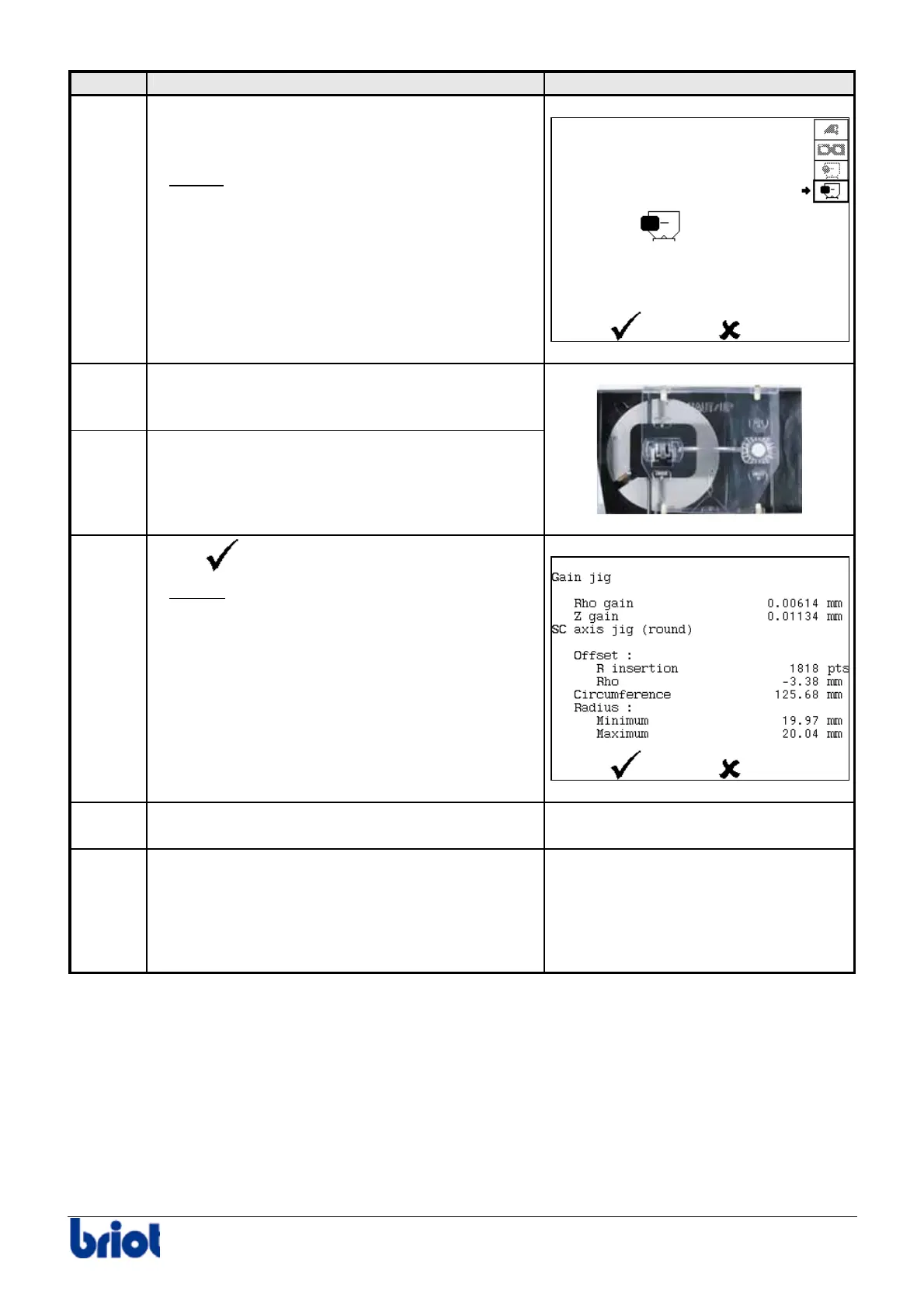
Place the rectangular pattern n° 14 04 191
on the pattern holder.
13
Insert the pattern holder on the frame holder.
14
Select
.
Result:
the machine traces the rectangular
pattern.
Then, the screen shown opposite is
displayed.
15
When the adjustment is finished, remove the
pattern and the tool n° 14 04 191.
-
16
Consult the screen shown at step 14.
The presence of an exclamation mark displayed
between the measurement name and the
measurement value indicates an adjustment
beyond the tolerance levels.
-



 To Next Page