Operation Manual
FT1020G3 Rev 2.4
110
24.4 Sensor Values (H4/U4)
Momentary: Momentary value in this menu will be updated after every detector polling,
i.e. approximately every 6 seconds.
Weekly in NORMAL Mode: The very first week average sensor value for the 430x and
440x detectors in NORMAL mode is calculated within 2½ minutes after SSD download &
restart. During these 2½ minutes, no fire alarm can be activated and "Weekly: 00.0%/m"
will be shown. The "Weekly" value will thereafter be updated every week.
Weekly in AVANCED Mode: For the 440x detectors in Advanced Mode the "Weekly"
value is 00.0%/m on delivery. It will be updated the very first time after 13 minutes.
Thereafter, it will be calculated every 13 minutes but then will only be changed downwards
if required. After 18 hours it can be changed downwards or upwards and after additional
18 hours (36 hours in total) it can be changed downwards or upwards and it is also saved
in the detector's EEPROM, i.e. that value will be used after the power is disconnected from
the detector. The "Weekly" value for the 440x detectors in Advanced Mode is also called
the "Contamination Compensation Value (CCV).
Performance Factor: The "Performance factor" and "Min. / Max." values are updated
each night (00:00), i.e. the values shown are from the previous day. For more information,
refer to the Technical Manual of FT1020G3.
Algorithm: shows the algorithm currently in use.
According to chapter
"Access", see page 33.
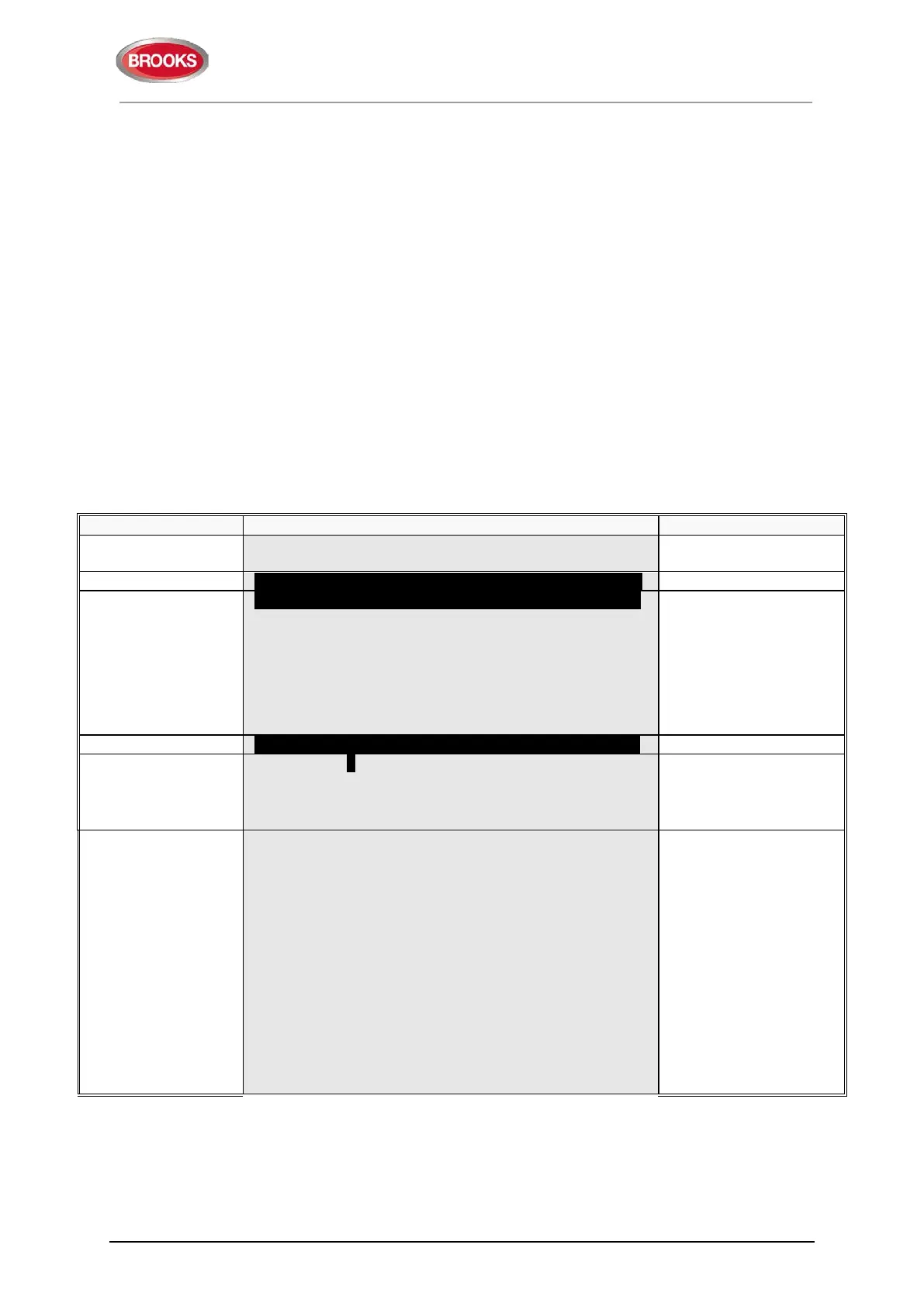
U2 Disablement by time channel
U3 Open doors
U4 Sensor values
U5 Sensors activating SERVICE signal
U6 Technical warning
U7 Event log
"
"
number and/or press
"
" to start as from
"
"
For an Analog multi detector 4300 / 4400 in NORMAL mode:
Sensor: 001-01 (technical address 000001)
Momentary: XX.X%/m Weekly: XX.X%/m
Perf factor: X.XX%/m Min: XX.X%/m
Algorithm: X-XX Max: XX.X%/m
Momentary: XX°C Min: XX°C
Algorithm: XX Max: XX°C
(analogue detectors)
when "
" is pressed,
the list view will not
open.
It is a list in which you
can scroll with "▼" or
"▲".
If printer is mounted, the
soft key "
Print" will be
visible. Press "
Print" for
a print-out.
For an Analogue heat detector 3308 / 3309 in NORMAL mode:
Sensor: 001-03 (technical address 000002)
Momentary: XX°C Min: XX°C
Algorithm: XX Max: XX°C


 To Next Page