Operation Manual
FT1020G3 Rev 2.4
145
29.3 Disable / Re-Enable Interlocking Output (H9/C3)
Interlocking outputs (Type = Interlocking) can be individually disabled via this menu (and
collectively via menu H2/B3).
The "Interlocking Combination" (Area / Point) is to be entered to disable the output. Up to
100 interlocking outputs can be disabled in the whole system.
Disabled interlocking outputs are listed in menu H4/U1 from which it is also possible to get
a print-out.
The LED Fault / Disablements "General disablements" (L10) is also indicating one or
more disabled interlocking outputs.
According to chapter
"Access", see page 33.
H9 Interlocking outputs and inputs
"
"
C1 Activated interlocking outputs / inputs
C2 Activate / deactivate interlocking output
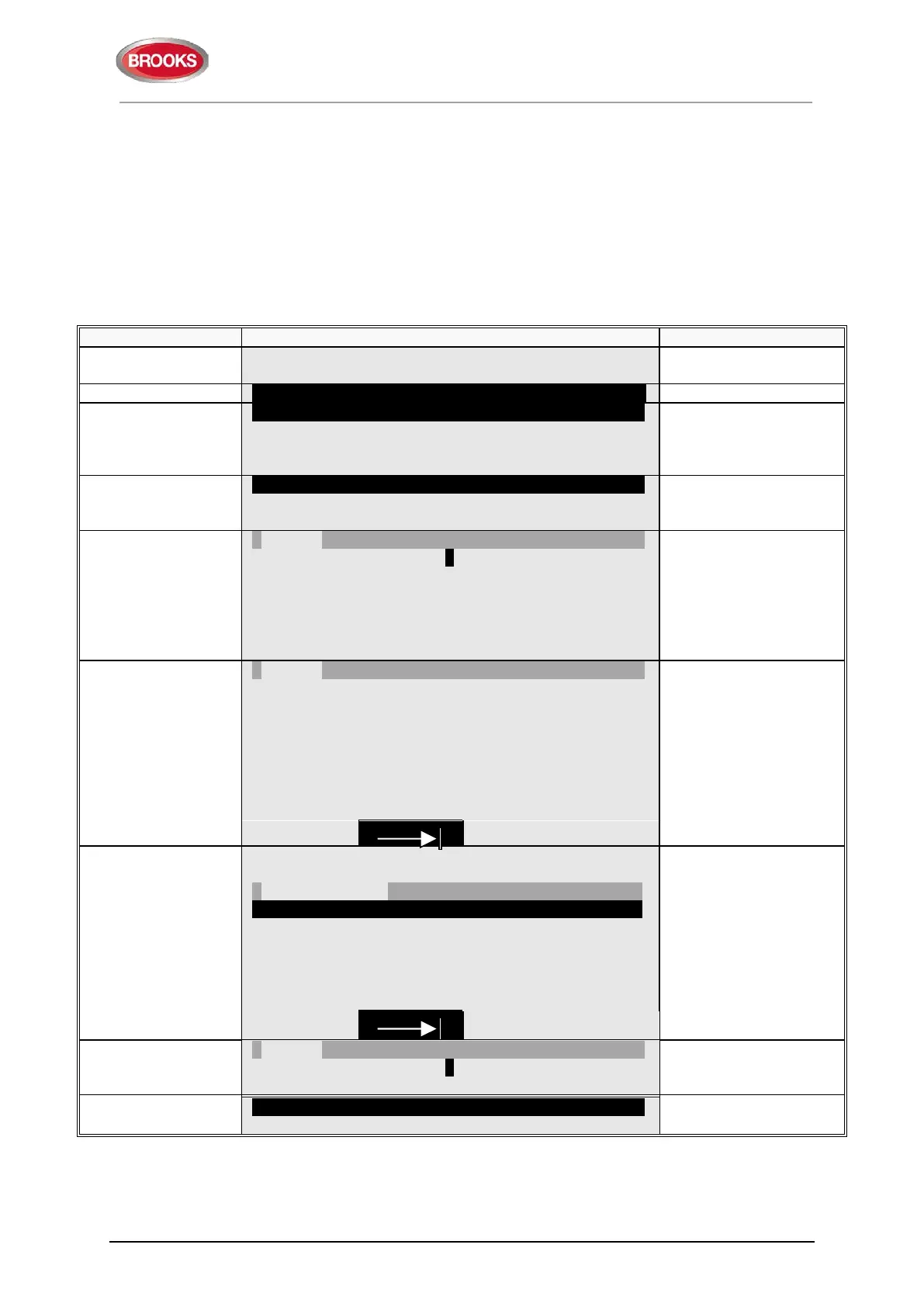
C3 Disable / re-enable interlocking output
C3 Disable / re-enable interlocking output
be disabled / re-enabled
"
"
Interlocking output area: 000 point: 00
address and press "
"
to disable, which will be
indicated with "√" and a
beep. The output will
be automatically shown
number and point
(e.g. 001 and 01).
"
"
Interlocking output area: 001 point: 01 √
-- Re-enable list (1) ---------------------------------------------
Interlocking output area: 001 point: 01
doesn't exist, it will be
indicated with "X"
instead of "√" and a
beep.
Use the soft key "|" to
toggle between Disable
and Re-enable list.
-- Disable -----------------------------------------------------------
Interlocking output area: _ _ _ point: _ _
Re-enable list (1)
Interlocking output area: 001 point: 01
list with "▼" (in this
example there is only
one output) and press
"
".
The re-enabled output
will disappear from the
list, indicated with a
beep.
"
"
Interlocking output area: 000 point: 00
press "ESC".
C3 Disable / re-enable interlocking output
Scroll to another menu
or press "ESC".



 To Next Page