Operation Manual
FT1020G3 Rev 2.4
141
28.8 Activate / Reset Outputs (H8/S8)
Via this menu, a loop unit output, control unit output and expansion board output can be
activated and reset.
Any output can be activated, i.e. the function can be tested (Can also be done via EBLWin).
This is including Addressable siren 3377 / 4477, Addressable sounder base 3379, wireless
detector 4611, light indicator 4383, and all alarm devices 4480, 4481, 4482, 4487.
The selected output will be activated no matter if the control expression is true or not.
The selected output will be reset only if the control expression is false (not true). If the
control expression is true when you reset the output via menu H8/S8, the output will remain
activated until the control expression becomes false (not true) again.
According to chapter
"Access", see page 33.
"
"
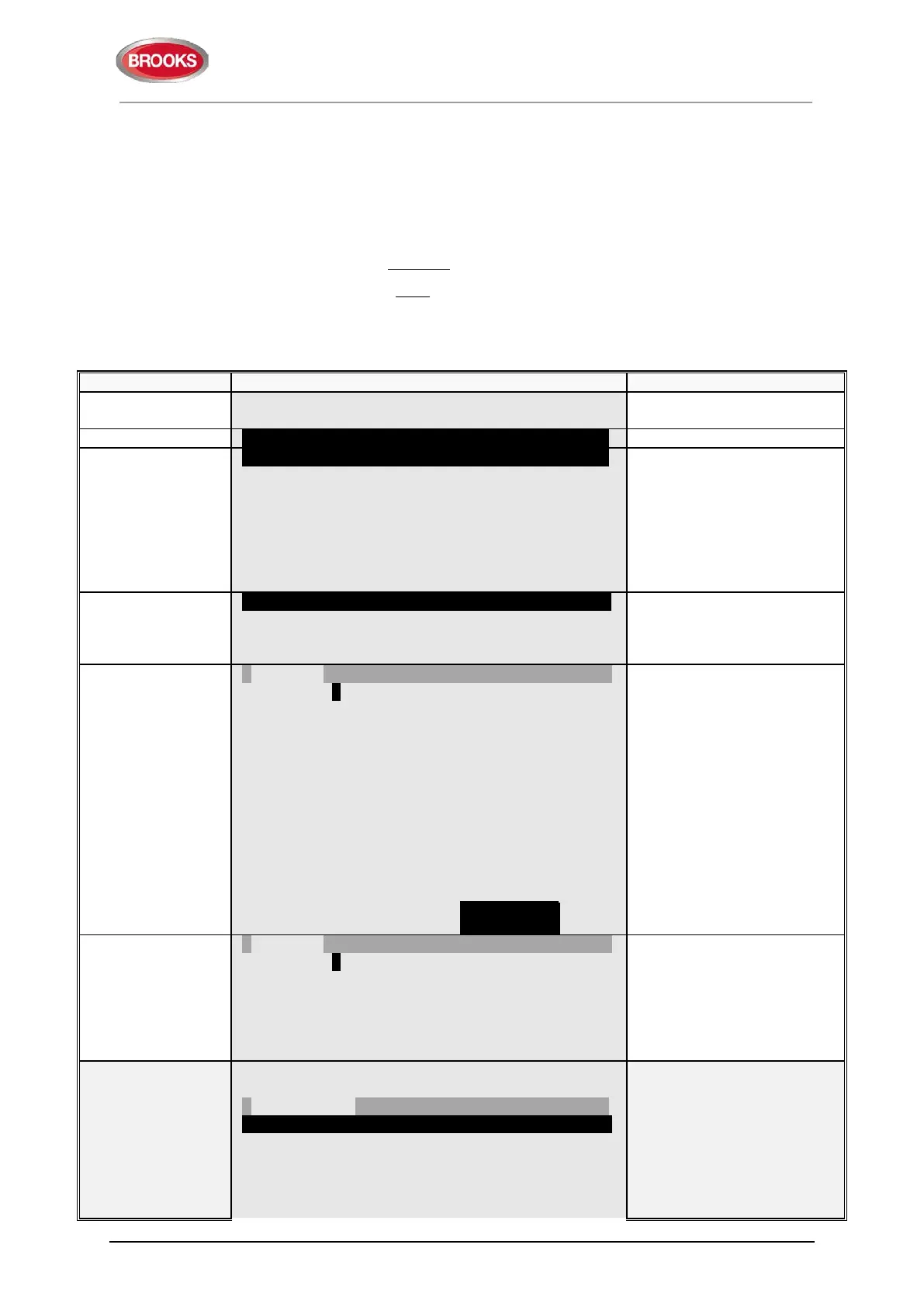
S1 Dis- / Re-connect loop / zone line input
S2 Acknowledge SERVICE signal
S3 Clear weekly average
S4 Test of alarm devices
S5 Safe shut down of Control Unit
S6 Activate address in alarm mode
S7 Synchronize the Control Units
S8 Activate / Reset outputs
S8 Activate / Reset output
output, Control Unit output
and Expansion Board output
can be activated and reset.
"
"
Loop unit 000000 output 0
type of output" to toggle
between:
Loop unit output
Control unit output (S0-S3
& R0-R1)
Exp. board output.
Write loop unit technical
number and output number
and press "
" to activate,
which will be indicated with
"√" and a beep. Output will
be shown in the Reset list
of output
technical number
and output (e.g.
000001, 0).
"
"
Loop unit 000000 output 0 √
-- Reset list (1) --------------------------------------------------
Loop unit 000001 output 0
doesn't exist, it will be
indicated with "X" instead of
"√" and a beep.
Use the soft key "|" to
toggle between Activate
-- Activate --------------------------------------------------------
Loop unit _ _ _ _ _ _ output _
Reset list (1)
Loop unit 000001 output 0
Select in the Reset list with
"▼" (in this example there is
only one output) and press
"
".
The reset output will
disappear from the list,
indicated with a beep.



 To Next Page