Operation Manual
FT1020G3 Rev 2.4
143
29 Interlocking Outputs and Inputs (H9)
29.1 Activated Interlocking Outputs / Inputs (H9/C1)
According to chapter
"Access", see page 33.
H9 Interlocking outputs and inputs
"
"
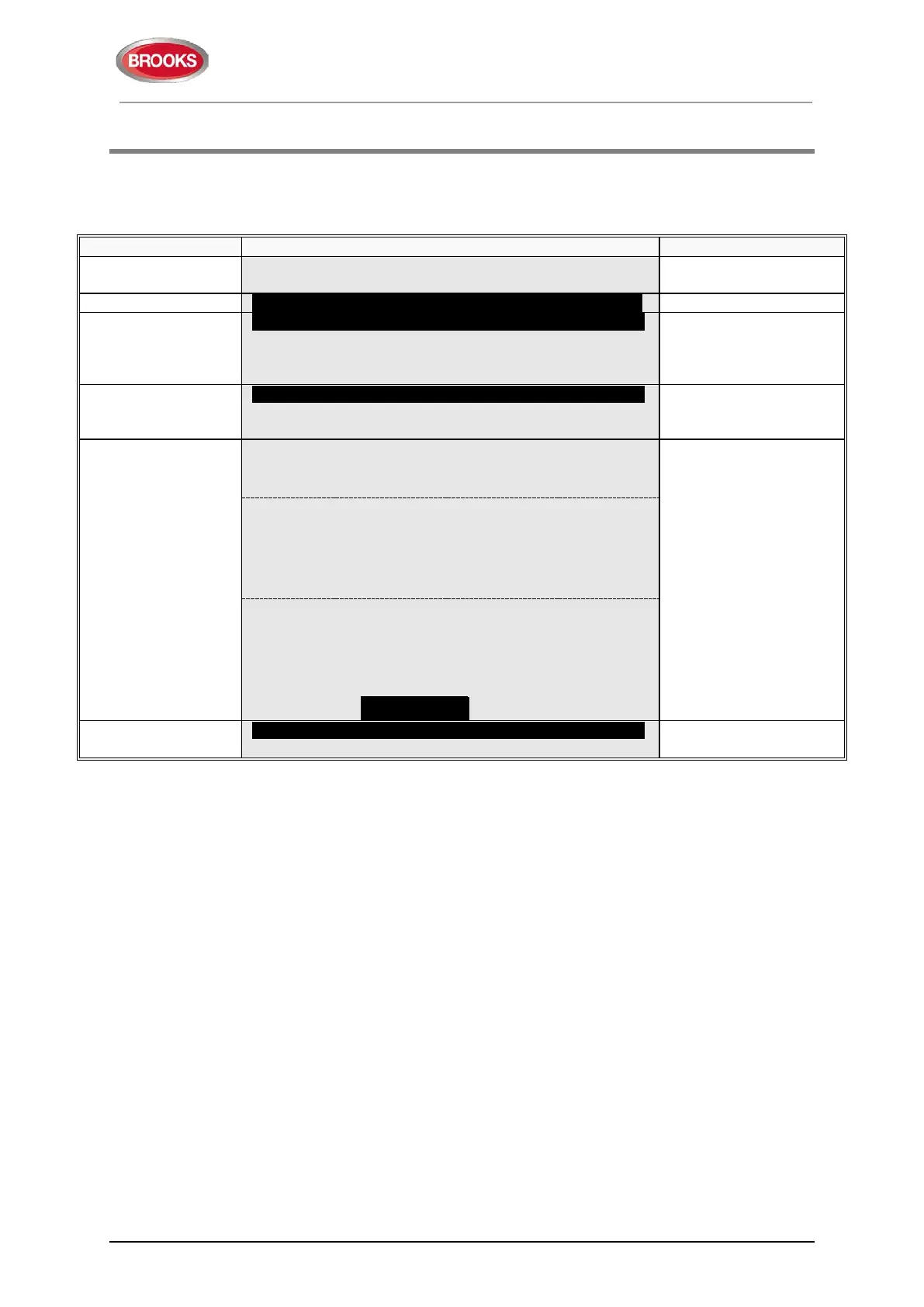
C1 Activated interlocking outputs / inputs
C2 Activate / deactivate interlocking output
C3 Disable / re-enable interlocking output
"
"
C1 Activated interlocking outputs / inputs
outputs and inputs can
"
"
Depending on
activated outputs,
and/or inputs, the
following will be
shown:
Interlocking area AAA point PP output active
User definable text message (if programmed)
which you can scroll
with "▼" or "▲".
If printer is mounted,
the soft key "
Print" will
be visible, else not.
Press "
Print" for a print-
out of all items in the
list.
Interlocking area AAA point PP input/output
active
User definable text message (if programmed)
Interlocking area AAA point PP input active
User definable text message (if programmed)
dd-mm-yyyy hh:mm
C1 Activated interlocking outputs / inputs
Scroll to another menu
or press "ESC".


 To Next Page