Operation Manual
FT1020G3 Rev 2.4
94
22.1 Zone or Zone Address (H2/B1)
When a whole zone is disabled, all alarm points within the zone are disabled.
Alarm points can be individually disabled
According to chapter
"Access", see page 33.
"
"
B2 Output
B3 Output type
B4 Alarm devices
B5 Routing equipment
B6 Alert annunciation function
or Zone Address or
Zone Address “Smoke
only” can be disabled.
- A time for automatic
re-enablement can be
set.
- Disabled zones and
alarm points are shown
in a Re-enable list.
menu
"
"
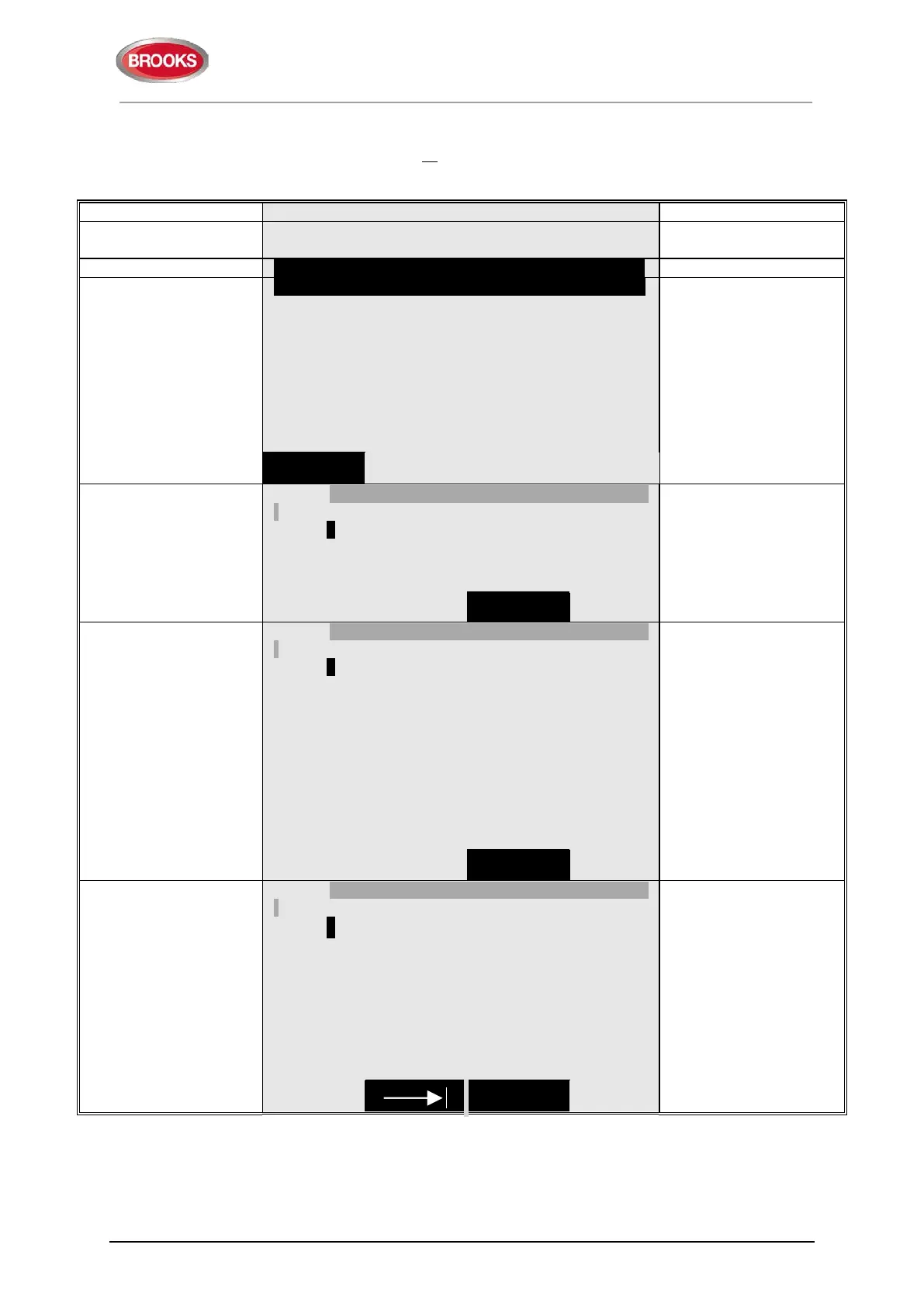
Zone 000
Automatic re-enable: No
"Change type of
disablements
" to toggle
between:
Zone 000 and
Zone 000..address 00.
Change type
of disablement
disablements"
Zone 000 address 00
Automatic re-enable: No
and address.
To set an automatic re-
enable time press "▼"
and "►". Write the time
(default is current time
+ 3 hours). Press "
" to
disable, which will be
indicated with "√" and a
beep. The zone will be
automatically shown in
the Re-enable list.
Change type
of disablement
and address
(e.g. 003, 01).
"▼"
"►"
"
"
Zone 003 address 01 √
Automatic re-enable: No Yes, at 17:05
-- Re-enable list (1) ---------------------------------------------
Zone 003 address 01 auto. re-enable at 17:05
unit is not exist, it will be
indicated with "X"
instead of "√" and a
beep.
Use the soft key "|" to
toggle between Disable
and Re-enable list.
of disablement



 To Next Page