Operation Manual
FT1020G3 Rev 2.4
122
25.5 Display Current Consumption COM-loop (H5/A5)
The current consumption (an average value) for each COM loop can be displayed.
Note: very small current consumption (< 10 mA) cannot be presented correctly /
precisely since the accuracy is ±5 mA.
According to chapter
"Access", see page 33.
"
"
A1 Calibration of supervised output
A2 Sensitive fault detection mode
A3 Service mode for COM-loop
A4 Display current consumption in Control Unit
A5 Display current consumption on COM-loop
A6 Display statistics for communication
A7 Activate address setting mode for DU
A8 Setup wireless detectors
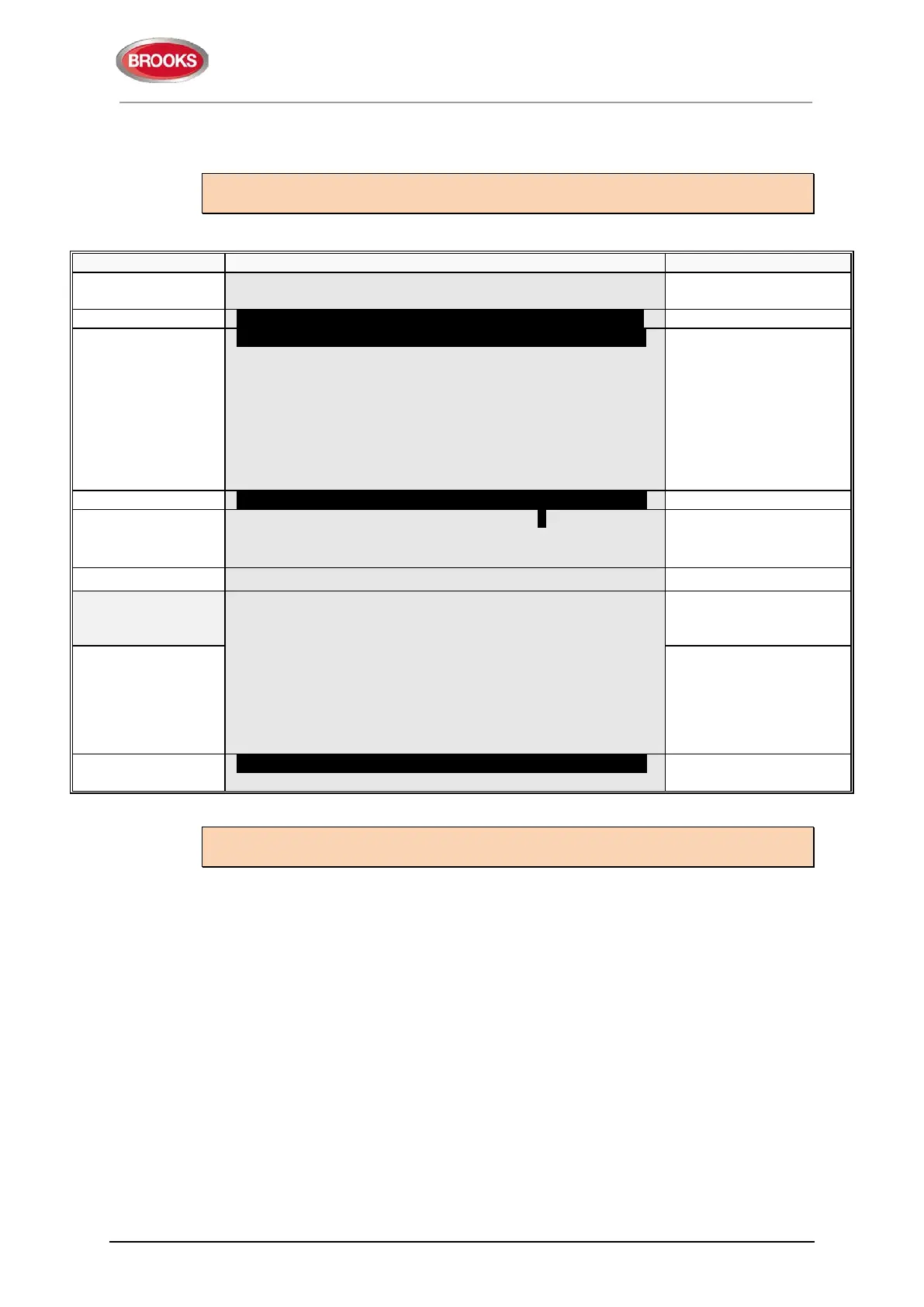
A5 Display current consumption on COM-loop
"
"
Display current consumption on COM-loop: 0
Control Unit: 00 (press
)
Control Unit number
No reply from Control Unit.....
Current consumption on COM-loop: 0
Control Unit 00 is xxxx mA
If the Control Unit is not
exist or doesn't
consumption accuracy
is ±5 mA.
Information is
automatically updated
"
" or "ESC"
A5 Display current consumption on COM-loop
Scroll to another menu
or press "ESC".
Note: If you get “No reply from control unit.....” the control unit don't exist or don't
answer.



 To Next Page