Operation Manual
FT1020G3 Rev 2.4
96
22.2 Output (H2/B2)
All programmable outputs in the FDCIE and outputs in units connected to the COM loops
(except outputs of type "Alarm device") can be individually disabled.
If you try to disable an output of type "Alarm device" it will be treated as if it does not exist,
see below.
Disabled output: Even if its control expression (trigger condition) is fulfilled (true), the
output will not be activated.
According to chapter
"Access", see page 33.
"
"
B2 Output
B3 Output type
B4 Alarm devices
B5 Routing equipment
B6 Alert annunciation function
menu
output, C.U. output S0-S3 /
R0-R1 and exp. board
4581 output can be
"
"
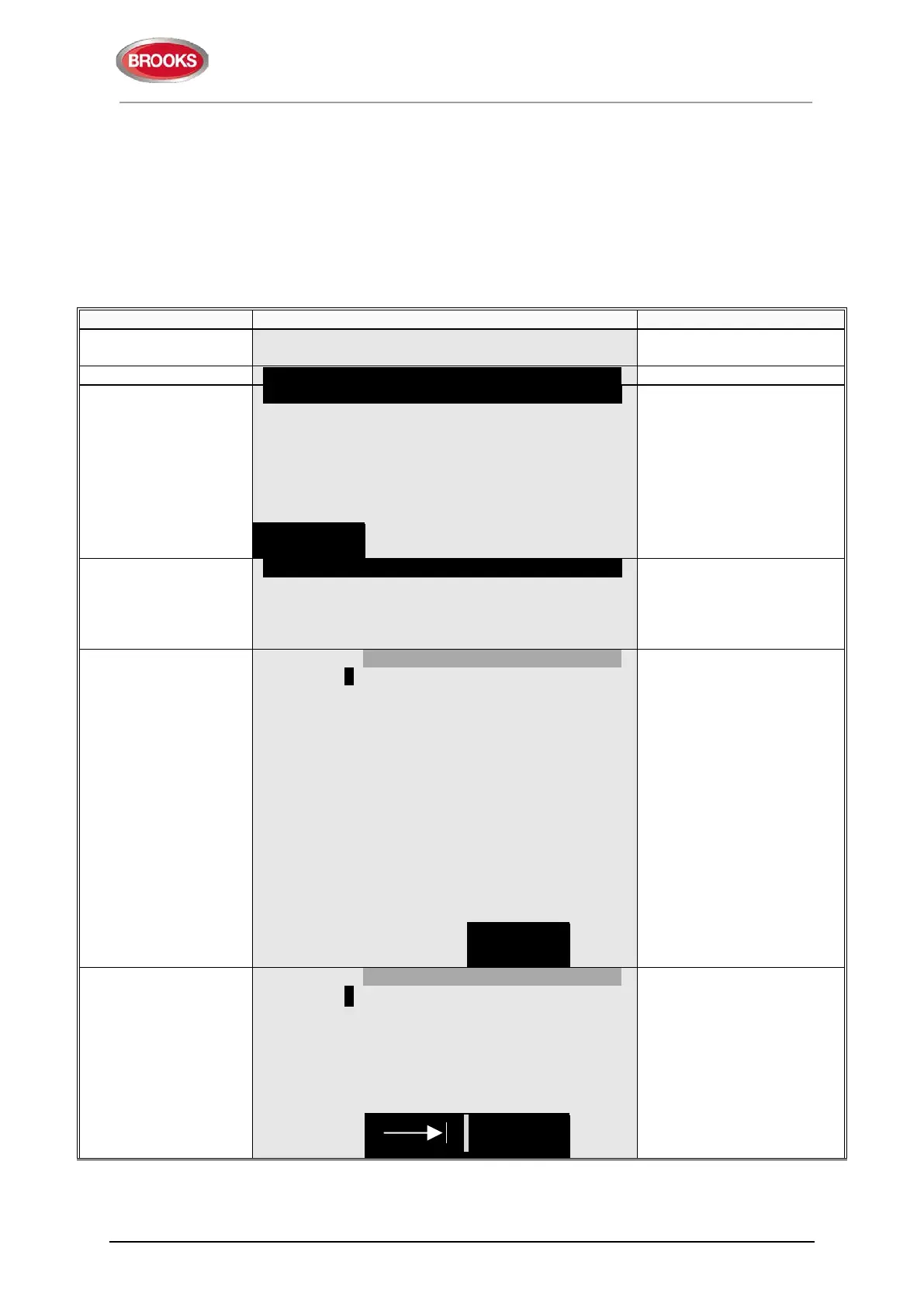
Loop unit 000000 output 0
type of disablements" to
toggle between:
Loop unit output
Control unit output S0-S3
Control unit output R0-
R1
Exp. board output
Write loop unit technical
number and output number
and press "
" to disable,
which will be indicated with
"√" and a beep. The output
will be automatically shown
in the Re-enable list
of
technical number and
output number,
(e.g. 000001 and 0).
"
"
Loop unit 000000 output 0 √
-- Re-enable list (1) ------------------------------------------
Loop unit 000001 output 0
If the specified output does
not exist, it will be indicated
with "X" instead of "√" and
a beep.
Use the soft key "|" to
toggle between Disable
and Re-enable list.
of



 To Next Page