Operation Manual
FT1020G3 Rev 2.4
90
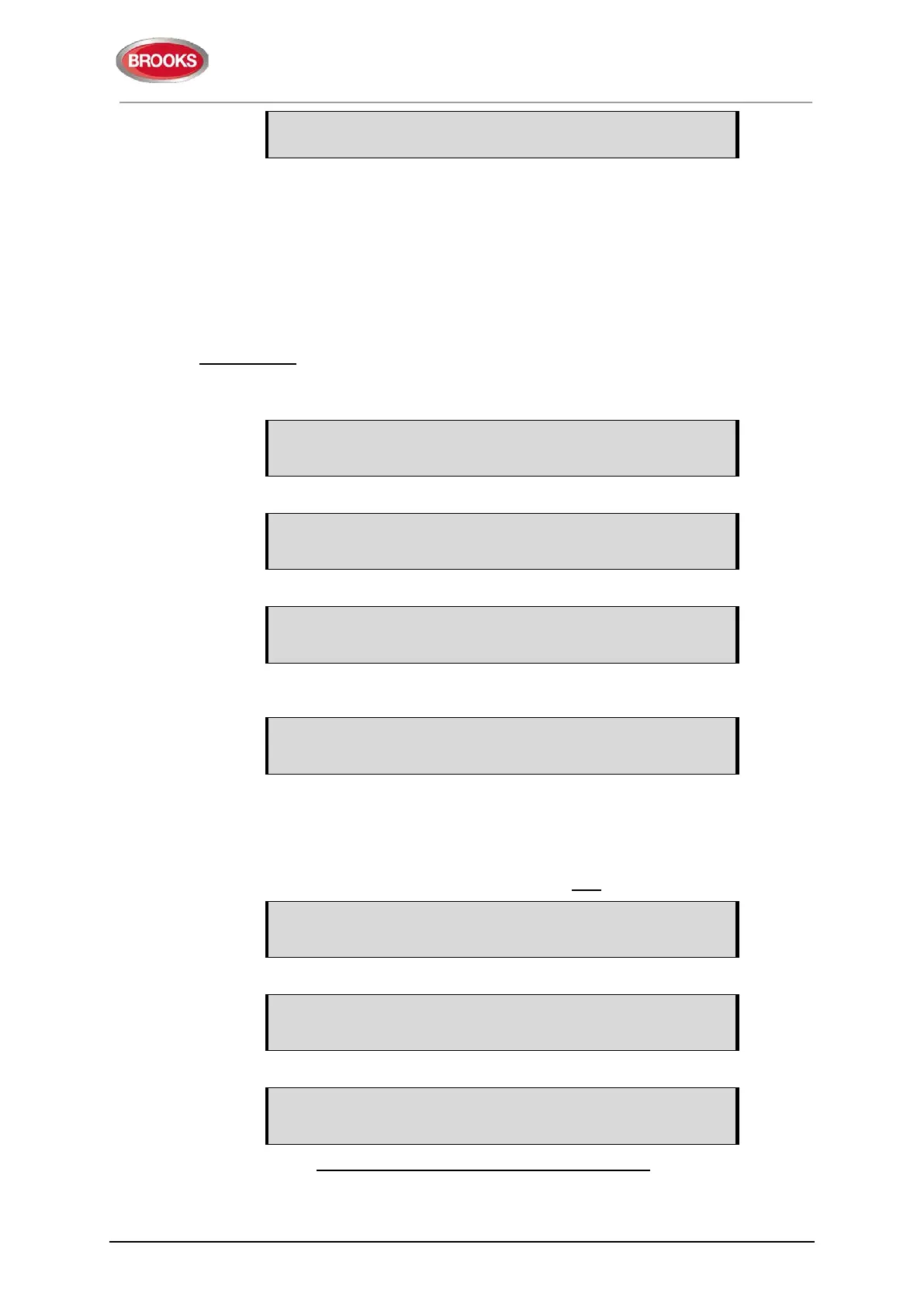
FAULT: Restart Control Unit nn, code xx,
address yyyyyy
Regarding code xx and address yyyyyy, see Table 16. This fault is also indicated by LEDs
Routing equipment "Fault TX activated" (L13) and Fault / Disablements "General fault"
(L9).
After the fault is acknowledged (via menu H6 or EBLWin), the LEDs will be turned OFF, if
no other faults exist in the system.
After any restart, if any units were disabled before restart, an individual disablements for
these unit should be done.
Memory fault
In case of a fault in the Main board 5010 S/W (system program) or the MMI board 5011
S/W, the following fault message will be shown:
FAULT: Checksum system program, Control Unit xx
(Main board software.)
FAULT: Checksum MMI program, Control Unit xx
(MMI board software.)
FAULT: No connection with MMI board, Control Unit xx
(Not shown in the display, only via EBLWin, the Web-server or via another unit in the
system).
No contact with Main board
This is also indicated by LED "System fault" (L7) and the buzzer sounds steady
(continuous). The Fault TX output is "activated".
A new download of the S/W (system programs) is required and/or the Main board and/or
the MMI board have to be replaced.
Note: After SSD download, the following messages may be shown:
Checksum fault in downloaded data.
Control unit will now restart.
After restart:
FAULT: Restart Control Unit nn, code xx,
address yyyyyyyyy
FAULT: Site specific data (SSD), control unit xx
This means that the SSD has not been successfully downloaded. A new SSD download
has to be performed.



 To Next Page