SMART KTF 2000 – KTF100/HP OPERATION
SMART KTF 2000 3A-3 -
Preliminary operation for using the SMART KTF 2000 terminal connected to
KTF/100HP devices
Just after installation and before beginning to use the system, check that the
supply/communication cable is correctly plugged in the KTF connector of
SMART KTF 2000 terminal.
Power on the system and the check that the graphic display shows sequentially, for
a few seconds, the three screens shown on the left side of this page:
(BTSR Logo)
(System Type: SMART KTF 2000)
(Installed Software Version)
If the display is blank, refer to Chapter 4 “Troubleshooting and
Maintenance”.
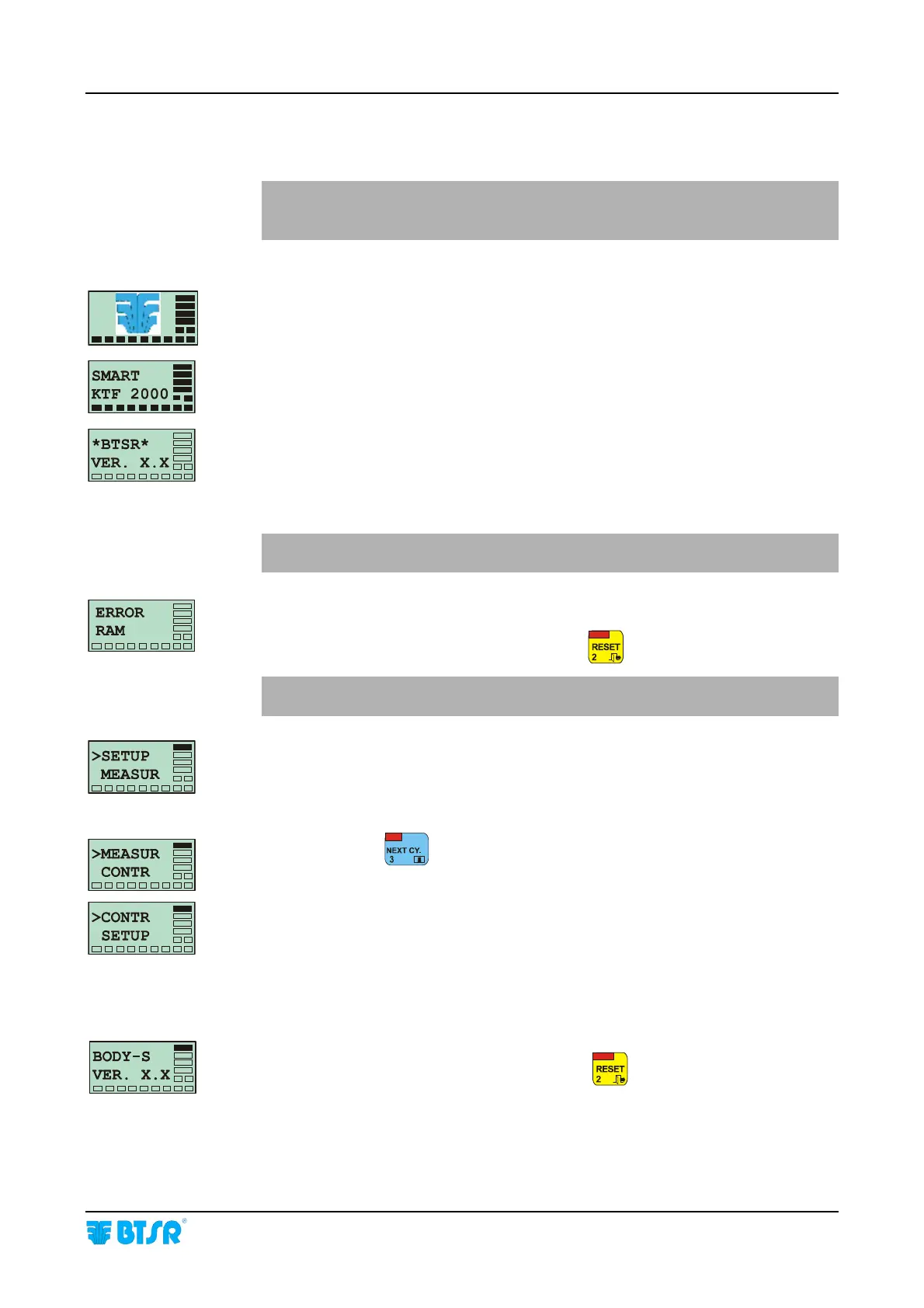
If the ERROR RAM message appears on the screen, it means that the self
diagnostics performed at power-on has detected an error in the memory of the
SMART KTF 2000 terminal. In this case press
to continue.
The system will erase all settings entered by the user and will reload the
default values!!
If the error persists, refer to Chapter 4 “Troubleshooting and Maintenance”.
If the system displays one of the messages that you can see on the left side below,
it means that the terminal is working correctly and that it is possible to activate one
of the four features of the main menu.
If required, press
to select the desired function:
> SETUP to run the configuration/programming of the system;
> MEASUR to perform measurements;
> CONTR to enable the automatic monitoring
How to check the software version and the application type
When the display of SMART KTF 2000 terminal shows any of the above main
menu functions, pressing and holding down the
button you will see the
software version installed on the terminal as well as the currently selected
application: (BODY_S, SOCKS, F_KNIT, C_KNIT)










 To Next Page