SMART KTF 2000 – KTF/100HP Operation
3A-16 SMART KTF 2000
SYSTEM – System Configuration
SETUP
CONFIG
SYSTEM
This function allows you to setup the System parameters typical of the C-KNIT or
F-KNIT applications.
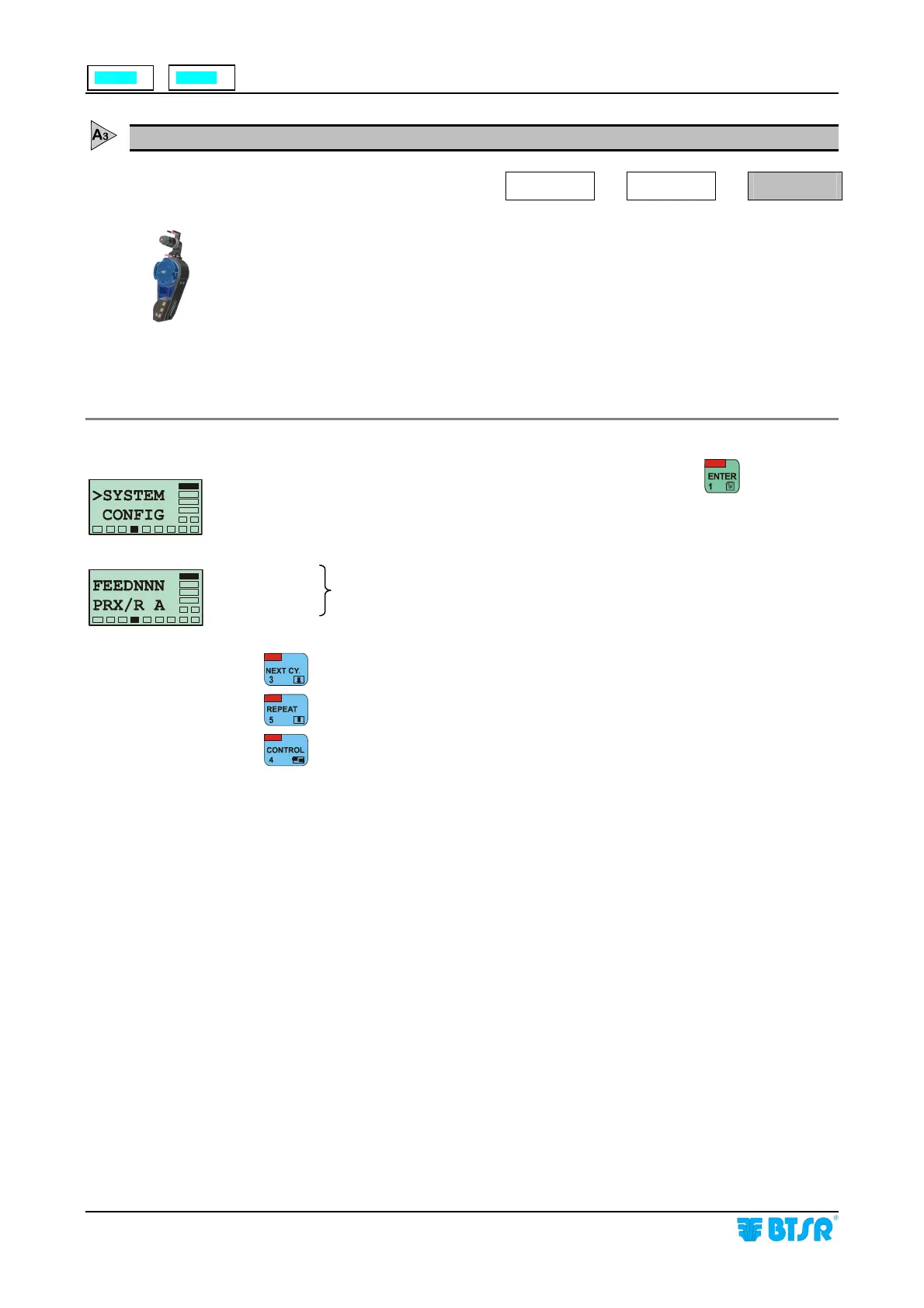
The parameters to be configured are the following: FEED (number of drops ) and
PRX/R (number of controls per revolution). The values set in these parameters will
affect the operating mode of LEARN function. (see the Operating Notes about the
LEARN function, that can be activated from the Control Environment on page
3A.10)
The SYSTEM function is available only if the selected application is C-KNIT or
F-KNIT.
Once you have selected the > SYSTEM CONFIG screen, press
to access the
function.
NNN =
A =
: Increases the parameter value (either NNN or A).
: Decreases the parameter value (either NNN or A).
: Alternatively selects the NNN or A fields.
After setting the above parameters, the system will automatically return to
>SYSTEM CONFIG screen.
System parameters to be configured according to the selected application
F-KNIT
C-
NIT










 To Next Page