SMART KTF 2000 – KTF/100HP Operation
SMART KTF 2000 3A-21 -
LANG – Language Selection
SETUP
CONFIG
LANG
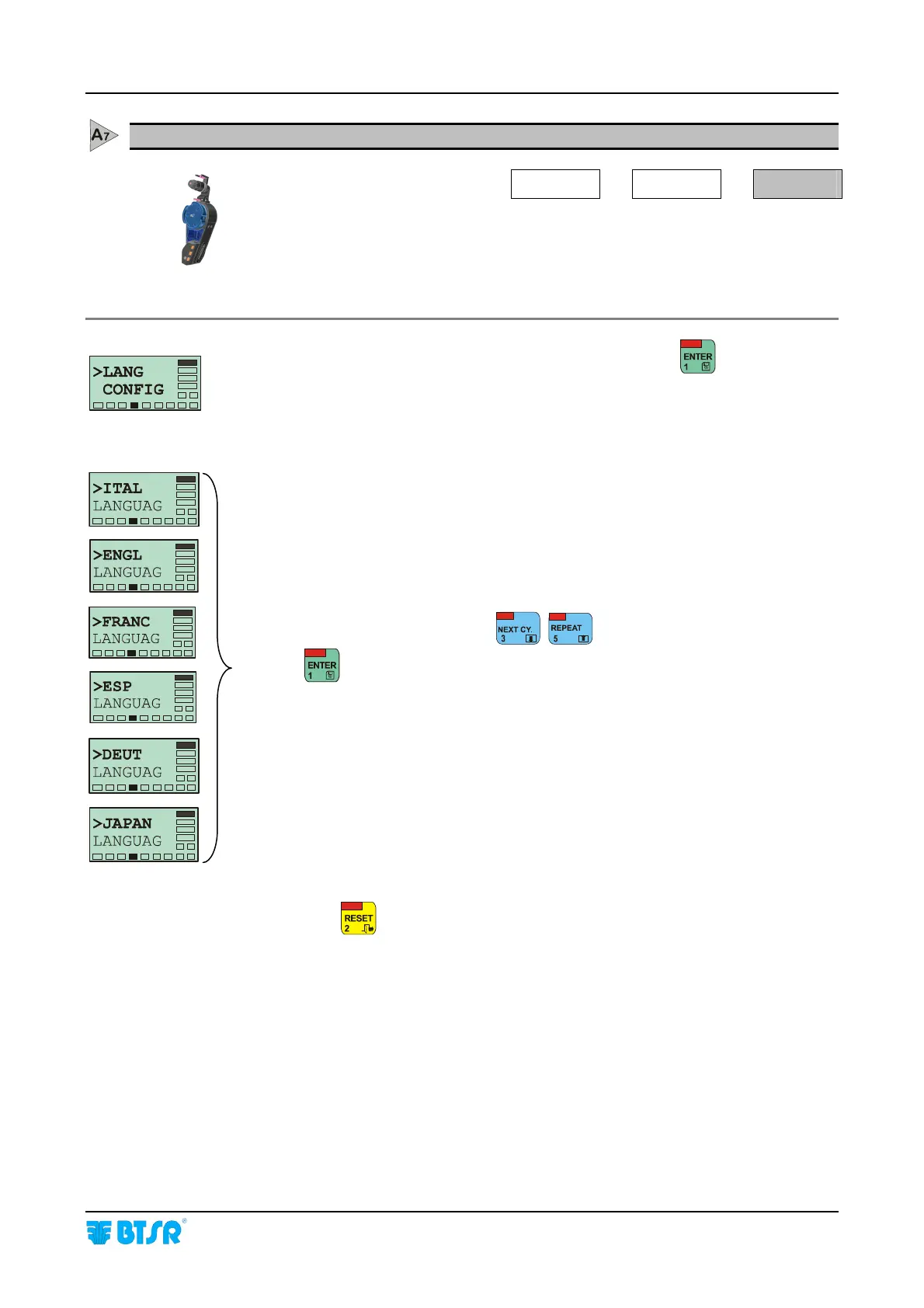
This function allows you to select the language to be used for displaying messages
on KTF/100HP screen. The selectable language are: Italian, English, French,
Spanish, German and Japanese.
Once you have selected the > LANG CONFIG screen, press
to access the
function.
Select the desired language using
.
Press
to confirm the selection
Press once
to exit the function, or twice to return to Main Menu.










 To Next Page