Introduction
- I.2 - SMART KTF 2000
Symbols Used
Highlights notes, warnings and subjects to which the attention of the reader
should be directed.
Indicates a particularly sensitive situation which could have an effect
on the safety or proper operation of the system.
While scrolling through features that can be activated from the SETUP,
MEASUR and CONTR menus described on chapter 3 (SMART KTF 2000
Operation), this symbol indicates the procedure that describes the specific
feature. The same symbol is shown at the beginning of the page, which
describes in details the function itself.
KTF/.. Means KTF/100HP and/or KTF/RW without distinctions.
MODE 04
This symbol indicates that, if the KTF100HP is operating in Mode 04, the
characteristics of the described function are different. For further
information please refer to paragraph “Specific Operation Characteristics
for Mode 04”, page 3.21 of KTF/100HP manual.
These symbols indicate the typical applications currently implemented on
SMART KTF 2000 terminal. The presence of one or more symbols in the
page header means that the function described in that page is enabled for
the indicated applications only.
If no symbol appears on the page header, then the described function
applies to all the applications.
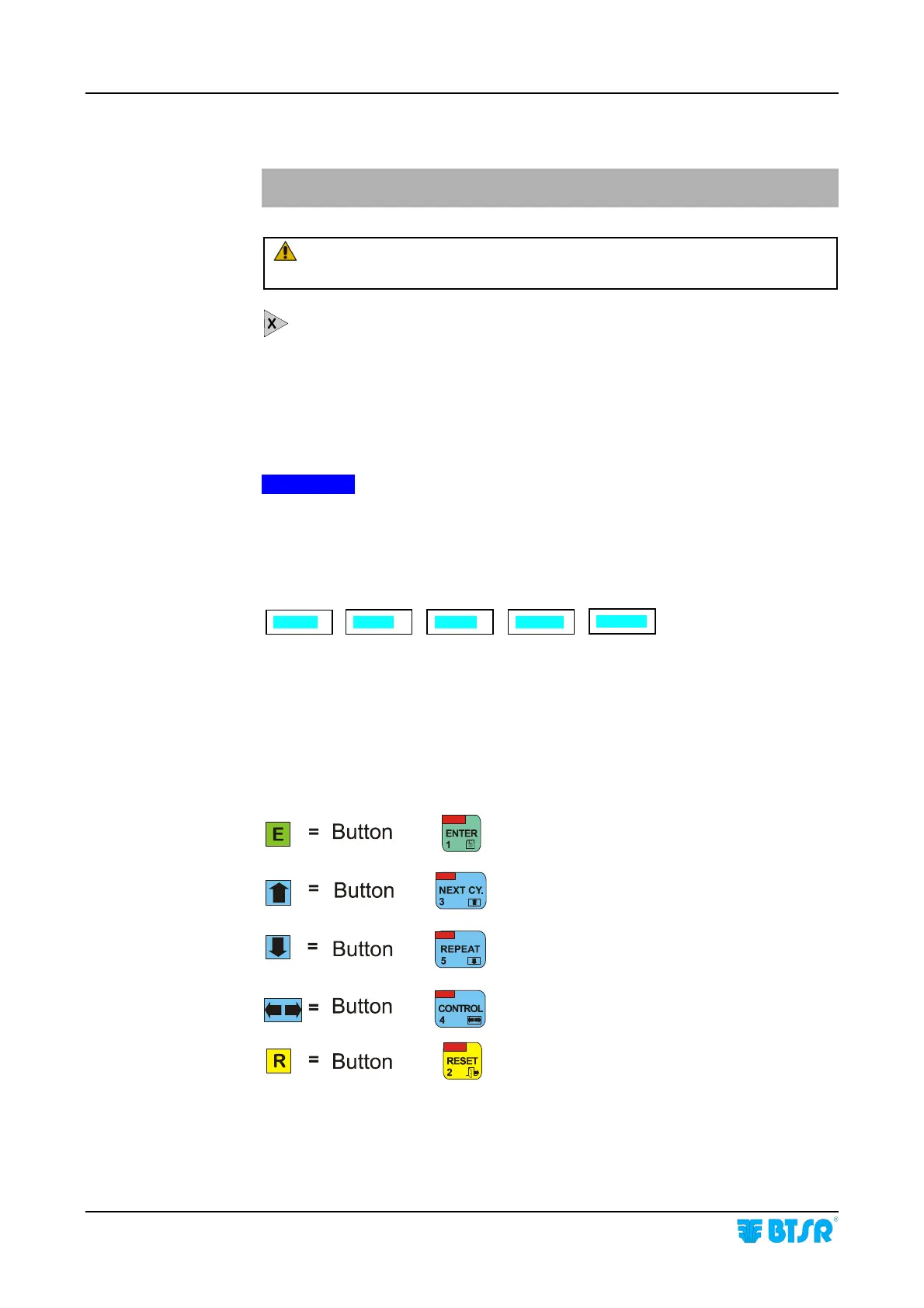
Within the Appendices A and B “Quick Reference” the push-buttons of
SMART KTF 2000 control panel are shown as indicated above.
BOD
-S
SOCKS
C-KNIT
F-KNIT
REWIND










 To Next Page