SMART KTF 2000 – KTF/RW Operation
SMART KTF 2000 3B-15 -
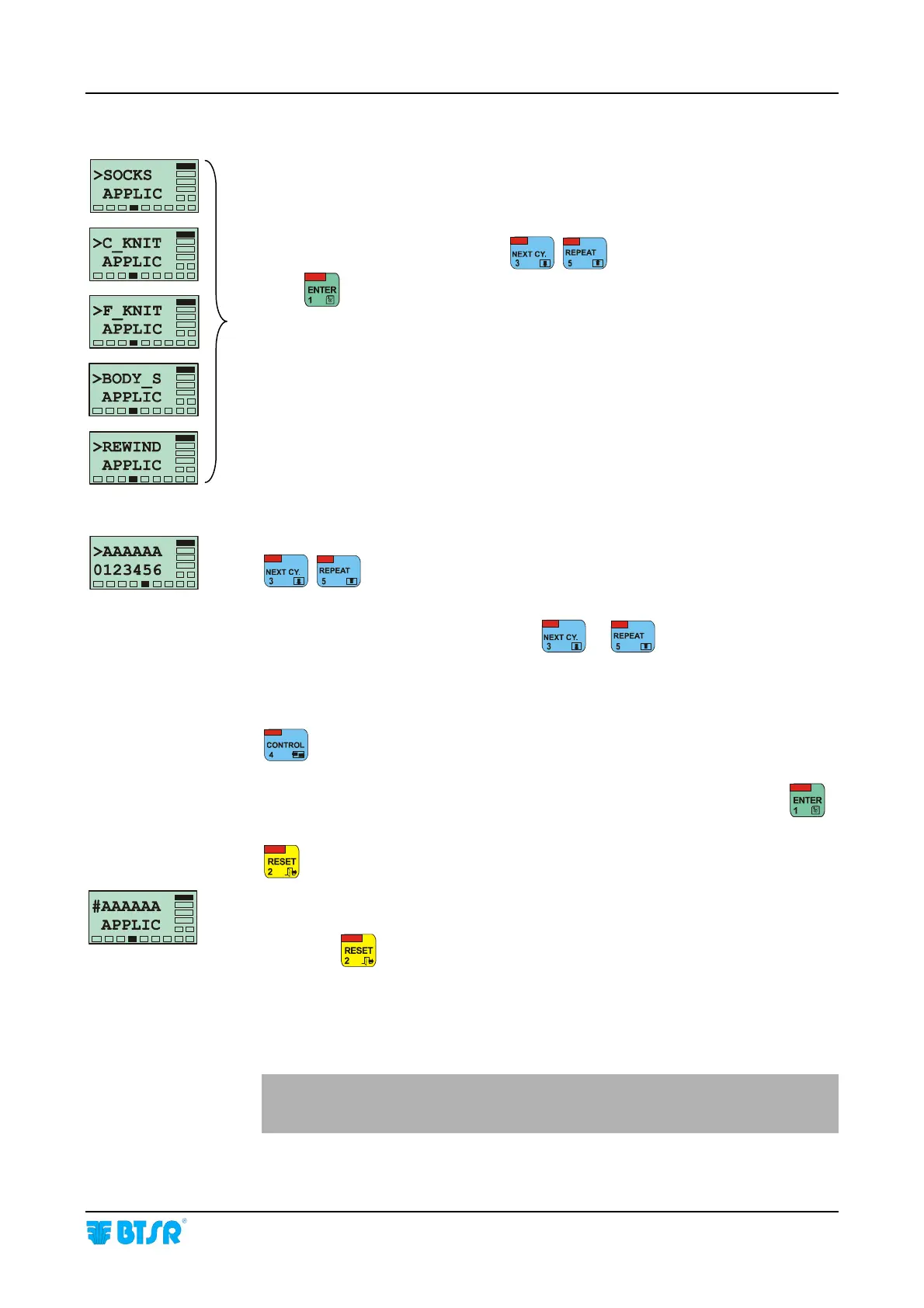
Select the desired application using
.
Press
to confirm the selection.
The currently selected application is marked with the symbol
# instead of >.
>AAAAAA = Name of selected Application
: to scroll up and down the available Functions (0 to 9).
The flashing number indicates the currently selected Function.
When you select a new Function using
or , the Application name is
briefly replaced by the name of Function corresponding to the flashing number.
E.g.: 0 = LEARN 1 = TARGET etc…
The underlined numbers indicate: Function Enabled
: to toggle between Enabled and Disabled.
Once you have configured your application with the desired functions, press
to confirm. Or press
: to exit the function without changing the current configuration.
The
# symbol indicates that the currently selected application is now the
AAAAAA Application.
Press once
to return to >APPLIC CONFIG screen, twice to return to
>CONFIG Menu, or 3 times to return to Main Menu.
The SOCKS, C-KNIT, F-KNIT and BODY-S, applications are normally
managed using KTF/100HP devices, while the REWIND application is
normally managed using KTF/RW devices.










 To Next Page