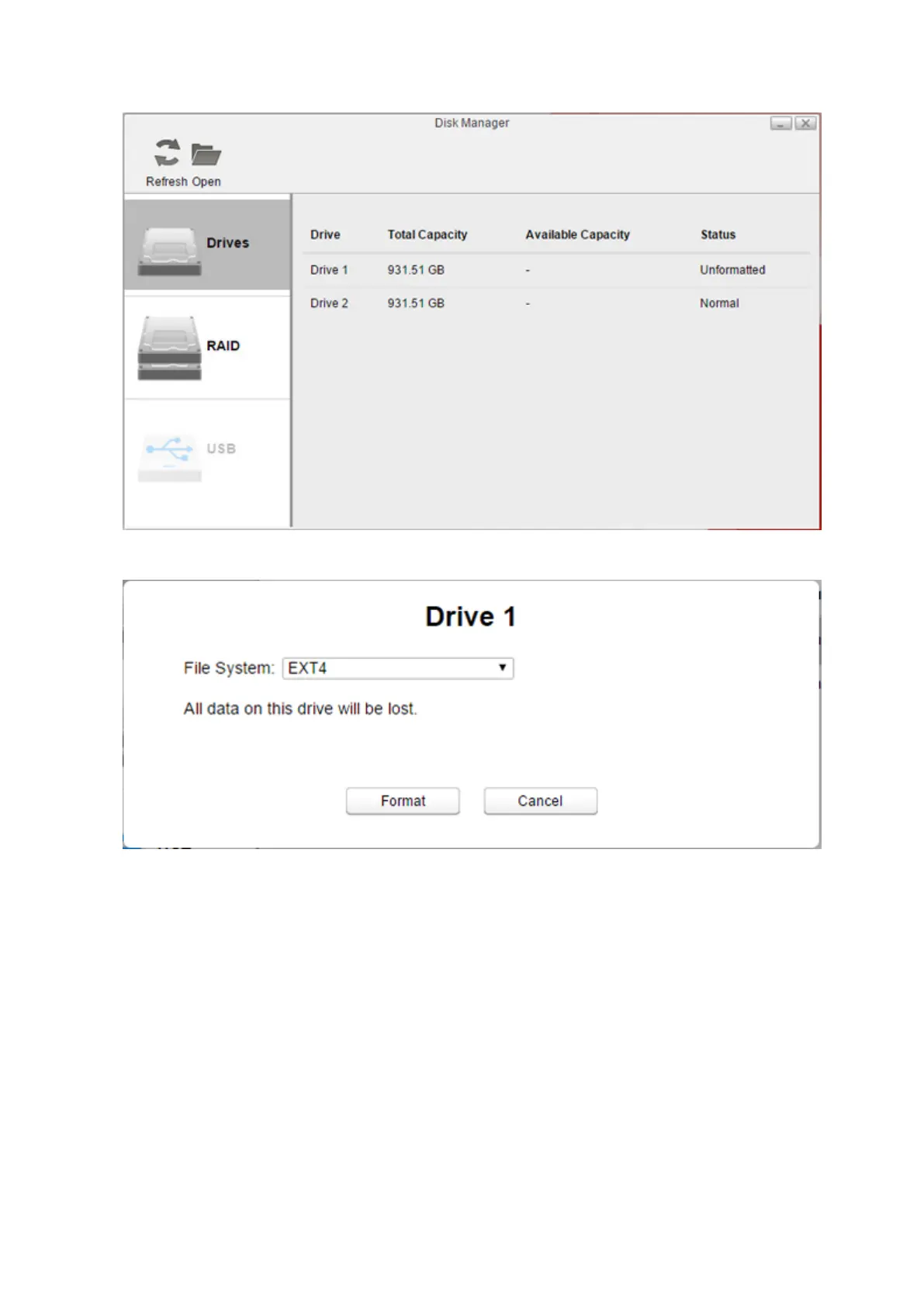
4 Select a drive that shows “Unformatted” and click Format.
5 Select a file system from the drop-down list and click Format.
6 When the format is finished, click OK, then Close.
Once the drive is formatted, create shared folders on the drive to use them. Refer to the “Folder Setup” section in
chapter 7 for the procedure.
52















 To Next Page