40
Operation
Type ME43
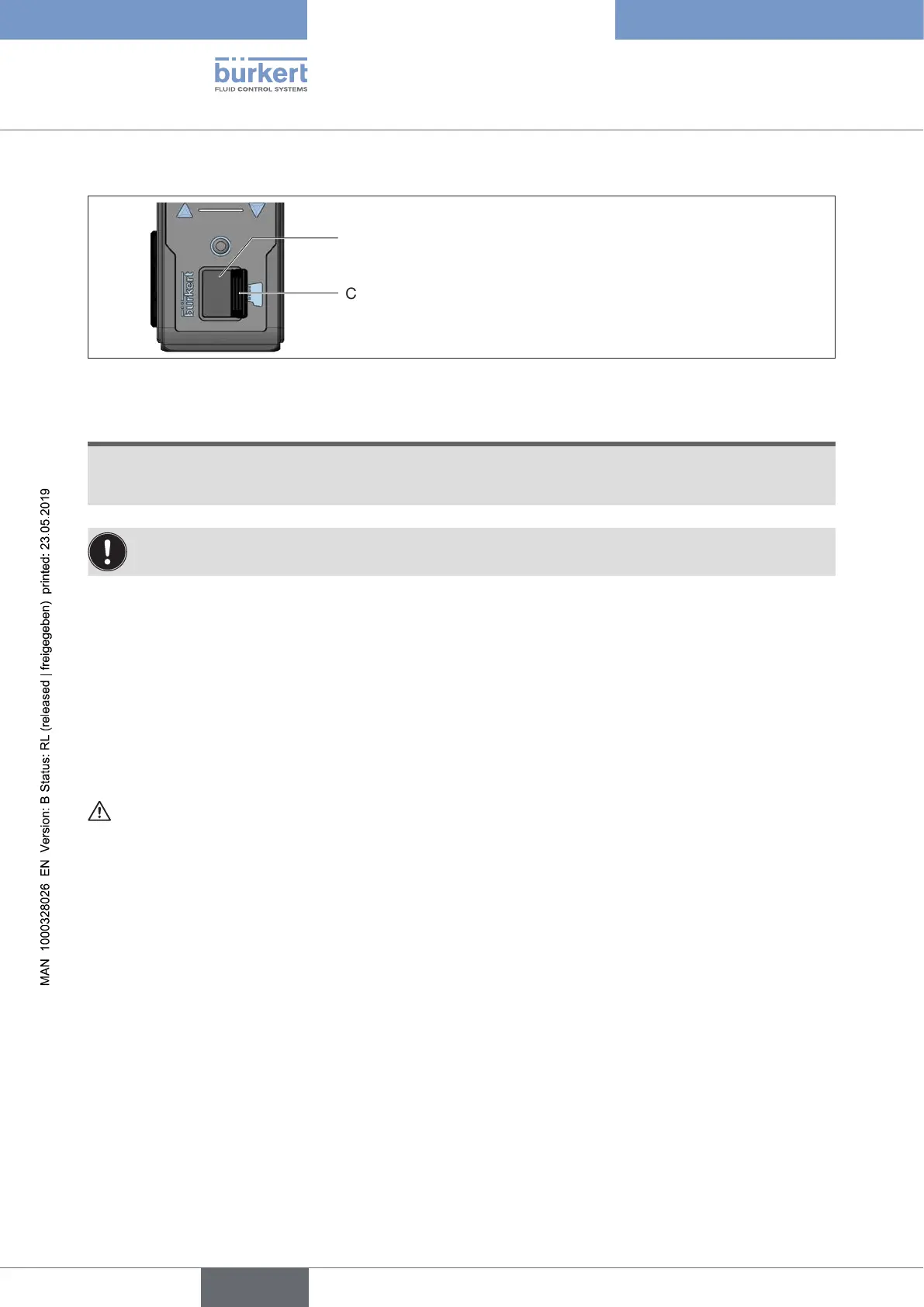
ReplacingtheMicroSDcard
Cover
Card holder for Micro SD card
Figure 19: Replacing the Micro SD card; eldbus gateway ME43
NOTE!
DonotremovetheSDcardwhilethesupplyvoltageisapplied.
IftheSDcardisremovedwhilethesupplyvoltageisapplied,datamaybelostandtheSDcardmay
bedamaged.
The SD card can be inserted while the supply voltage is applied.
A restart is required to ensure that the device detects the SD card.
Removing the Micro SD card:
→ 1. Carefully pull the cover out of the recess.
→ 2. Rotate the cover upwards to the left.
→ 3. Press on the edge of the engaged Micro SD card to unlock it.
→ 4. Remove the Micro SD card.
Inserting the Micro SD card in replacement device:
Insert the memory card the right way around.
→ Insert the Micro SD card into the card holder.
Ensure that the Micro SD card clicks into place.
→ Close the card holder using the cover.
english



 To Next Page