22
Start-up
Type ME43
8.4.5 Declaring inputs and outputs for the Gateway conguration
Declare inputs and outputs
Create a gateway conguration
– Input values
– Products
Back NextCancel
* Highlighted entries are available
in the current network
– Output values
0030739000000001
Inputs and outputs
EVA_SPdigital
Name
Massowrate[l/min]
Value type
Floating point number
Data type
0 l/min
Default value
O
Generic number %
Binaryvalue
Namurdevicestate
Lenght
Density
...
Generic number %
Binaryvalue
Namurdevicestate
Lenght
Density
...
– Electromotive Valves
332x E_Process_Valve
336x E_Process_Valve
328x Motor Control Valve
+ Process and Control Valves
+ Valve Islands
+ Sensors
...
-
EVA_PV_IO
-
EVA_SP_IO
%
EVA_POS
l/min
EVA_SPdigital
CANopen compatible
Groups / Devices
EVA
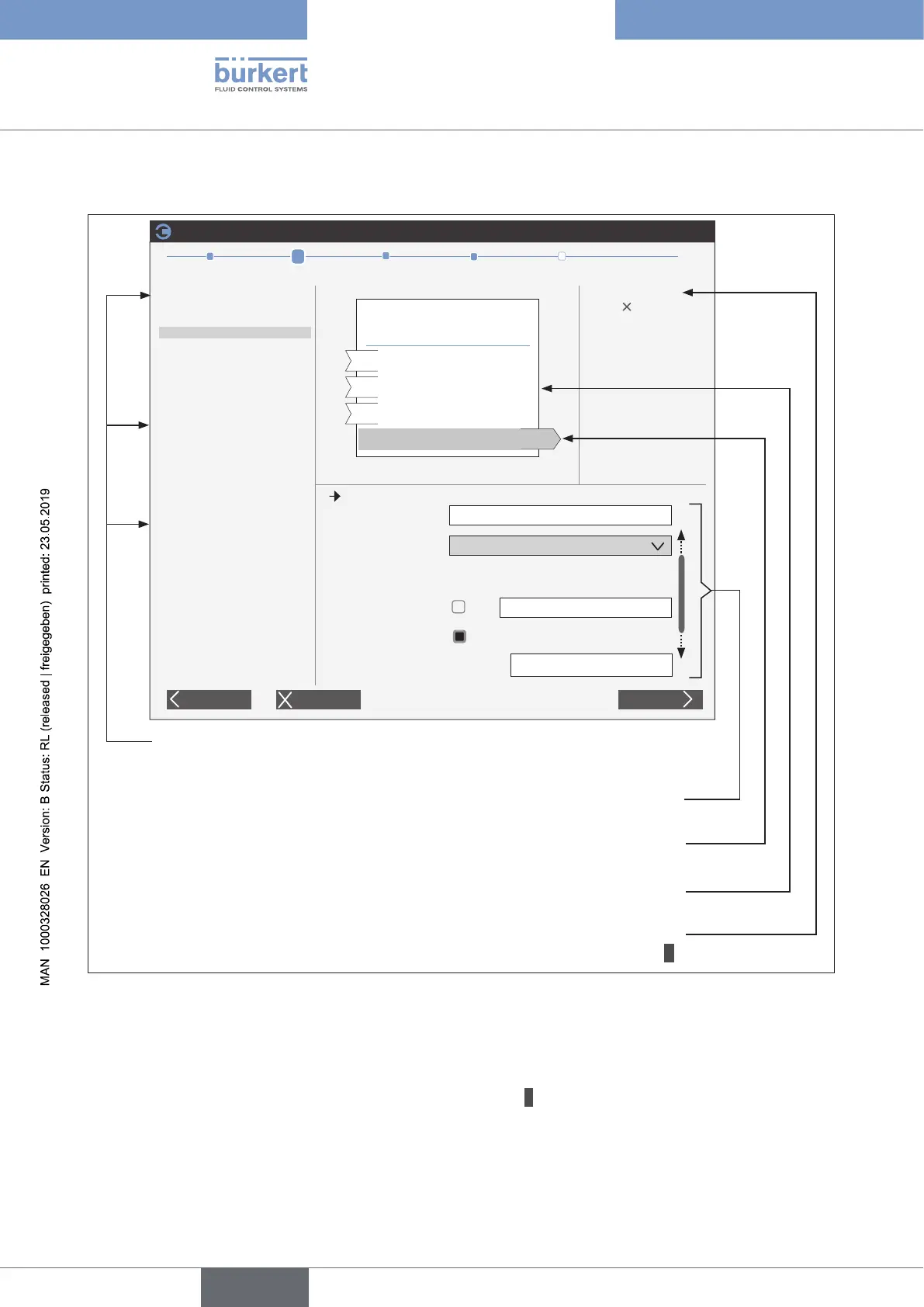
1. Selecting the products (devices) as well as the
input values and output values
Display of the selected devices / device groups
(to delete, click on the X)
Overview of the selected inputs and outputs
Example: selected output to be declared
(highlighted in grey)
2. Declaring inputs and outputs
Flow rate: Liters per m
Unit conversion
Unité API:
Figure 8: Declare inputs and outputs
1. Selecting the inputs and outputs:
Theinputsandoutputstobedeclaredarespeciedbyselectingproductsorprocessvalues.
→ Open the list of products and process values by clicking on +.
The process values in the büS network are highlighted.
english



 To Next Page