30
Start-up
Type ME43
8.4.7 Storage and download of the Gateway conguration
Final settings
Creation of a gateway conguration
Select output directory
Create new major version
Output directory
C:\User\Joe.Bloggs\AppData\Comuni
NextCancelBack
Browse
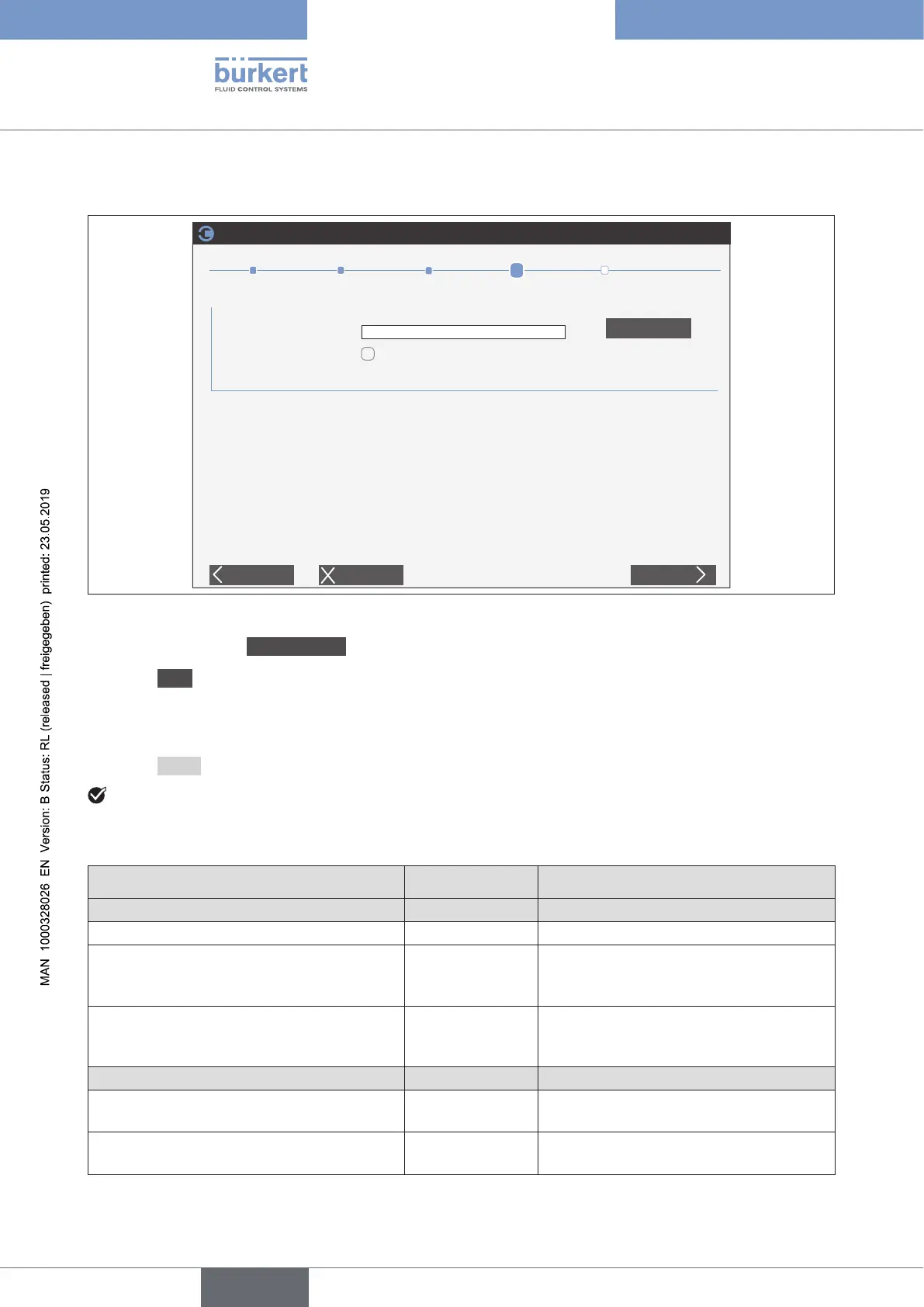
Figure 16: Selection of output list
→ In the dialogue box Finalsettings Select output directory.
→ Select Next.
TheGatewaycongurationissaved.
The download onto the device runs in the background.
Theexistingdevicedescriptionleisalsolocatedonthespeciedpathinthesubfolder.
→ Select Finish.
Thecongurationofthedeviceiscompleted.TheconnectionbetweenthePLCandeldbusgatewayis
established. Thefolder,inwhichthedescriptionlesarelocated,opensautomatically.
ThefollowingoverviewshowswhichlesaregeneratedduringtheGatewayconguration.
Gatewaycongurationle Folder Description
Protocol-independentles
Buerkert-Gateway-date-.bgc no folder Gatewaycongurationcontainer.
Buerkert-Gateway-Mapping-date-.xml BGC Gatewaymappingle.
Theleisautomaticallydownloadedto
the device.
Buerkert-Gateway-date-.eds EDS
Gatewayextensionle.
Theleisautomaticallydownloadedto
the device.
FilesforCC-Link
0x1640_GatewayME43_4_V2.0_E4.cspp PLC_CCLink Devicedescriptionle.Importintothe
PLC.
help_cclink.csv PLC_CCLink Overview of the cyclical and acyclical
device values.
english



 To Next Page