50
Other setting options
Type ME43
12 OTHER SETTING OPTIONS
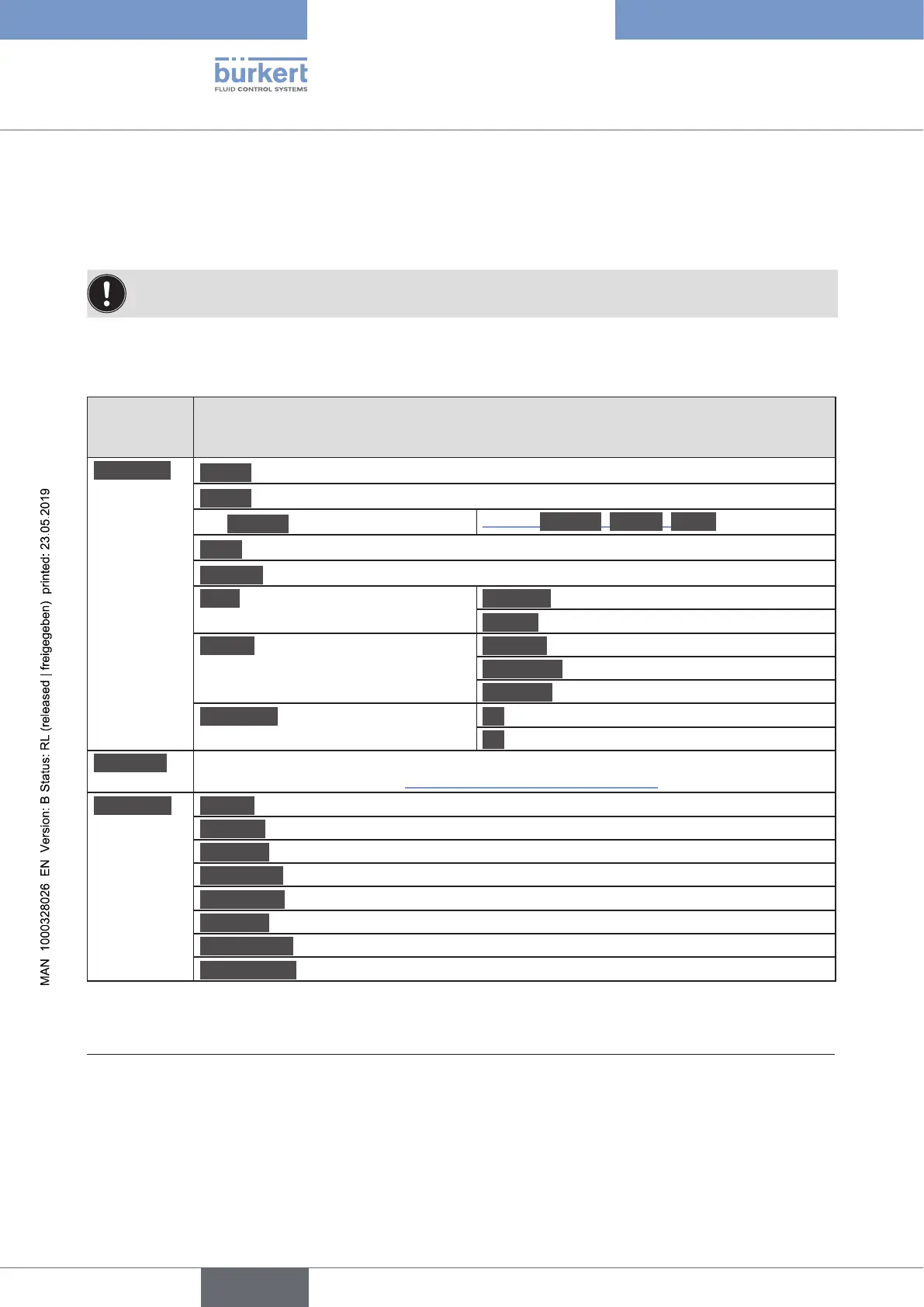
12.1 Settings on the display of the eldbus gateway ME43
SettingsadjustedonthedisplaycanalsobeadjustedusingthePCsoftware“Bürkert
Communicator”.
Overview:
Detailed
viewon
display
Setting
Parameter
Adress Set PROFIBUS address
1)
Adress Set CC-Link address
2)
Set IPmode
3)
Choice: StaticIP, BOOTP, DHCP
IPset Set IP address
4)
ProtocolSeteldbusprotocol
5)
BueS Baudrate Set baud rate
NodeID Set node ID
Display Contrast Set contrast of the display
Brightness Set brightness of the display
Mounting Set mounting position of the device
CfgProvid. OActivatecongurationprovider
OnDeactivatecongurationprovider
Diagnosis Display of errors by error code.
Error description see chapter “14.1 Description of the error codes”.
Maintena.. Restart of the device
Ident.noIdenticationnumberofthedeviceisdisplayed
Serialno. Serial number is displayed
SWversion Software version is displayed
HWversion Hardware version is displayed
büSvers. büS version is displayed
ICommvers. IComm version is displayed
DEVReplace canbeusedinconjunctionwithcongurationprovider.
Table 9: Setting options on the display of the eldbus gateway ME43
1) Only for PROFIBUS DPV1.
2) Only for CC-Link.
3) Only for EtherNet/IP.
4) Only for PROFINET, EtherNet/IP and Modbus TCP.
5) Only for PROFINET, EtherNet/IP, EtherCAT and Modbus TCP
english



 To Next Page