48
Web server
Type ME43
With EtherNet/IP, it is also possible to set DHCP or BOOTP (NOT standard).
The IP address is acquired from a DHCP server.
→ Open an Internet browser.
→ Input Default IP 192.168.0.100.
(For Ethernet/IP devices the IP address is assigned via a DHCP server. If no assignment occurs within
1minuteviaDHCP,thedeviceusestheDefaultIP192.168.0.100.)
ThesoftwareforcongurationoftheEthernetdeviceisnowavailableonthePC.
Congurationofseveraldevices:
AlldevicesaredeliveredwiththesameIPaddress(192.168.0.100).Toensurethatthedevicecan
beidentiedfortheconguration,thenetworkmaycontainonly1devicewhichhasnotyetbeen
congured.
▶ Connectthedevices(Ethernetdevice)insuccession,individuallytothenetworkandcongure.
11.4.3 Conguring Ethernet device
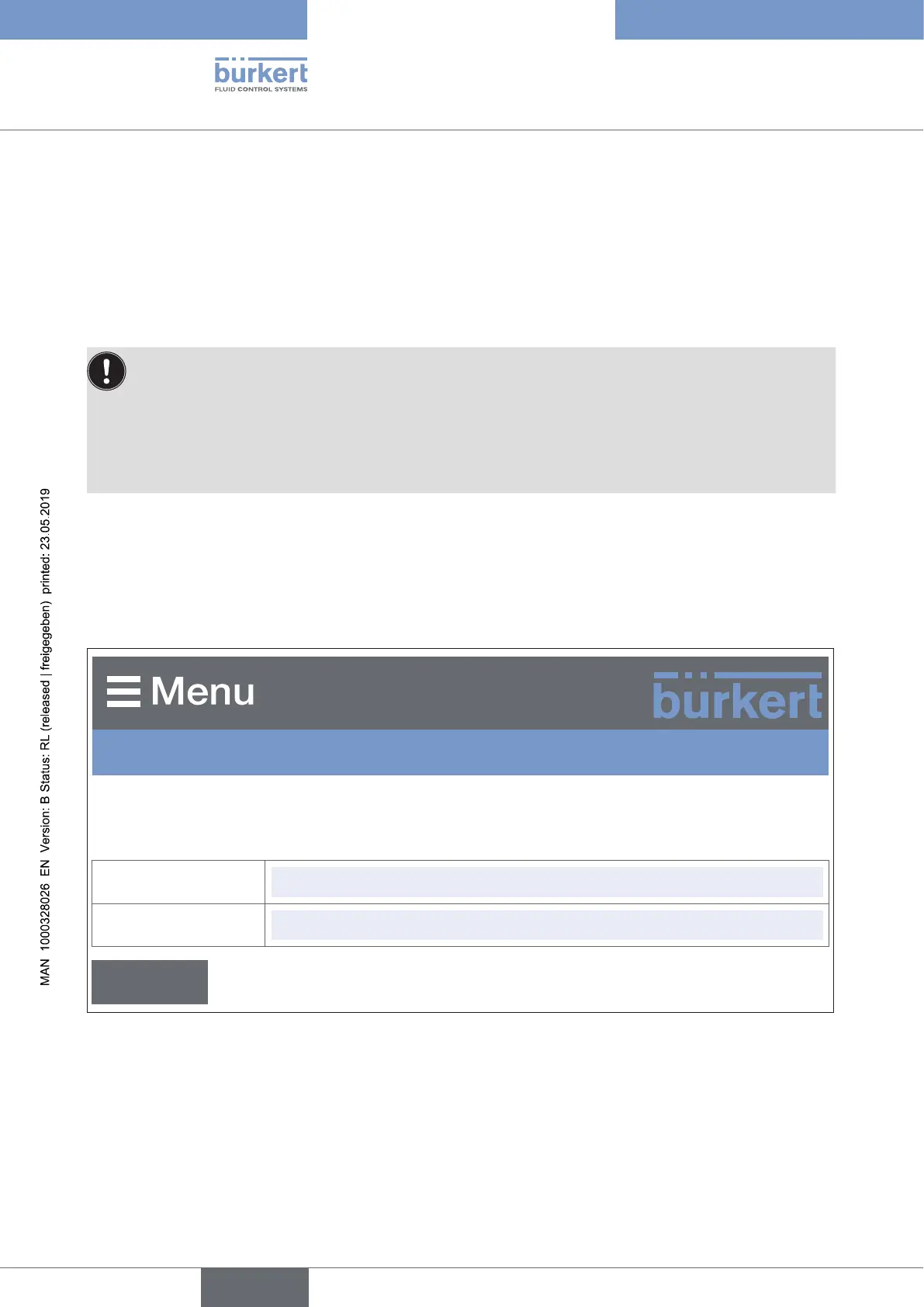
Loggingintothesystem:
→ Input user name and password. User name: admin
Password: admin
BürkertME43Gateway
S/N: 99
Userlogin
User name
admin
User password
admin x
Login
Figure 28: Logging into the system
english



 To Next Page