47
Web server
Type ME43
11 WEB SERVER
ThecongurationoftheEthernetparticipant,requiredtoconnecttothenetwork,canberunwithaWebserver,
the Bürkert Communicator or on the display.
11.4.1 Connection to the web server
→ Setting IP address in the network card of the PC.
IP address: 192.168.0.xxx
For xxx enter any numerical value except 100
(Ethernet device is delivered with 100 occupied by IP address).
→ Connect the PC to the Ethernet device with a network cable.
11.4.2 Access to the web server
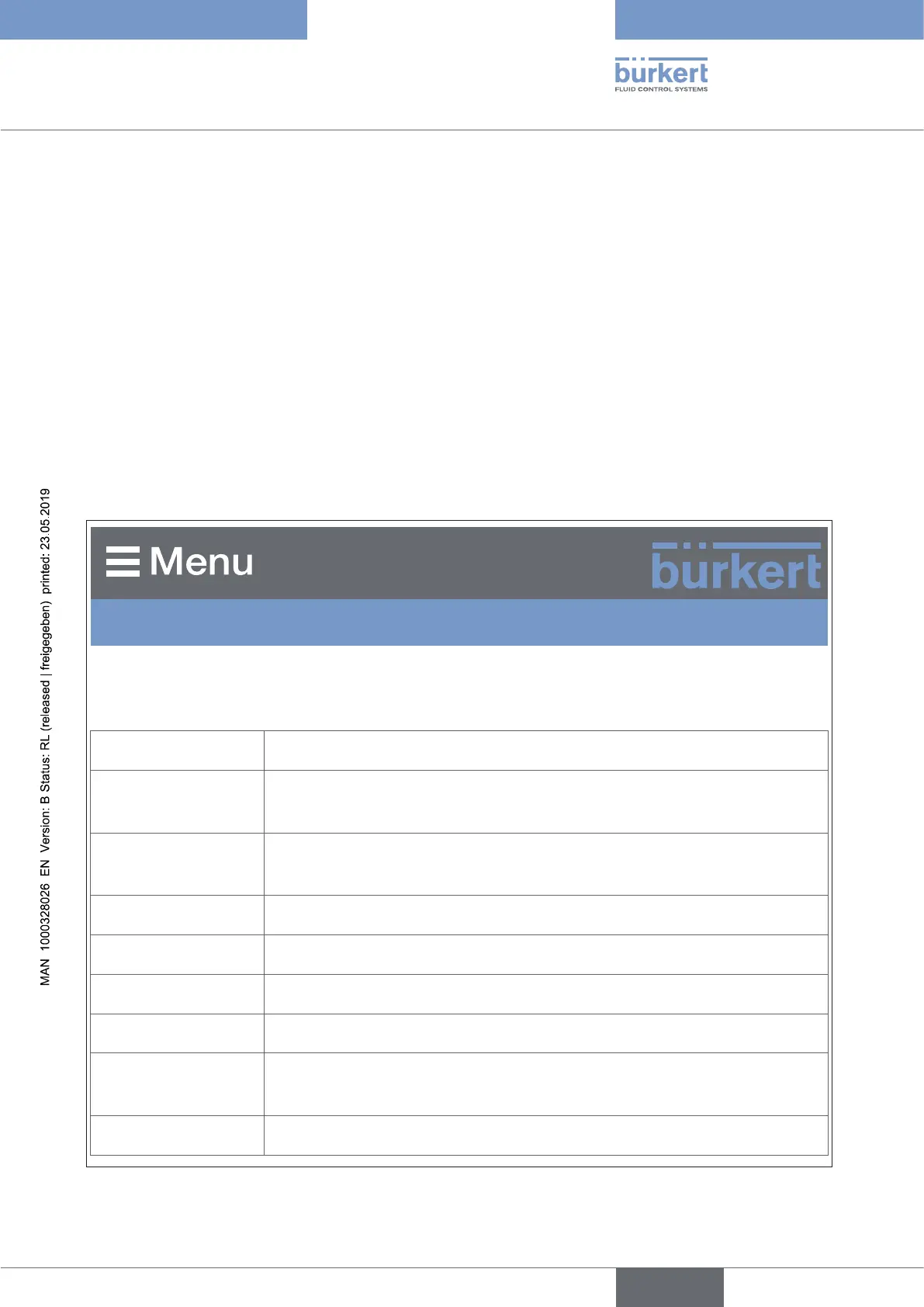
BürkertME43Gateway
S/N: 99
IndustrialCommunication
Protocol PROFINET
Communication
status
Waitingtoestablishcommunication
DNS compatible
name
MAC address DC:B0:58:99:00:99
Static IP address 192.168.0.100
Network mask 255.255.255.0
Default gateway 192.168.0.1
Temporary IP
address
192.168.0.100
IP settings None
Figure 27: Access to the web server via the Default IP
english



 To Next Page