23
Start-up
Type ME43
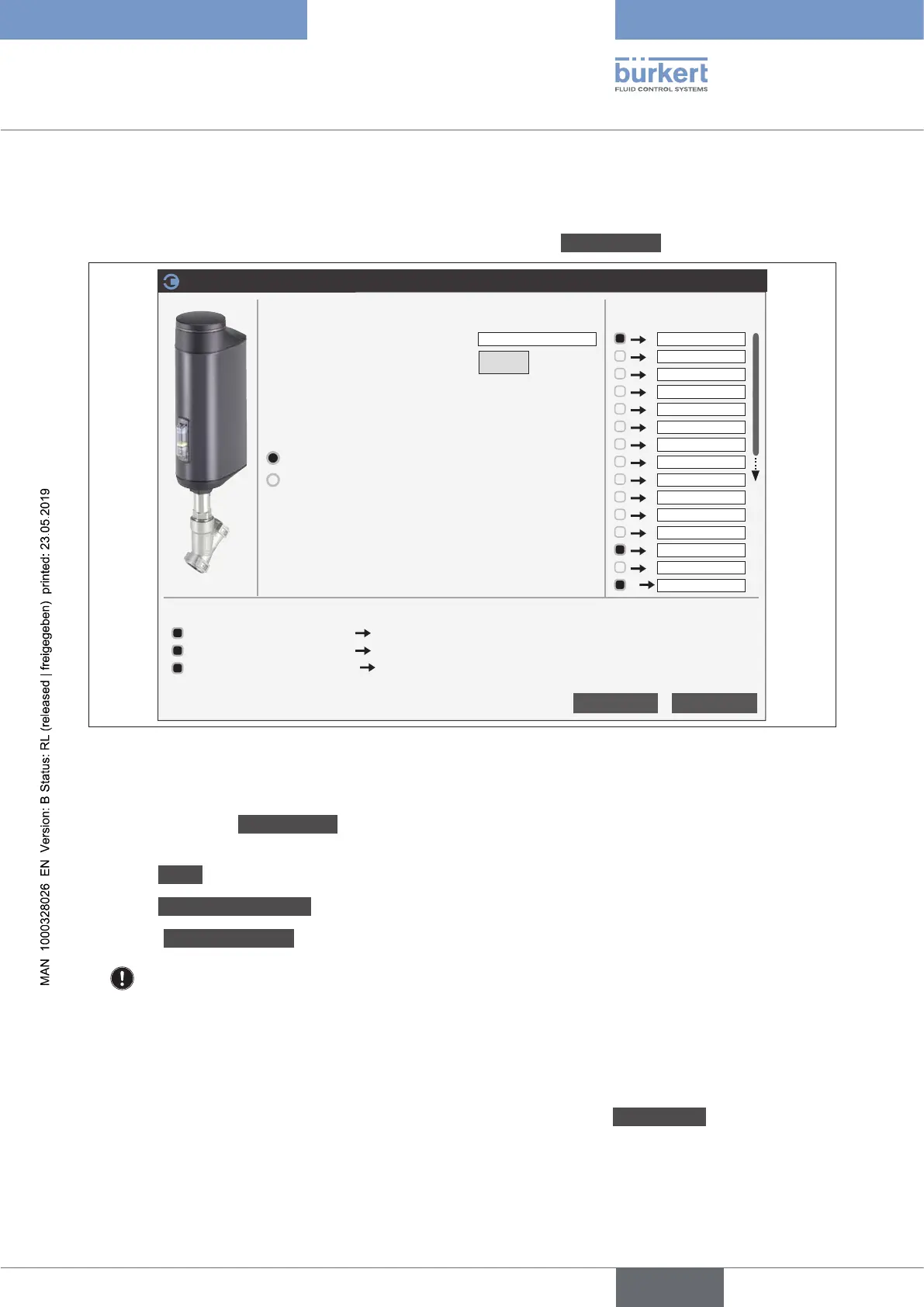
Addingproducts:
→ Add products by drag-and-drop or double-clicking.
ValuesfordeclaringinputsandoutputshavebeenpredenedintheAdddevice(s) dialogue box.
Settings
Values per device
Add device(s)
Device name
(prexforallvaluenames)
Count
Max. possible number of inputs
Max. possible number of outputs
128
128
OK
Cancel
EVA
1
^
Deviceconguration
Postition Controller
Process Controller
POS
i
CMD
i
SP_IO
i
PV_IO
i
CMD_IO
i
XCO_DO1
i
XCO_DO2
i
DigitalIn
i
CMD_GW
i
SP_GW
i
PCOinactiv_GW
i
ExrError_GW
i
PV_UserUnit
i
NamurStatus
i
CMDdigital
O
Preview
Generated values: 3
EVA_POS REAL Generic number %
i
EVA_NamurStatus UINT8 Namur device state
i
EVA_CMDdigital REAL Generic number %
O
Figure 9: Gateway conguration; add products
Make the following settings in the dialogue box:
→ Accept or change Devicename(max. 20 characters)
Thenameisusedforprotocol-specicgroupingandtoimproveassignmentinthenetwork.
→ Select Count of the devices.
→ Select Deviceconguration (if selection option available).
→ Accept Valuesperdeviceorselectdierentvalues.
(to select, click on the square before the value).
The name of the value can be changed by overwriting it.
Addingprocessvalues:
→ Drag-and-drop or double click to add input values and output values.
Adding multiple values from the same unit at the same time:
→ Click on the unit with the right mouse button and then on the window Addmultiple.
→ Add all of the required values.
english



 To Next Page