24
Start-up
Type ME43
Contextualizeddenitionofvalue:
Input values
Icon:
i
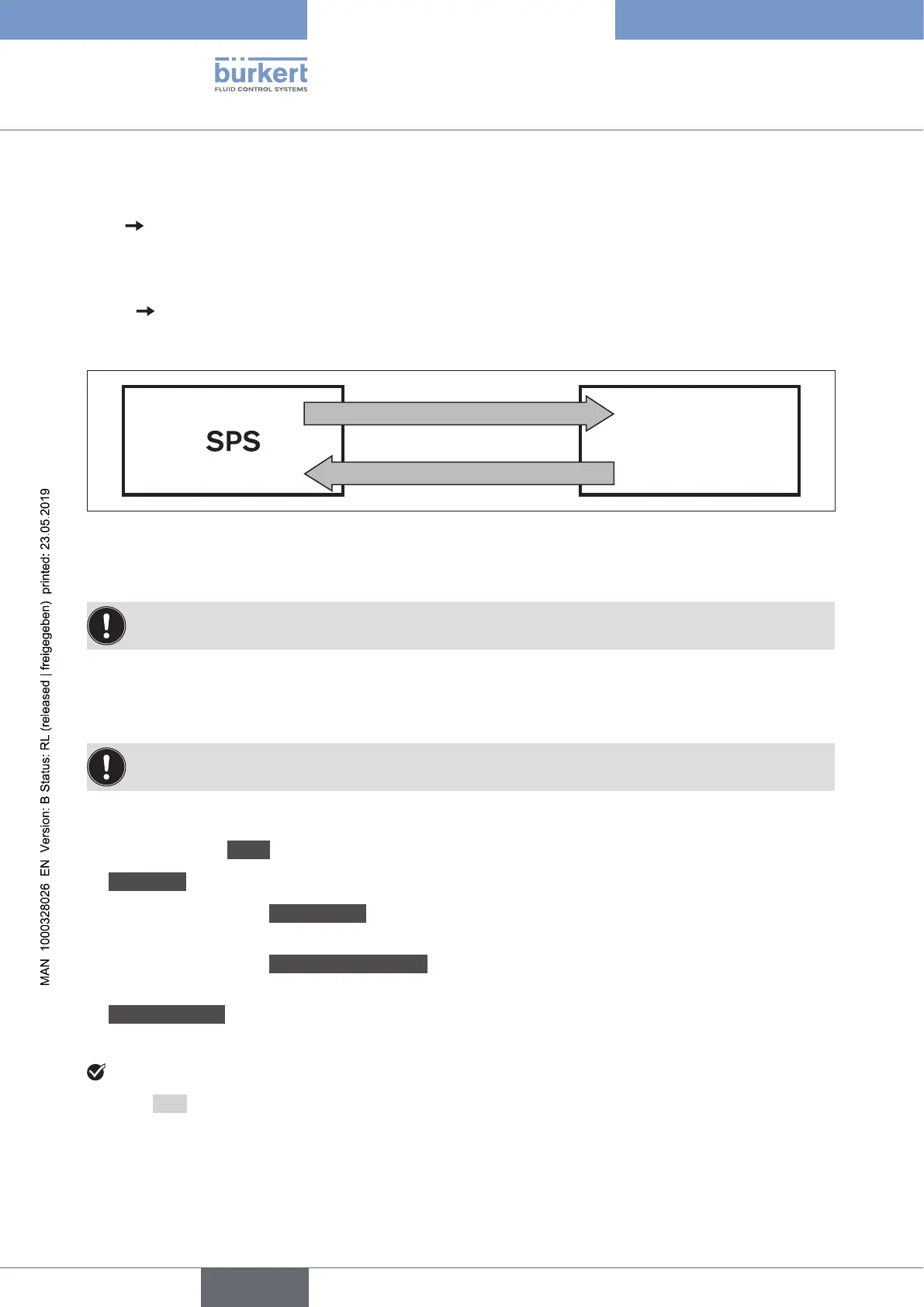
Input values are values which come from the büS participant and are read by the PLC (büS device →
fieldbusgateway→ PLC)
Output values
Icon:
O
OutputvaluesarevalueswhicharewrittenfromthePLCtothebüSparticipant/eldbusgateway.
büSdevice
Outputvalue
Inputvalue
Inputvalue Outputvalue
Continued output data
Continued input data
Figure 10: Conguration; type of conversion for process values from the PLC to the büS device
2. Adjusting properties of the values:
Thepropertiesforthevaluesonlyrequireadjustmentifdeviationsfromthestandardare
requested.
→ In the overview click on the input value or output value to be declared.
The selected value is highlighted in grey.
The default values for the declaration are shown at bottom right.
Meaningofthedefaultvalues.
Thedefaultvaluesareusedwhenthedevicestartsorifthepartnerdevicewasnotfound.
For the declaration input or select the following:
→ Accept or adjust Name.Thesenamesappearviathedevicedescriptionleinthetargetcontrol.
→ Valuetype. Specify physical size or device status for the input or output.
→ Select or do not select Defaultvalue.
The standard value is accepted if no signal arrives from the partner device.
→ Select or do not select CANopencompatible.
Is selected when the values are consumed by a CANopen device.
→ Unitconversion.
SpeciesinwhichphysicalunitthevalueisreceivedorsentbythePLC.
YouhaveselectedanddeclaredtheinputsandoutputsfortheGatewayconguration.
→ Using Next,openthemenufortheeldbus-specicaddressmapping.
english



 To Next Page