cab Produkttechnik GmbH & Co KG 227
227
[TABLE OF CONTENTS]
[COMMAND LIST][INDEX]
Hermes
Apollo
A-series
This
function is
available
for:
[ESC][i][L][S]
PRODUCT MARKING AND BARCODE IDENTIFICATION
M-series
[U:x] Insert Unicode characters
This option inserts UNICODE characters in the data string of your text or barcode fields.
[U:x]
U = Select unicode character
x = Hexadecimal value, indicated by a dollar sign ($) or
ASCII control code name, such as:
NUL, SOH, STX, ETX, EOT, ENQ, ACK, BEL, BS, HT, LF, VT, FF,
CR, SO, SI, DLE, DC1, DC2, DC3, DC4, NAK, SYN, ETB,
CAN, EM, SU, ESC, FS, GS, RS and US.
or
Control codes for Code 128 such as
FNC1, CODEA, CODEB, CODEC.
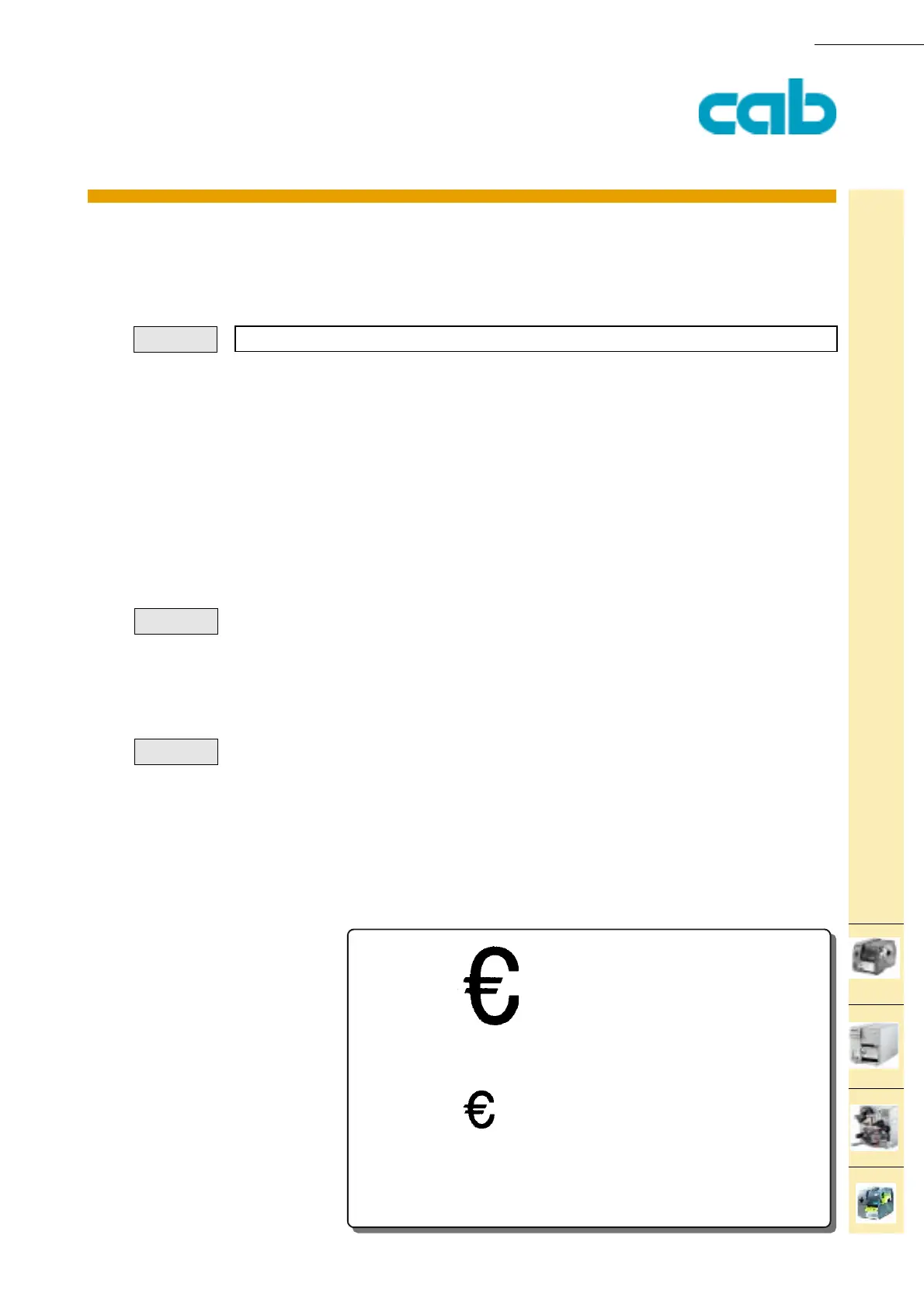
[U:$20AC] creates the Euro currency symbol
[U:FNC1] creates a function code 1 character (Used for barcode typeCode 128)
[U:$D] or [U:13] creates a Carriage return
[U:$A] or [U:10] creates a line feed
J
S l1;0,0,68,71,100
T 20,15,0,3,20;[U:$20AC]
T 20,40,0,596,10;[U:$20AC]
A1
Syntax:
Example:
Example:



 To Next Page