EasyManua.ls Logo

Caen V2718 - Status Register; Fig. 5: the Location Monitor; Fig. 6: Status Register; Egister

Default Icon
79 pages
Print Icon
To Next Page IconTo Next Page
To Previous Page IconTo Previous Page
Loading...
Document type:
Title:
Revision date:
Revision:
User's Manual (MUT)
Mod. V2718 VME PCI Optical Link Bridge
03/07/2018
11
NPO:
Filename:
Number of pages:
Page:
00106/03:V2718.MUTx/11
V2718_REV11.DOC
79
21
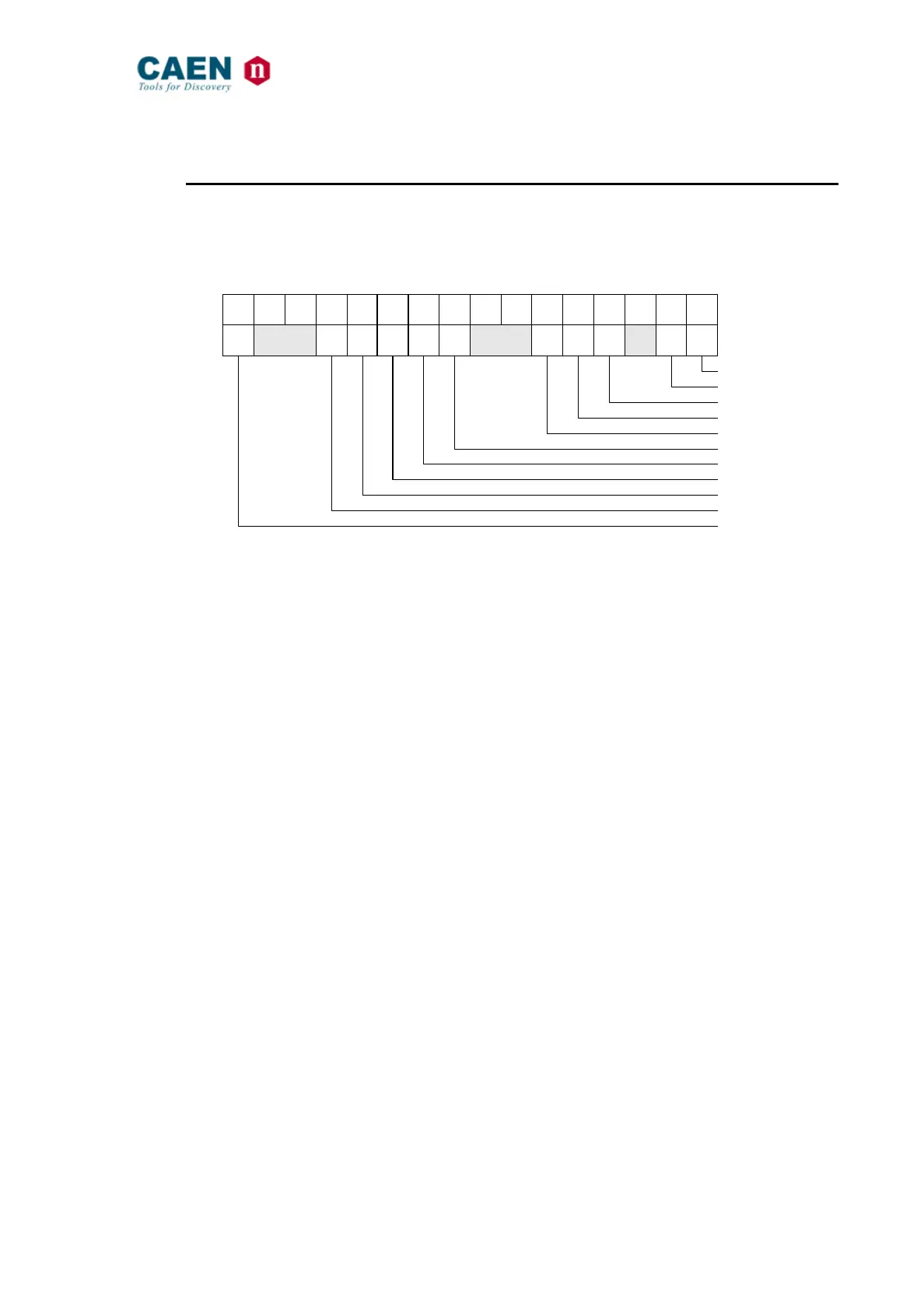
2.13.1. Status register
(Base Address + 0x00, D16, read/write)
This register contains information on the status of the module.
15 14 13 12 11 10 9 8 7 6 5 4 3 2 1 0
SYSTEM RESET
SYSTEM CONTROL
FLASH READY
DTACK
BERR
DIP SWITCH 0
DIP SWITCH 1
DIP SWITCH 2
DIP SWITCH 3
DIP SWITCH 4
USB TYPE
Fig. 6: Status Register
SYSTEM RESET: 0 = Inactive
1 = Active
SYSTEM CONTROL: 0 = Disabled
1 = Enabled
DTACK: 1 = Last cycle terminated with DTACK
0 = Any other case
BERR: 1 = Last cycle terminated with BERR
0 = Any other case
DIP SWITCH [4:0]: 0 = Switch set to OFF
1 = Switch set to ON

Table of Contents