4. Software overview
4.1. Software User Interface
An user friendly interface has been developed for the module’s control, the following sub
sections will show the features of the software, which is, anyway, mostly self explanatory.
4.1.1. Software User Interface: Installation
The following instructions will help through the module installation; the package includes:
− V2718 VME Board
− A2818 PCI Board
− Software & Documentation Pack CD
− User Manual
Before you begin, be sure that:
− the V2718 is not connected to your computer;
− the V2718 supports your operating system.
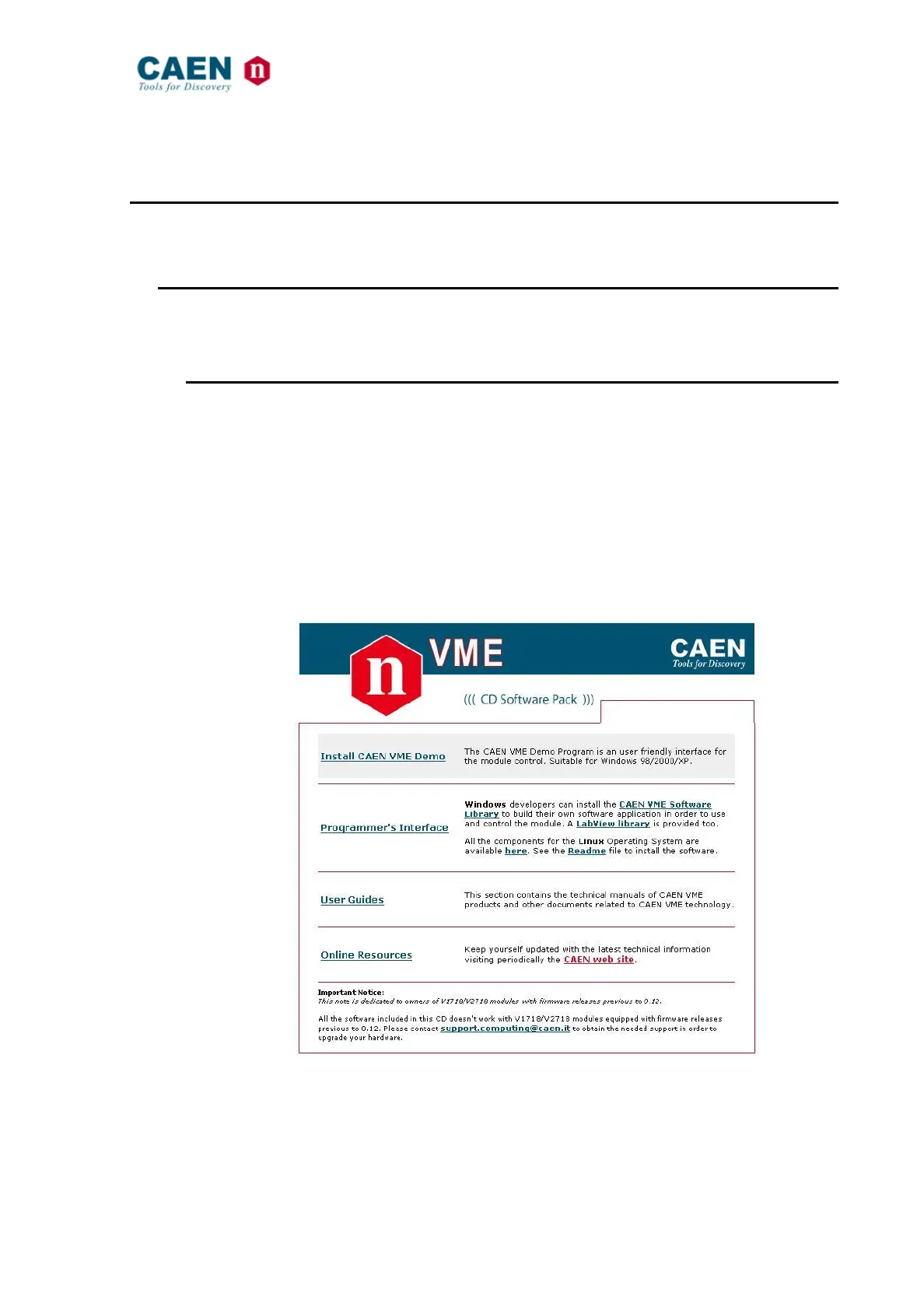
Place the CD in the CD tray in your PC, then the following window will open:
Fig. 45: The Software & Documentation Pack CD introduction
− Click on “Install CAEN VME Demo” in order to install the provided user friendly
interface which allows an easy and immediate control of the module (see § 4.1.3)



 To Next Page