4.1.6. Software User Interface: I/O Setting Menu – Scaler
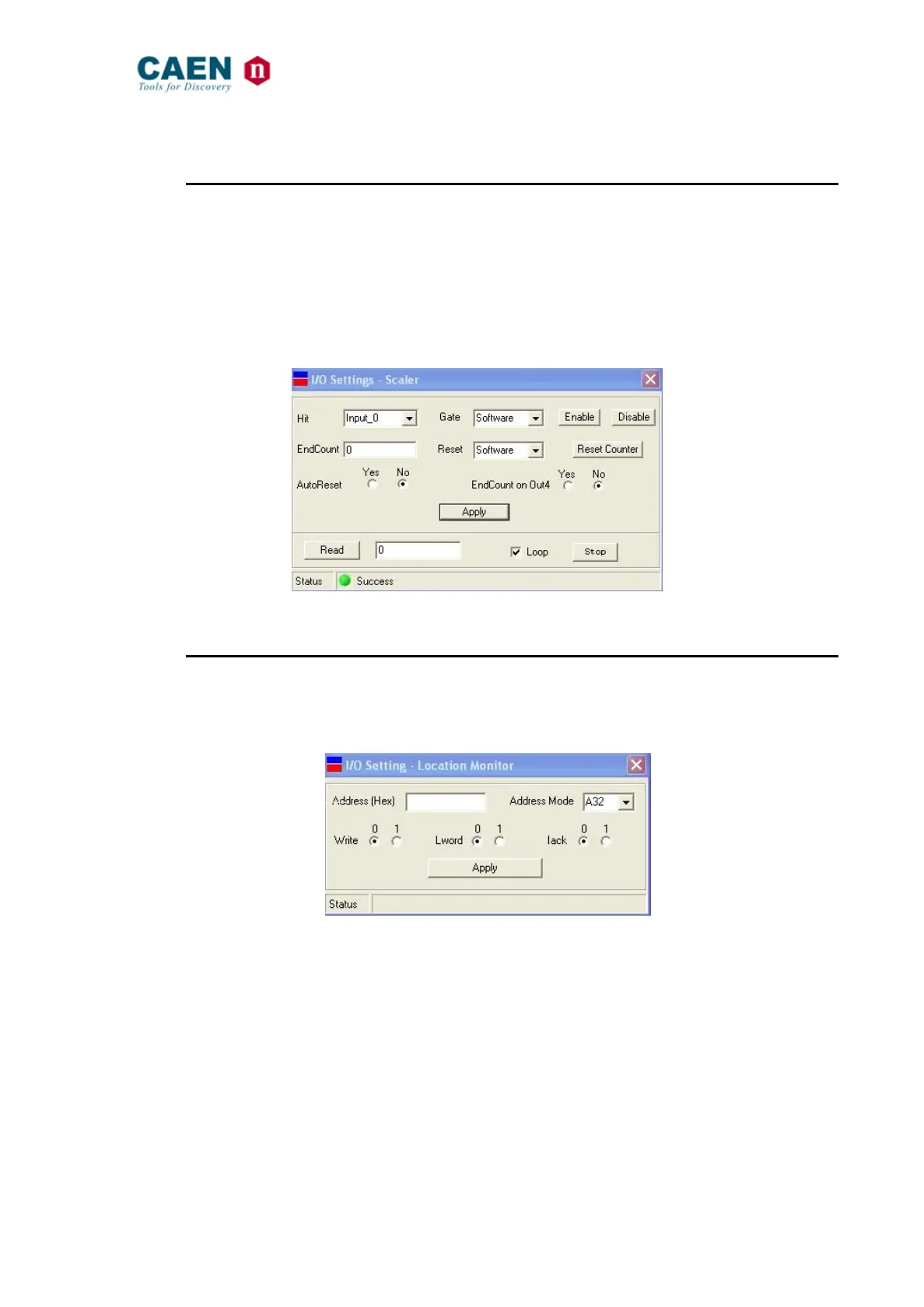
The Scaler Setting Menu allows to perform the settings of the V2718 built in scaler (see
§ 3.7). The V2718 features an internal scaler, which counts hits arriving on the enabled
front panel input (Input_0 or Input_1). Gate and Reset signals can be sent either on the
unused input connector or software generated; an End_Count_Pulse is eventually
available on Out_4. The End_Count field allows to set the number of hits to be stored
(End_Count_Limit); Auto Reset and Loop options can be either enabled or disabled
independently. The lowest field allows to read the stored hits. Refer also to § 2.13.21.
Fig. 49: The I/O Setting Menu – Scaler
4.1.7. Software User Interface: I/O Setting Menu – Location Monitor
The Location Monitor Setting Menu allows to produce an output signal when a particular
VME cycle, at a particular base address, is detected; see § 2.7 for details.
Fig. 50: The I/O Setting Menu – Location Monitor



 To Next Page