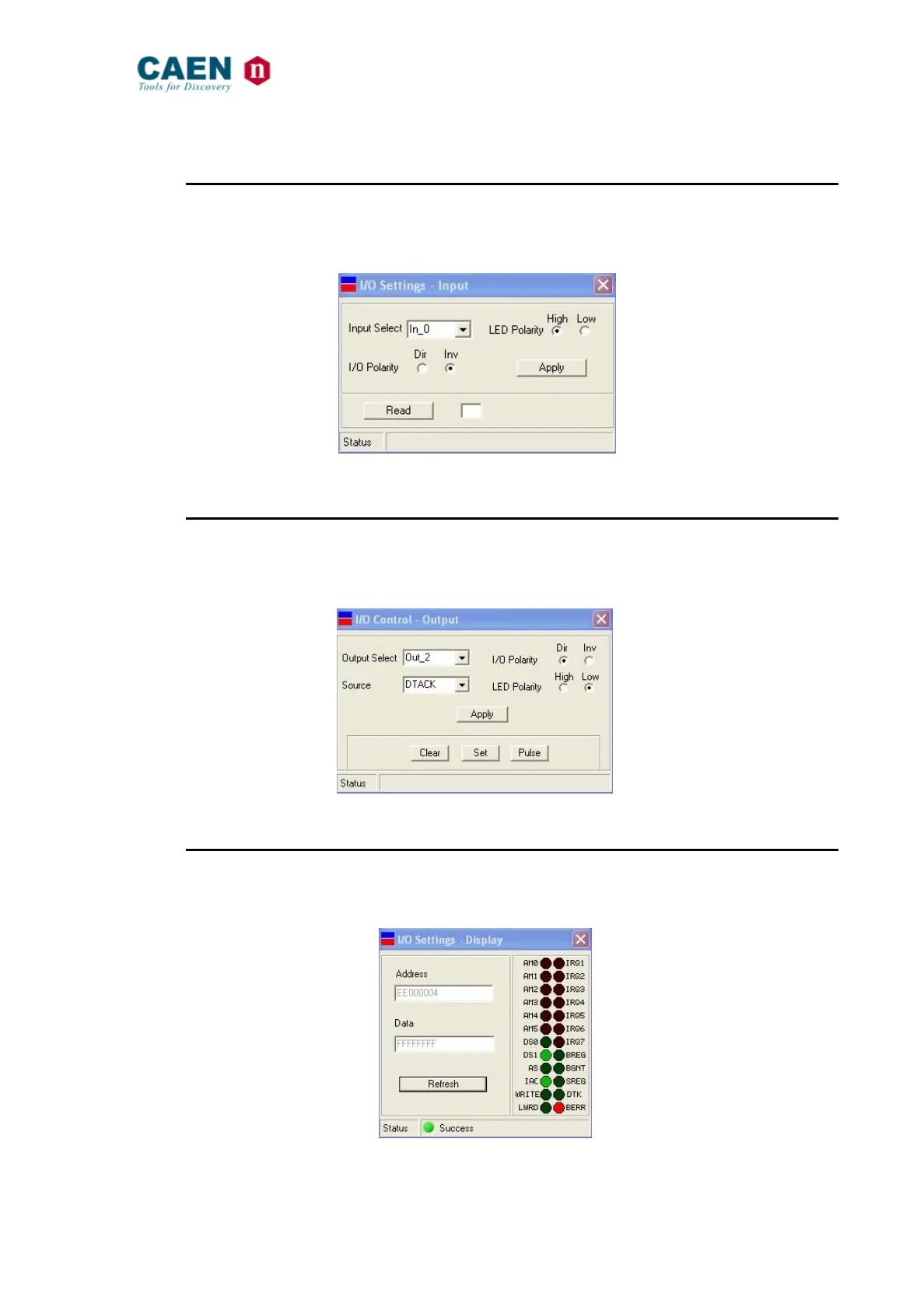
4.1.8. Software User Interface: I/O Setting Menu – Input
The Input Setting Menu allows to set the polarity of Input_0, Input_1 and of the relevant
LEDs see also § 2.13.11 and § 2.13.15.
Fig. 51: The I/O Setting Menu – Input
4.1.9. Software User Interface: I/O Setting Menu – Output
The Output Setting Menu allows to set the polarity of Output [0;4] and of the relevant
LEDs, as well as to select the output source and to produce an output pulse at will, see
also § 2.13.13.
Fig. 52: The I/O Setting Menu – Input
4.1.10. Software User Interface: I/O Setting Menu – Display
The Display Setting Menu allows actually to monitor the status of the Display
corresponding to a serviced cycle, see also § 2.13.23 through § 2.13.28.
Fig. 53: The I/O Setting Menu – Display



 To Next Page