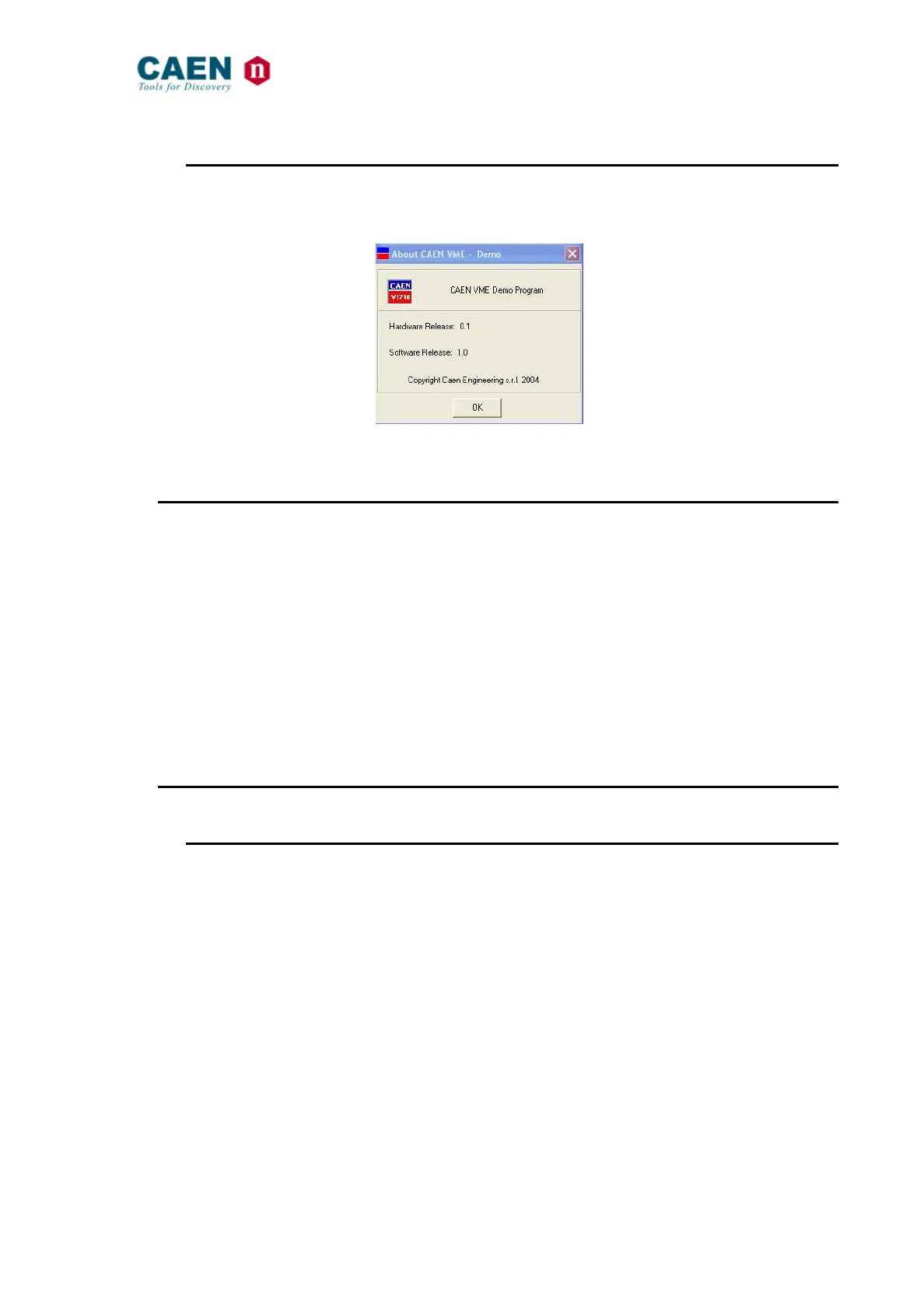
4.1.11. Software User Interface: I/O Setting Menu – About
The About Setting Menu allows to detect the revision number of the running software and
firmware.
Fig. 54: The I/O Setting Menu – Display
4.2. CAENVMELib introduction
This section describes the CAENVMELib library and its implemented functions.
CAENVMELib is a set of ANSI C functions which permits an user program the use and
the configuration of the V2718.
The present description refers to CAENVMELib Rel. 1.x, available in the following
formats:
− Win32 DLL (CAEN provides the CAENVMELib.lib stub for Microsoft Visual C++ 6.0)
− Linux dynamic library
CAENVMELib is logically located between an application like the samples provided and
the device driver.
4.3. CAENVMELib 1.x description
4.3.1. CAENVME_SWRelease
Parameters:
[out] SwRel: Returns the software release of the library.
Returns:
An error code about the execution of the function.
Description:
Permits to read the software release of the library.
CAENVME_API
CAENVME_SWRelease(char *SwRel);



 To Next Page