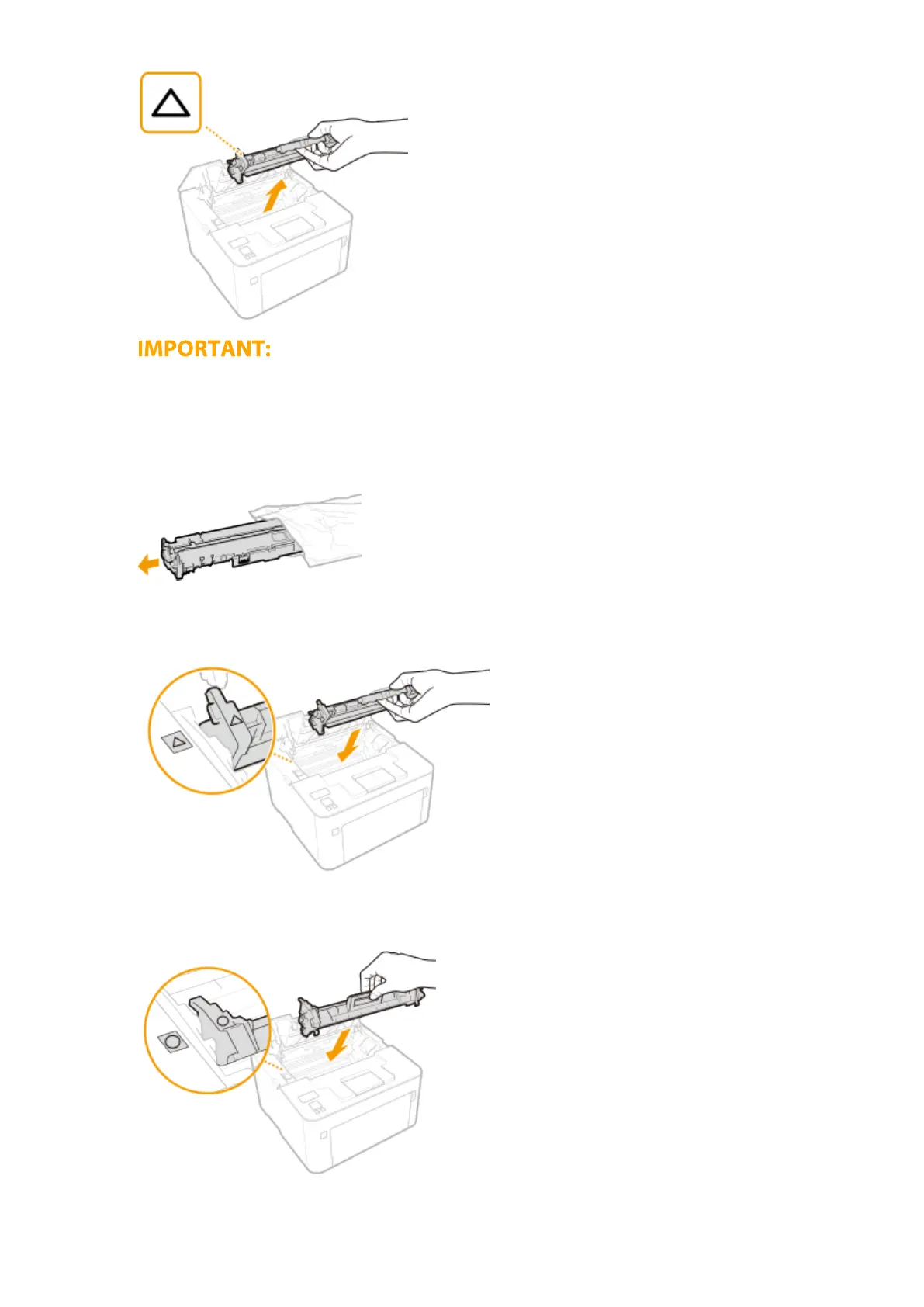
Do not shake or tilt the drum cartridge. Also, make sure to avoid applying shocks to the drum cartridge, such
as b
y hitting it against something. Doing so may cause the toner left in the drum cartridge to leak. Remove
the drum cartridge gently at the same angle as the slot.
4
Remove the new drum cartridge from the protective bag.
5
Replace the drum cartridge.
6
Insert the toner cartridge.
Maintenance
248














 To Next Page