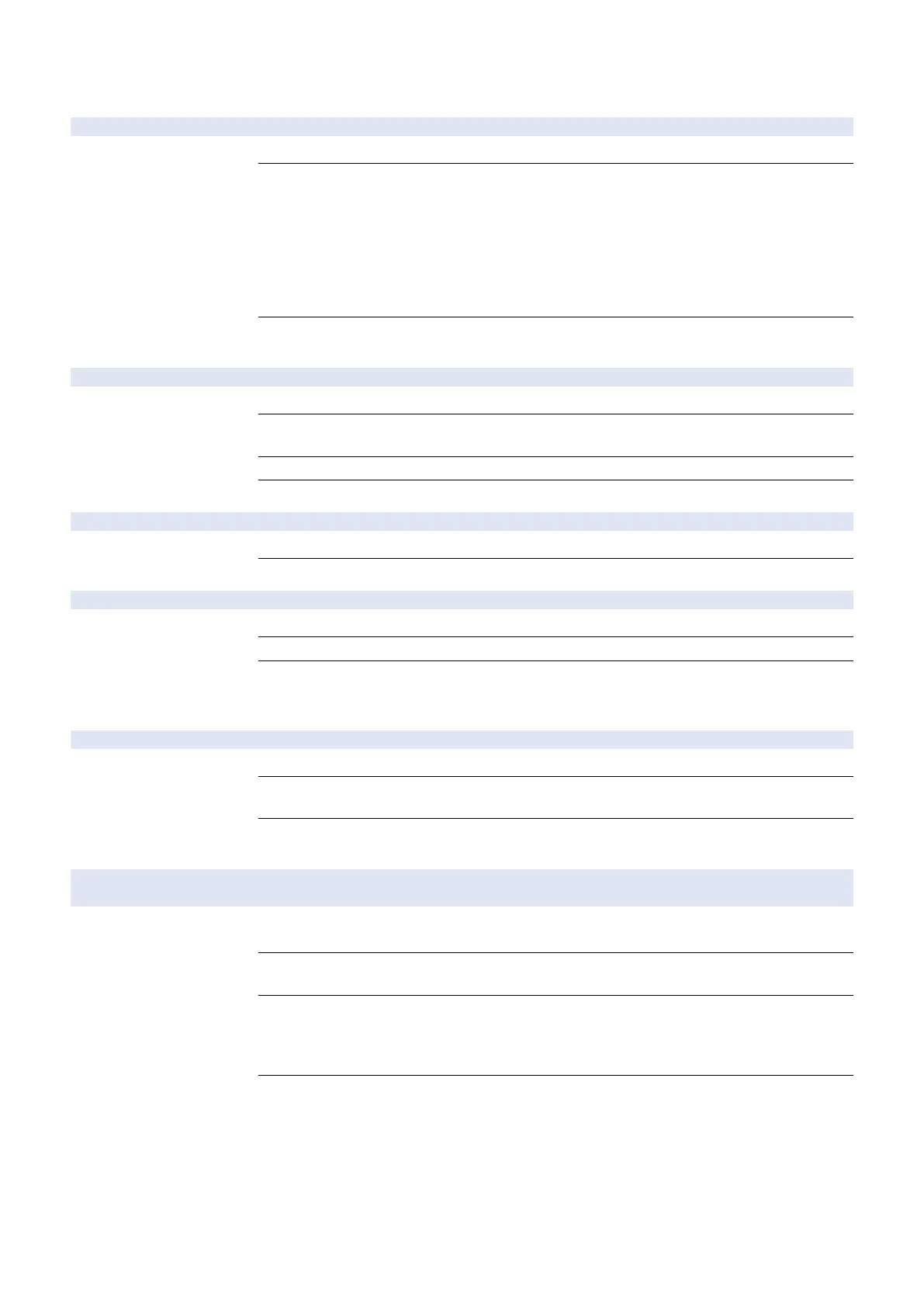
Service Mode > NETWORK GR.
Service Mode > NETWORK GR. > E-RDS
RGW-ADDRESS URL setting of UGW server
Detail To check and set up the URL for UGW server.
Adj/Set/Operate Method
1) Enter the URL and press OK key.
2) Turn OFF/ON the main power switch.
Use the “up, down, left and right keys, Job Status/Cancel key and Feeder selection key” to enter
URL, and "OK key" to set it. '↓' is displayed at the end of character string. The number of characters
that can be entered is 128.
The default value is the server URL. Characters that can be included are as follows.
01233456789ABCDEFGHIJKLMNOPQRSTUVWXYZabcdefghijklmnopqrstuvwxyz!"#$%&' () *
+,-./:;<=>?@[¥]^_`{|}~
Caution
If "ugwdevice.net/" is not included in the character string when entering an URL, it is judged as an
authentication error and an error message is displayed.
RGW-PORT Setting of UGW server port number
Detail To set the port number for the UGW server.
Adj/Set/Operate Method
1) Enter setting value, and then press OK key.
2) Turn OFF/ON the main power switch.
Display/Adj/Set Range
1 to 65535
Default Value
443
COM-TEST Execution of communication test with UGW server
Detail To execute a communication test and display the result.
Adj/Set/Operate Method
Select the item, and then press OK key.
COM-LOG Display of UGW server communication test error details
Detail To display the details of communication test result.
Adj/Set/Operate Method
Select the item, and then press OK key.
Caution
Communication with the server is attempted, and the time, error codes and error data at error
occurrence up to the present date are displayed. Maximum of 5 logs are saved, and the latest log
is displayed. Error data is 130 byte max.
CLEAR Initialization of UGW settings
Detail To clear the UGW settings, schedule data, alarm errors and filtering data.
Adj/Set/Operate Method
1) Select the item, and then press OK key.
2) Turn OFF/ON the main power switch.
Caution
Executing this item clears schedule data, alarm errors and filtering data in addition to the setting
value of the service mode E-RDS.
REDUCE SEND METHOD ON/OFF of reduced UGW data sent at startup
Detail To set whether to control types of data transmitted at device startup to reduce network load caused
by several thousand devices transmitting data simultaneously.
Caution
To reduce excessive network band usage caused by simultaneous data transmission by several
thousand devices.
Display/Adj/Set Range
Off/On
Off: At startup, transmit all the data whose transmission schedule has come past-due during power
OFF.
On: At startup, not transmit data other than errors, event logs and debug logs.
Default Value
Off
9. Service Mode
229



 To Next Page