File Type Settable Resolution
BMP
JPEG/EXIF
TIFF
75 to 600 dpi
PDF
PDF (1 page)
PDF (multiple pages)
PDF (additional pages)
75 to 400 dpi
When [Mail] is selected, supported resolutions vary, depending on the [Upper
Limit of Attached File] setting specied.
[Display the Scanner Driver]
When this check box is checked, the settings for [Scanner Settings] are unselectable.
When [Start] is click
ed, the [ScanGear MF] dialog box appears for you to specify advanced
scan settings.
This option is inaccessible when scanning using the [OCR] command button.
Saving scanned images
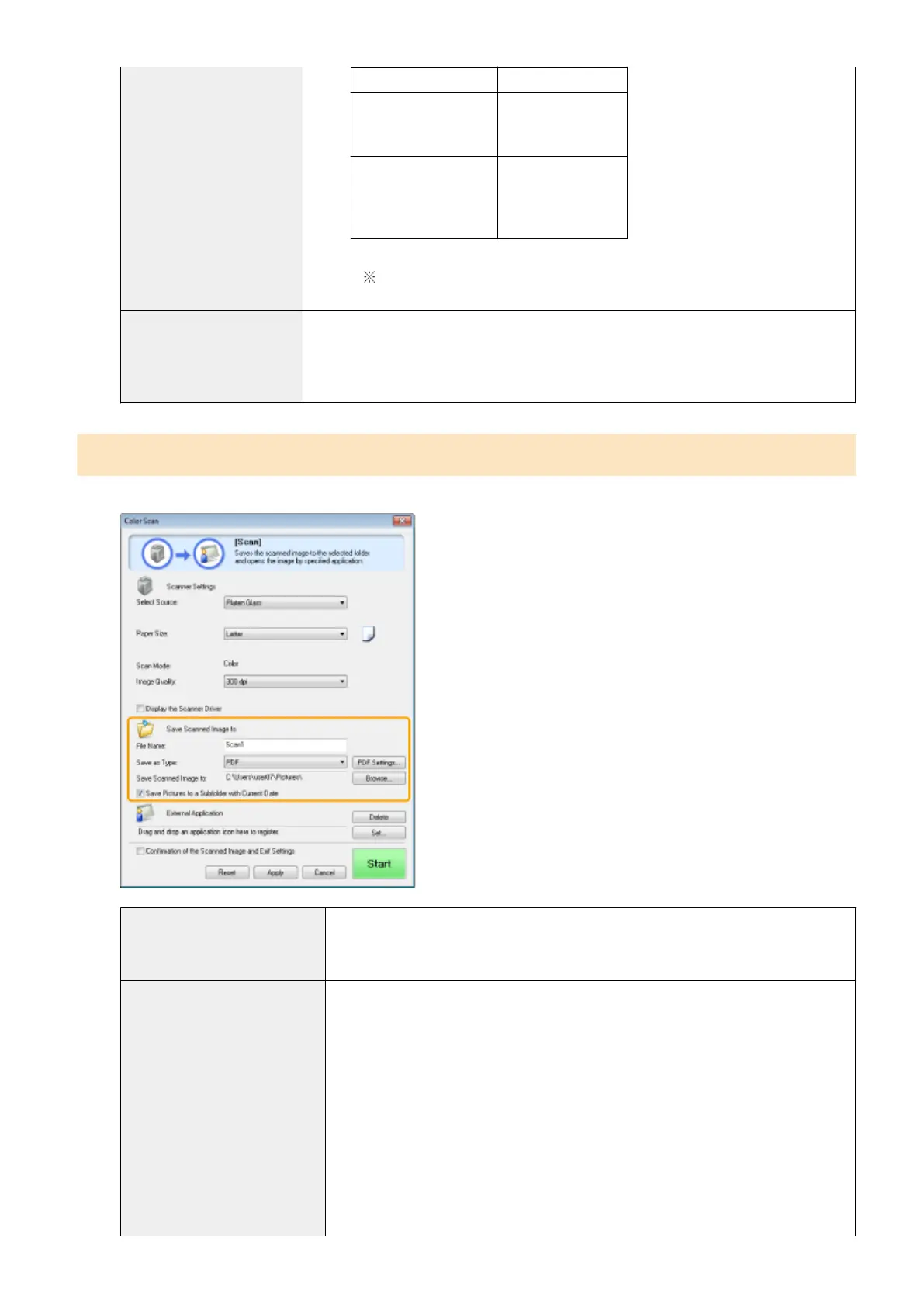
You can specify the le name, le format, and location where the scanned images are saved.
[File Name]
Enter the le name of the scanned image.
If ther
e has already been a le saved under the same name, a four-digit number is
automatically added to the end of the le name. The number starts with [0001].
[Save as Type]
Specify the le type to save the scanned image in.
● [BMP]
Bitmap format
● [JPEG/Exif]
JPEG/Exif format (This option is selectable only when [Grayscale], [Color] or [Color
(Magazine)] is selected for [Scan Mode].)
● [TIFF]
TIFF format
● [PDF]
PDF format (multiple pages or single page)
● [PDF (Single Page)]
Create a single-page PDF le.
Scan
125












 To Next Page