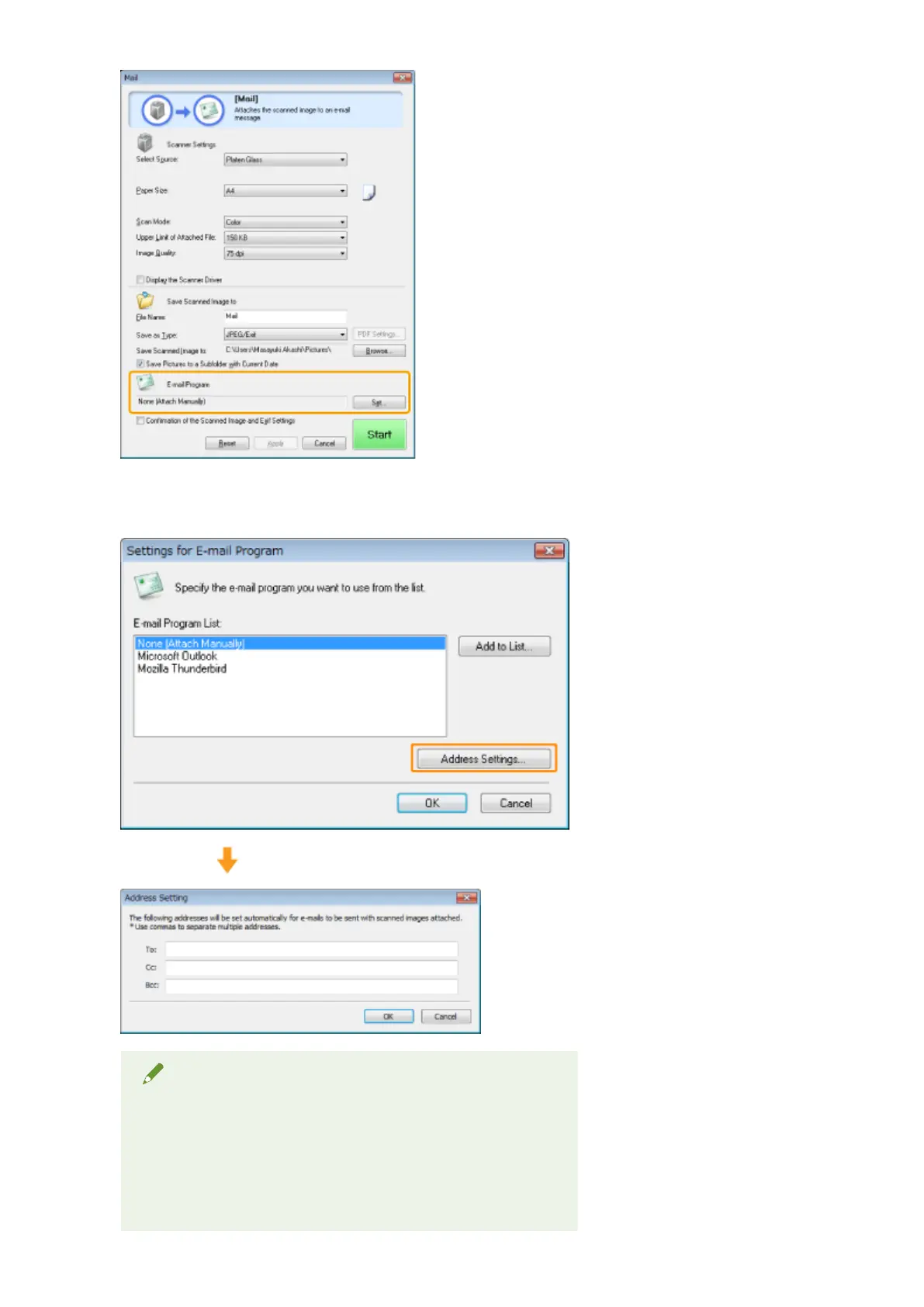
Click [Set], select an e-mail program to be used and click [OK]. (You can specify an application other than e-mail
pr
ograms by dragging and dropping the application icon directly onto the dialog box.)
For [Settings for E-mail Program], you can enter an e-mail address by clicking [Address Settings].
NOTE
When scanning using the [Mail] command button
The MF T
oolbox supports the following e-mail applications.
● Microsoft Outlook Express
● Microsoft Outlook
● Microsoft Exchange
Scan
127












 To Next Page