[Automatically Quit ScanGear after
Scanning]
When this setting is selected, the [ScanGear MF] dialog box closes automatically when
scanning is complete. Depending on the application in use, the ScanGear MF closes
automatically when scanning is complete, irr
espective of application-dened settings.
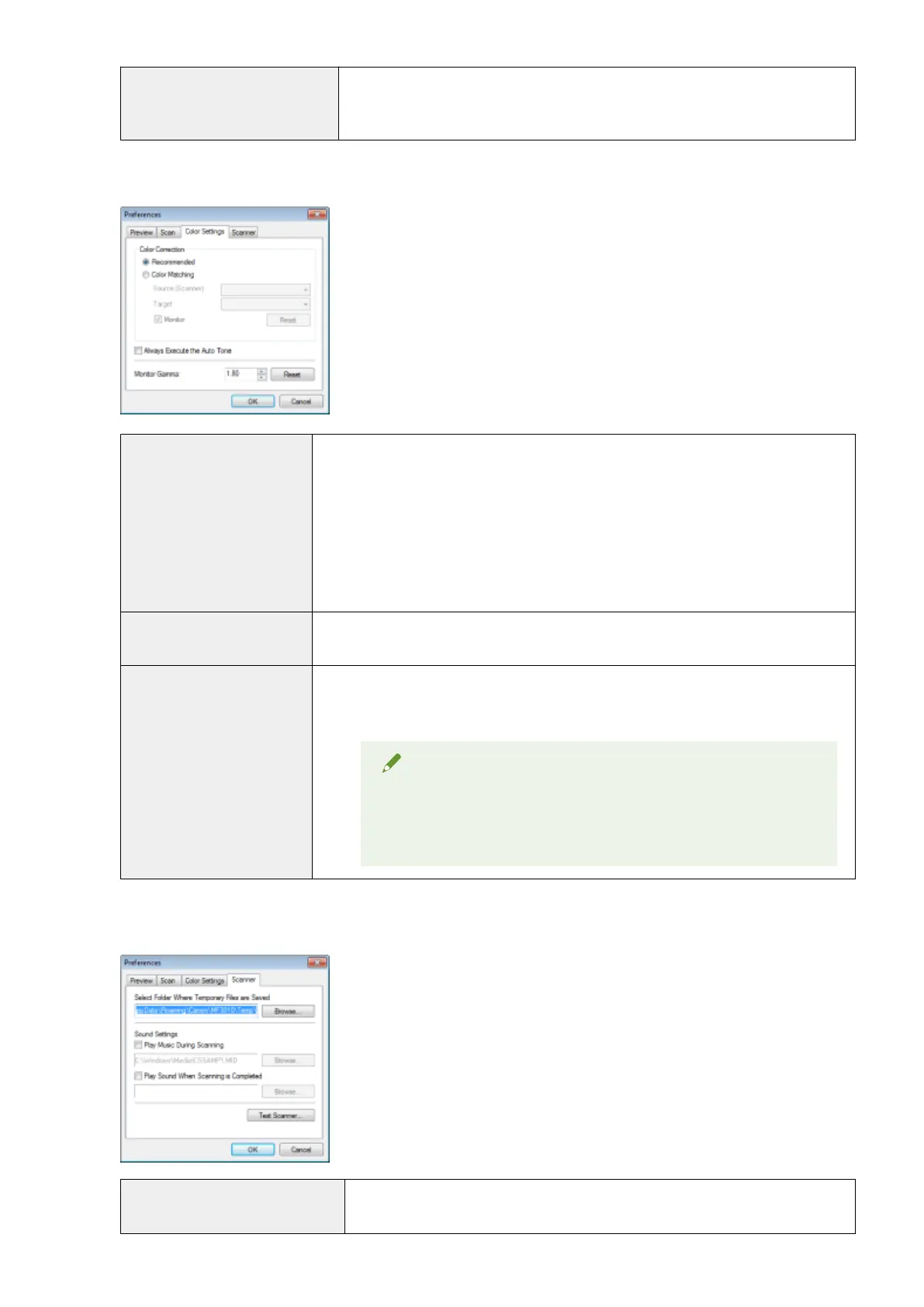
[Color Settings] tab
[Color Correction]
Select the color correction type.
● [Recommended]
Repr
oduce vividly the colors of a document displayed on the screen.
● [Color Matching]
Automatically match the colors of the image to those of the scanner, monitor, and color
printer. When this option is selected, the color command buttons in the [Advanced
Mode] tab are disabled. This setting is selectable only when [Color] or [Color
(Documents)] is selected for [Color Mode].
[Always Execute the Auto Tone]
Always correct the colors of the image automatically. This setting is selectable only when
[Color], [Color (Documents)] or [Grayscale] is selected for [Color Mode].
[Monitor Gamma]
Adjust the gamma. You can specify the gamma value from 0.10 up to 10.00 for the monitor
which displays the scanned image. This setting is not reected to the scan result when
[Black and White] is selected for [Color Mode].
NOTE
When [Color Matching] is selected for [Color
Correction]
The value specied in the prole is applied to scanning results.
[Scanner] tab
[Select Folder Where Temporary
Files are Saved]
Specify the folder where scanned images are temporarily saved. Click [Browse] to
specify the folder.
Scan
146












 To Next Page